BenQ ScreenBar Pro vs Halo 2: Which Monitor Light Bar Fits Your Desk?
Disclosure: As an Amazon Associate, SmartNestLab earns from qualifying purchases. Amazon links on this page are affiliate links. We have not tested these light bars hands-on; this comparison uses BenQ’s published specifications as summarized in our monitor light bar guide.
Short answer: choose the BenQ ScreenBar Pro if you want front light that adjusts itself as the room changes and your USB port is modest. Choose the BenQ ScreenBar Halo 2 if you also want a rear light behind the monitor and prefer a controller on the desk, and you can supply a stronger USB source. Both clamp onto the top of the monitor, so check your monitor’s top edge before either.
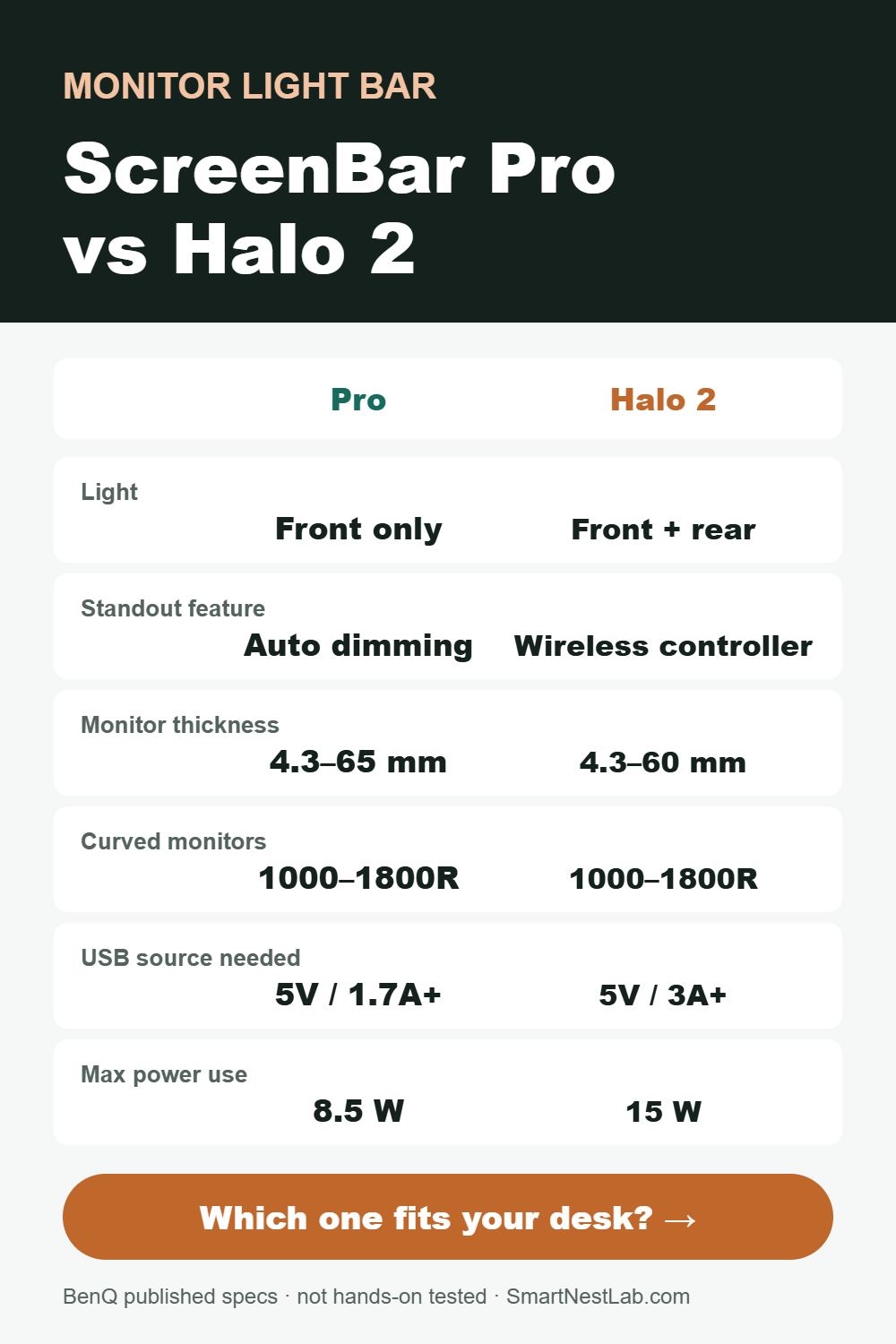
ScreenBar Pro vs Halo 2: Published Specs Side by Side
| Spec | ScreenBar Pro | ScreenBar Halo 2 |
|---|---|---|
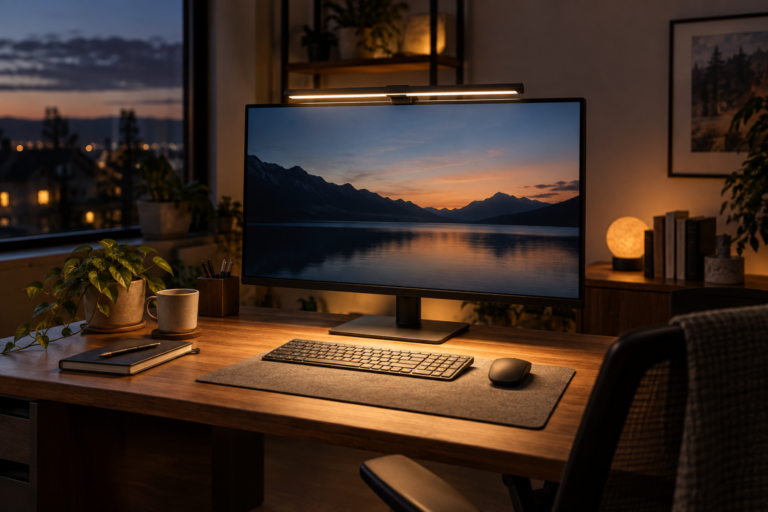
| Lighting | Front light, no rear light | Front and rear light |
| Standout feature | Automatic dimming | Wireless controller on the desk |
| Monitor thickness range | 4.3–65 mm | 4.3–60 mm |
| Curved monitors | 1000–1800R | 1000–1800R |
| USB source output needed | At least 5V / 1.7A | At least 5V / 3A |
| Maximum consumption | 8.5 W | 15 W |
Figures are BenQ’s published specifications as of November 2026. Confirm the exact model on the listing before ordering.
When the ScreenBar Pro Makes More Sense
- Your room light changes through the day. Automatic dimming is the reason to pick the Pro over a basic bar. We have not measured how its sensor responds on a real desk, so treat it as a convenience, not a guarantee of correct light on every document.
- You want a simpler setup. There is no separate controller to place on the desk.
- Your USB port is weaker. It needs a source of at least 5V / 1.7A, compared with 5V / 3A for the Halo 2.
- Your monitor’s top edge is thick. Its published range runs up to 65 mm, versus 60 mm for the Halo 2.
Check the BenQ ScreenBar Pro on Amazon →
When the ScreenBar Halo 2 Makes More Sense
- You want light behind the monitor too. The rear light adds a second layer. It does not replace your room lighting.
- You like physical controls. The wireless controller sits on the desk, so you do not reach up to the bar.
- You can supply 5V / 3A. Check the port or adapter you plan to use. A hub’s laptop-charging wattage does not tell you what its USB ports can supply.
- Your monitor’s top edge is 60 mm or thinner, and the rear housing, webcam and wall space leave room for the rear light.
Check the BenQ ScreenBar Halo 2 on Amazon →
Four Checks Before You Order Either One
- Measure the top edge of your monitor, including any bulge at the back. Thickness alone does not prove the clamp fits; housing shape, vents and curvature matter too.
- Look at your webcam. A webcam on top of the monitor competes for the same space as the clamp.
- Check the USB power source, not just the plug shape: 5V / 1.7A or more for the Pro, 5V / 3A or more for the Halo 2.
- Decide where you actually need light. A light bar lights the area in front of the screen. If you also read paper documents off to the side, a desk lamp may serve you better.
Frequently Asked Questions
Is the ScreenBar Halo 2 an upgrade over the ScreenBar Pro?
Not automatically. The Halo 2 adds rear lighting and a wireless controller, while the Pro adds automatic dimming and a lower USB power requirement. Pick the features you will use.
Will either light bar cause glare on my screen?
Monitor light bars are designed to aim light down at the desk rather than at the screen. Glare also depends on windows and room lights, so see our guide to reducing monitor glare if reflections are your main problem.
Can I power them from a USB-C hub?
Only if the hub’s USB port can supply what the light needs: at least 5V / 1.7A for the Pro or 5V / 3A for the Halo 2. Check the hub’s per-port output, not its laptop-charging wattage.
Do they work with curved monitors?
BenQ lists 1000–1800R curvature for both. Check your monitor’s curvature rating and its rear shape.
Which One Should You Buy?
If you want the simplest front light that adapts to the room, start with the ScreenBar Pro. If rear lighting and a desk controller matter to you and your power source can deliver 5V / 3A, the ScreenBar Halo 2 is the better match. Still unsure whether you need a light bar at all? Compare all four options in our monitor light bar guide or read the home office lighting guide.