Best Monitor Arms for a Home Office in 2026
This article contains affiliate links. As an Amazon Associate I earn from qualifying purchases.
A monitor arm can free up desk space and make it easier to change screen height, distance, and angle. But the best monitor arm is not simply the model that supports the largest screen. It is the one that fits your monitor, your desk, and the way you actually work.
This guide compares three single-monitor mounts by documented fit: ErGear EGDMA69B for displays within its listed range, WALI GSMP001N for additional reach or flat-screen capacity, and VIVO STAND-V157C for heavier ultrawides. Check the monitor and desk together before shortlisting; a model can pass the screen-weight check and still fail the installation check.
Research-based comparison, not a hands-on test. Match screen weight, VESA, desk material, thickness and clamp clearance before choosing. Manufacturer limits are not stability measurements.
Quick Picks
Start with your monitor and desk, then open the matching candidate. Each link goes to its fit details and existing Amazon link.
Conventional single display
ErGear EGDMA69B
A starting point for a single screen within the listing’s supported range.
Rule it out if: its 19.8lb maximum or desk-mount requirements do not cover your setup.
View fit details →Longer reach / flat-screen capacity
WALI GSMP001N
Compare this when additional forward reach is the missing adjustment.
Rule it out if: you apply the 26.4lb flat-screen limit to a curved screen; its curved limit is 19.8lb. Confirm 33–34-inch flat-screen compatibility.
View fit details →Large, heavier ultrawide
VIVO STAND-V157C
Compare the separate flat and curved ratings with the bare monitor weight.
Rule it out if: you need long forward reach or your desk is thicker than the 1.45-inch clamp / 1.25-inch grommet limits.
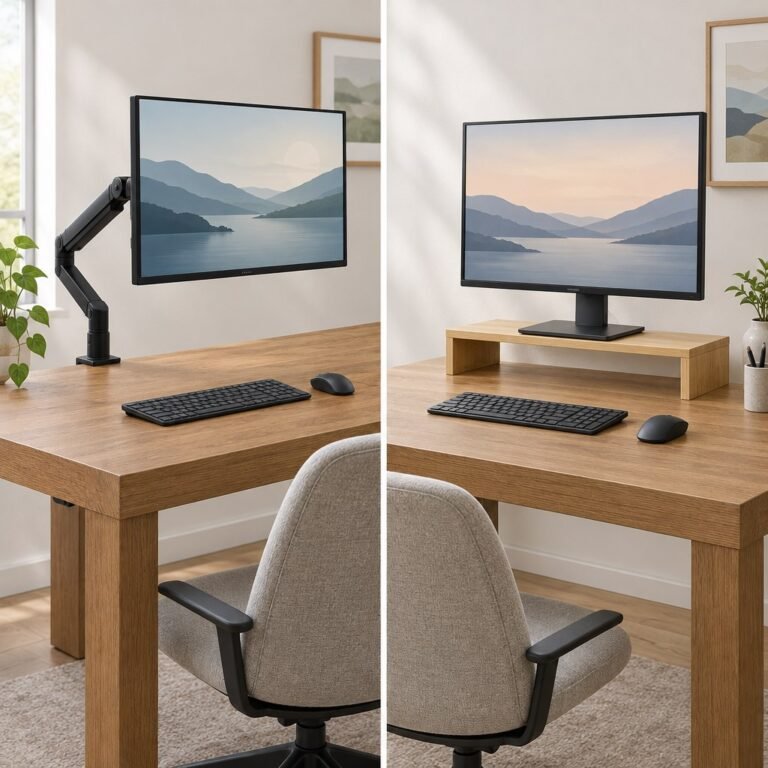
View fit details →If your monitor’s original stand already provides the height and distance you need, you may not need a monitor arm at all. Our guides to monitor height and how far your monitor should be from your eyes can help you identify the adjustment you are actually missing before you buy anything. If you only need a fixed lift, our monitor arm vs riser comparison explains when a simpler shelf may suit your desk.
Comparison Table
Important: screen size alone does not determine compatibility. Check the monitor’s weight without its original stand, VESA mounting pattern, screen shape, desk thickness, and available space around the clamp.
| Model | Best For | Listed Screen Support | Listed Weight Support | VESA | Desk Mount |
|---|---|---|---|---|---|
| ErGear EGDMA69B | Typical single-monitor home offices | 13-34 inches | Up to 19.8 lbs | 75×75 or 100×100 mm | C-clamp or grommet |
| WALI GSMP001N | More reach or a somewhat heavier flat screen | Up to 34-inch curved; regular screens up to 32 inches | Up to 26.4 lbs flat; 19.8 lbs curved | 75×75 or 100×100 mm | C-clamp or grommet |
| VIVO STAND-V157C | Large, heavy ultrawide displays | Up to 57 inches | 4.4-59.4 lbs flat; 4.4-48.4 lbs curved | 75×75, 100×100, 200×100, 100×200, or 200×200 mm | C-clamp or grommet |
Specifications can change. Confirm the current Amazon listing and the manufacturer’s instructions for your exact model before ordering or installing a mount.
1. ErGear EGDMA69B – For a Conventional Single Monitor
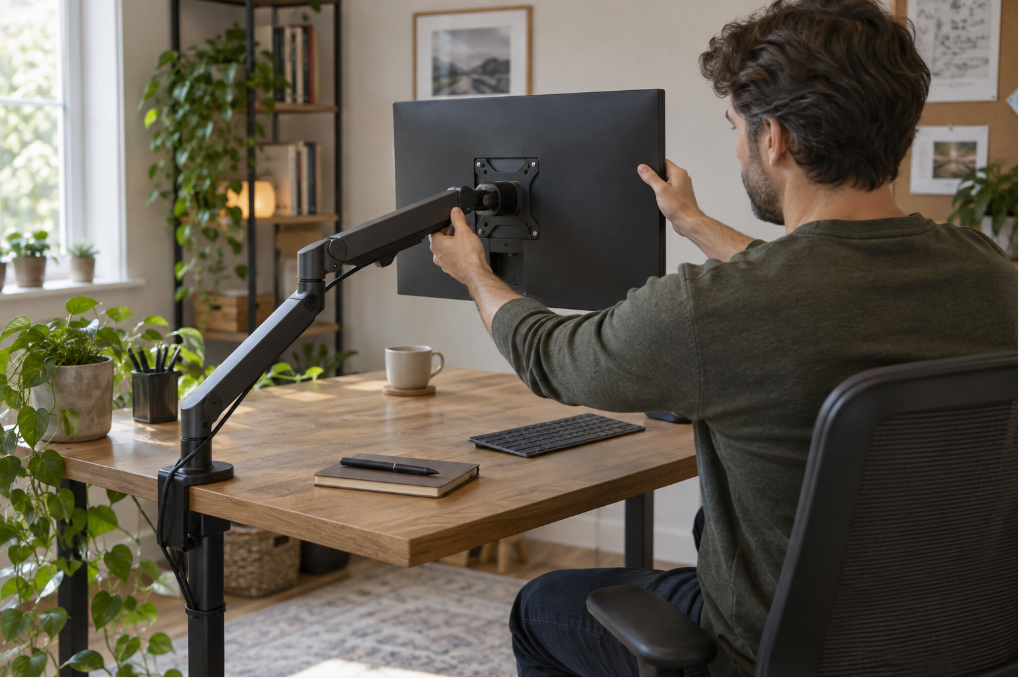
The ErGear EGDMA69B is a candidate for a conventional single-monitor workspace when its documented limits match the complete setup. Its Amazon listing supports most 13- to 34-inch flat or curved monitors weighing up to 19.8 pounds, with the two standard monitor VESA patterns: 75×75 mm and 100×100 mm.
Before ordering: confirm the exact screen weight without its stand, VESA pattern, desk construction, thickness and unobstructed clamp or grommet space.
Its listed adjustment range includes up to 17.5 inches of height and 18.1 inches of reach, plus +80/-50-degree tilt, 90-degree swivel in either direction, and full screen rotation. That combination is useful when you want to move the screen closer for detailed work, push it back when you need desk space, or switch between landscape and portrait orientation.
Installation flexibility is another strength. The listing includes both a C-clamp for desks 0.39 to 2.56 inches thick and a grommet option for desks 0.39 to 2.95 inches thick. A tool-free removable VESA plate can make attaching the monitor less awkward than holding the display in place while inserting every fastener.
The listed two-year warranty is shorter than WALI’s listed coverage, and the 19.8-pound limit leaves less margin for heavy ultrawides. Still, for a typical home-office monitor that fits comfortably inside all the limits, the ErGear provides a practical mix of adjustment, installation range, and cable management without moving into a specialized heavy-duty design.
Pros
- Useful height and depth adjustment for a standard single-screen setup
- Tool-free removable VESA plate
- C-clamp and grommet mounting included
- Fits common 75×75 mm and 100×100 mm VESA patterns
- Integrated cable management
Cons
- 19.8-pound capacity is not intended for the heaviest ultrawides
- Only one monitor is supported
- Gas-spring tension must be adjusted correctly after installation
Best for: Someone with one standard or moderately sized ultrawide monitor who wants flexible positioning and straightforward installation.
Who should skip it: Anyone whose monitor, after removing its original stand, approaches or exceeds the listed weight limit. Also skip it if your desk falls outside the specified thickness range or cannot safely accept a clamp or grommet mount.
2. WALI GSMP001N – Best for More Reach and Higher Flat-Screen Capacity
The WALI GSMP001N is a useful alternative when a standard single-screen arm feels slightly too limited. According to the Amazon listing checked October 20, it supports flat screens up to 26.4 pounds, while curved-screen capacity is lower at 19.8 pounds. It works with common 75×75 mm and 100×100 mm VESA patterns.
Before ordering: use the lower curved-screen rating for a curved display. The Amazon description checked October 20 limited regular flat screens to 32 inches; confirm a 33- or 34-inch flat display with the seller.
The arm is listed to extend up to 19.3 inches and rise up to 17.3 inches above the desktop. Its movement range includes +70/-45-degree tilt, 180-degree swivel in either direction, and 360-degree rotation. Compared with the ErGear, the WALI provides slightly more listed reach and more listed capacity for a flat display, although those advantages do not apply equally to curved screens.
Both C-clamp and grommet mounting are listed for desks 0.39 to 2.76 inches thick. The product page specifically recommends installation on a wooden desk and warns buyers to check for a crossbeam or other obstruction underneath. That is an important limitation: measuring only the top surface does not tell you whether the clamp will fit.
The listing describes a 10-year warranty and a gas-spring core tested through more than 20,000 movement cycles. Those are manufacturer claims rather than SmartNestLab test results, but they provide useful comparison points. We would still choose based on fit first, especially because the flat and curved weight ratings differ.
Pros
- Higher listed capacity than the ErGear for flat monitors
- 19.3-inch listed extension
- C-clamp and grommet installation
- Built-in cable routing
- Long listed warranty
Cons
- Curved-screen capacity drops to 19.8 pounds
- Manufacturer recommends a wooden desk
- An underside crossbeam can prevent installation
- Not a dual-monitor solution
Best for: A single flat monitor that needs more reach or weighs more than the ErGear’s limit but remains safely within WALI’s stated capacity.
Who should skip it: Users with glass, hollow-core, damaged, unusually thin, or otherwise questionable desktops unless the desk and mount manufacturers explicitly approve the installation. Curved-monitor owners should use the lower curved-screen weight limit, not the larger flat-screen number.
3. VIVO STAND-V157C – Best for a Heavy Ultrawide Monitor
The VIVO STAND-V157C serves a different buyer. It is designed for regular and ultrawide monitors up to 57 inches, with a listed weight range of 4.4 to 59.4 pounds for flat screens and 4.4 to 48.4 pounds for curved screens. It also supports larger VESA patterns in addition to the usual 75×75 mm and 100×100 mm options.
Before ordering: maximum extension is only 4.5 inches. The clamp accepts 0.4–1.45-inch desktops; the grommet range ends at 1.25 inches. Check the complete mounting surface and VESA requirements.
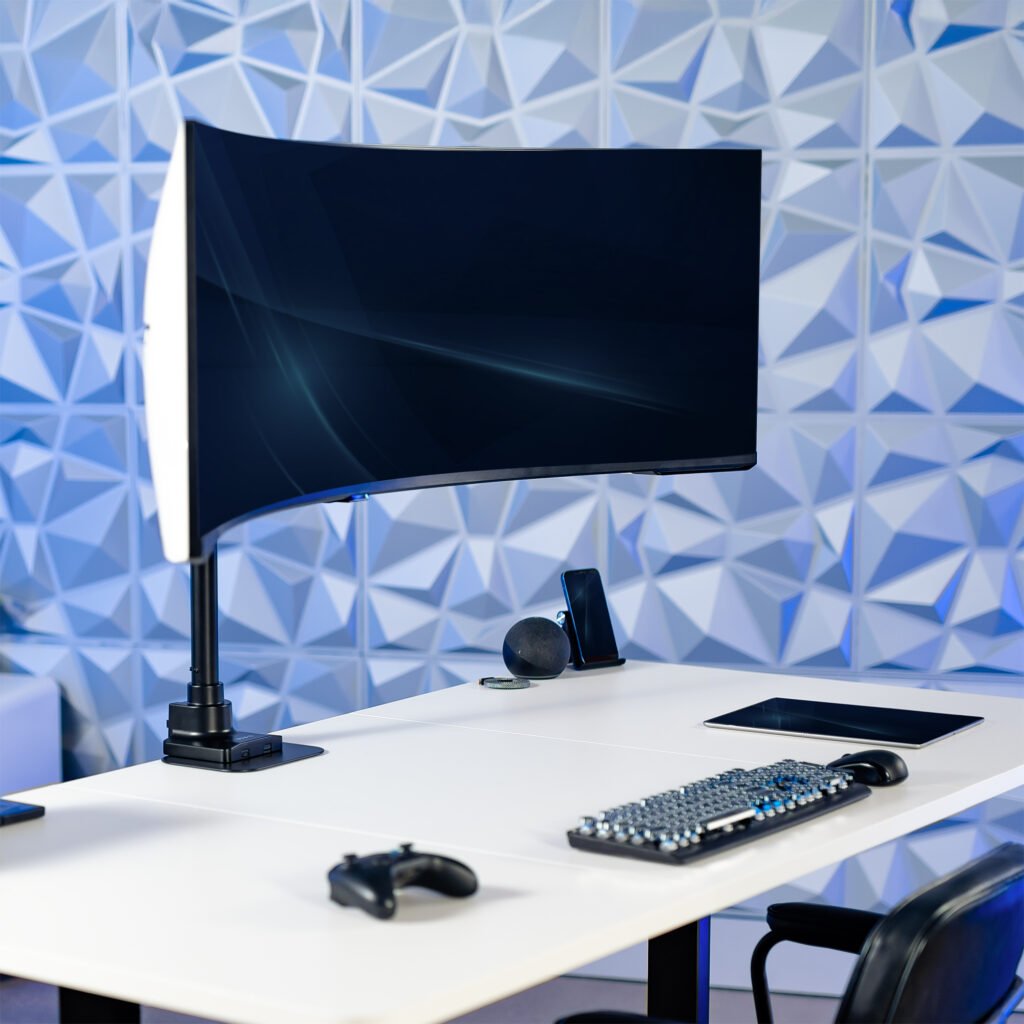
This has the highest listed load range in our shortlist; that does not establish stability or make it an automatic upgrade for a normal monitor. Heavy-duty arms can have minimum as well as maximum weight requirements. A screen below 4.4 pounds falls outside VIVO’s listed range, and a light monitor may not balance correctly against a spring mechanism designed for much more weight.
The design provides 14.5 inches of height adjustment along a 19.7-inch pole, with a maximum extension of 4.5 inches. It offers +55/-30-degree tilt, 180-degree swivel, and 180-degree rotation. That short forward extension is a major difference from the ErGear and WALI arms. It suits a large display that should remain relatively close to the rear of the desk, but it is less appealing if you regularly pull the screen far forward.
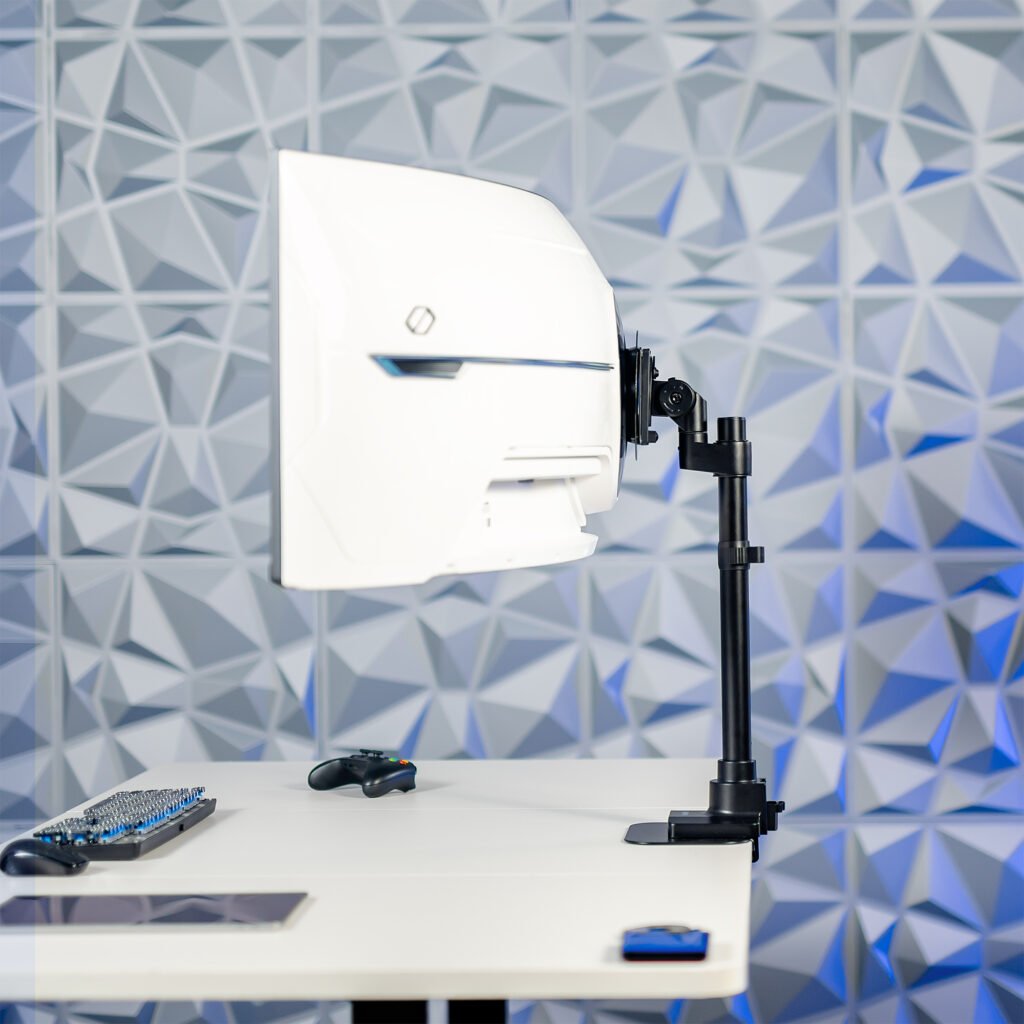
Desk fit is also more restrictive. VIVO lists a desktop thickness of 0.4 to 1.45 inches for the clamp and 0.4 to 1.25 inches for the grommet installation. The 4.7-by-4.7-inch clamp base needs a clear, suitable area on and under the desktop. Measure before buying, especially if your sit-stand desk has a frame rail near the rear edge.
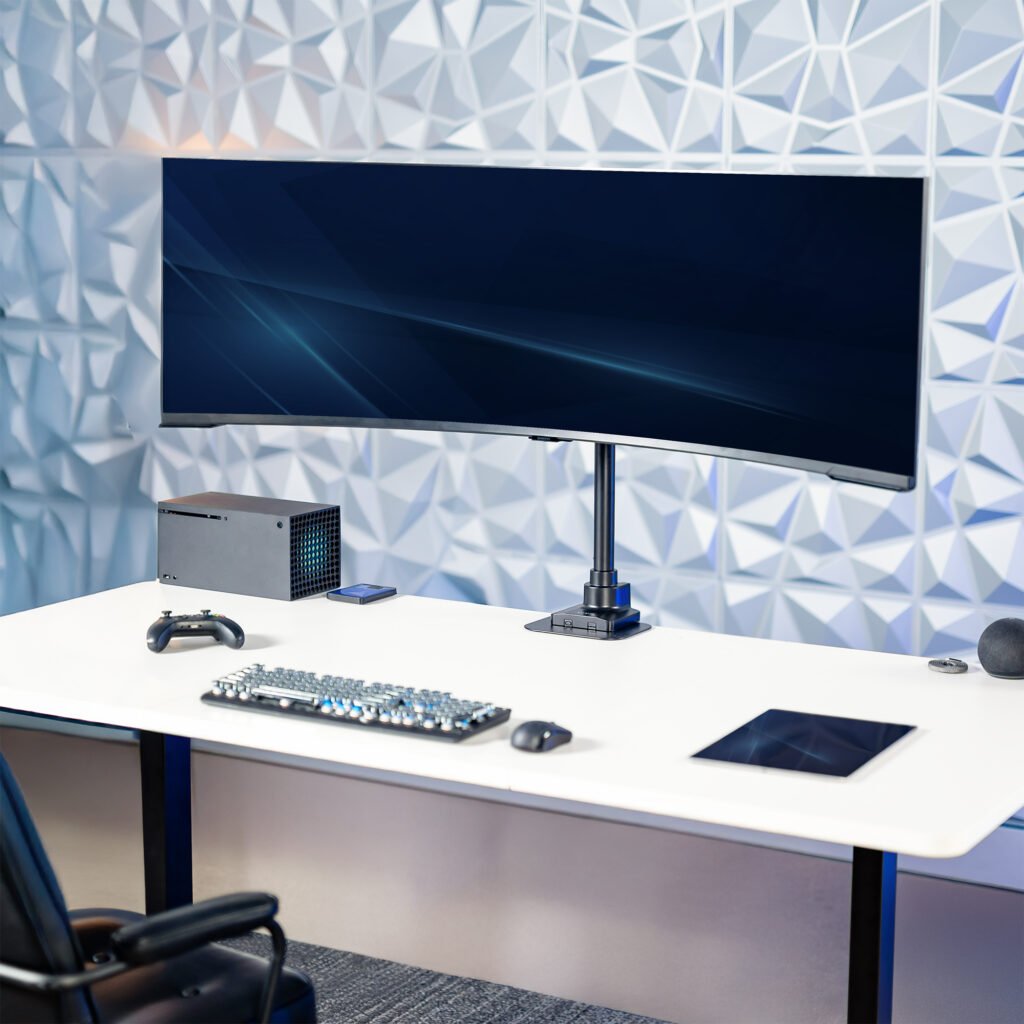
VIVO lists a three-year warranty and provides a detailed assembly manual. For someone with a genuinely large display that fits the correct flat or curved rating, that documentation is reassuring. For most conventional monitors, however, one of the lighter arms above is the more proportionate choice.
Pros
- Highest listed load capacity in this guide
- Supports ultrawide monitors up to 57 inches
- Supports several larger VESA patterns
- Separate flat and curved screen weight limits are clearly published
- C-clamp and grommet options
Cons
- Only 4.5 inches of maximum extension
- Narrower desktop-thickness range
- Large base needs sufficient clear space
- Overbuilt for a typical lightweight monitor
- Has a 4.4-pound minimum screen weight
Best for: A large, heavy flat or curved ultrawide display whose exact weight, VESA pattern, and desk installation all fit VIVO’s published ranges.
Who should skip it: Anyone who needs a long articulating reach, has a desktop thicker than the listed limit, or owns a light conventional monitor. Do not use the 59.4-pound flat-screen rating for a curved display.
A Compatibility Example Where None of These Mounts Fits
Hypothetical setup: a 34-inch curved monitor weighs 22lb without its stand, uses 100×100mm VESA, and sits on a 1.6-inch-thick desktop. Assume the other monitor dimensions are within the stated limits. Applying the published limits gives this result:
| Mount | Decisive check | Result for this example |
|---|---|---|
| ErGear EGDMA69B | Listed maximum 19.8lb | 22lb exceeds the limit |
| WALI GSMP001N | Curved-screen maximum 19.8lb | The 26.4lb flat-screen rating cannot be used |
| VIVO STAND-V157C | Curved weight fits; desktop does not | 1.6 inches exceeds both the 1.45-inch clamp and 1.25-inch grommet limits |
The shortlist produces no qualifying option for this example. Moving to the highest weight rating does not solve the desk mismatch. Find a different mount and installation method explicitly supported for the complete setup. A reinforcement plate does not, by itself, establish approval outside a published thickness range.
This is a specification comparison, not an installation test. WALI’s flat/curved limits and VIVO’s desk-thickness limits were rechecked October 22, 2026. Keep your exact model, weight, VESA, desk material, thickness and underside-clearance measurements together when asking the manufacturer about fit.
How We Chose
We started with compatibility rather than price or appearance. A monitor arm should support the specific display and attach safely to the specific desk. We compared the following criteria:
- Monitor fit: supported weight, screen size, VESA pattern, and separate limits for flat and curved displays where provided.
- Desk fit: clamp and grommet options, accepted desktop thickness, and installation restrictions.
- Useful movement: height, reach, tilt, swivel, and rotation for normal home-office tasks.
- Setup practicality: removable VESA plates, cable management, adjustment method, and access to instructions.
- Product confidence: available manufacturer information, warranty listing, and whether important specifications were consistent across the sources we checked.
We excluded products when their intended installation differed from a normal desk mount, when documentation was too limited for a useful comparison, or when important capacity information conflicted across available sources.
Research check: October 20, 2026. We did not physically test these products. The ErGear fit details above are claims from its linked Amazon listing, not independent load or durability measurements. We also checked the official WALI GSMP001N description and VIVO STAND-V157C specifications and assembly instructions. Our picks are judgments about documented fit, not a hands-on stability ranking.
WALI screen-size discrepancy: Its manufacturer description says 17–34 inches, while the checked Amazon description limits regular flat screens to 32 inches and describes curved support up to 34 inches. The table keeps the narrower listing limit for flat displays. Obtain confirmation for a 33- or 34-inch flat monitor rather than assuming the title overrides that restriction. The flat and curved weight limits also differ.
Manufacturer recheck, October 29, 2026: the linked WALI page still lists separate flat and curved weight limits; the linked VIVO page still lists 4.5-inch extension and the desktop-thickness limits used here. Amazon-specific details retain their October 20 check date. Current price, stock and seller terms are not verified in this update.
Which Monitor Arm Should You Choose?
| If this describes your setup | Start with | Why |
|---|---|---|
| One typical 24- to 34-inch monitor within 19.8 lbs | ErGear EGDMA69B | Balanced adjustment and easy VESA attachment |
| A flat monitor above 19.8 lbs, or you need more forward reach | WALI GSMP001N | Higher listed flat-screen capacity and 19.3-inch reach |
| A very large ultrawide that fits the published ranges | VIVO STAND-V157C | Heavy-duty capacity and larger VESA support |
| Your monitor already reaches a comfortable position | Keep the original stand | No arm may be necessary |
Buying Guide: Five Checks Before You Order
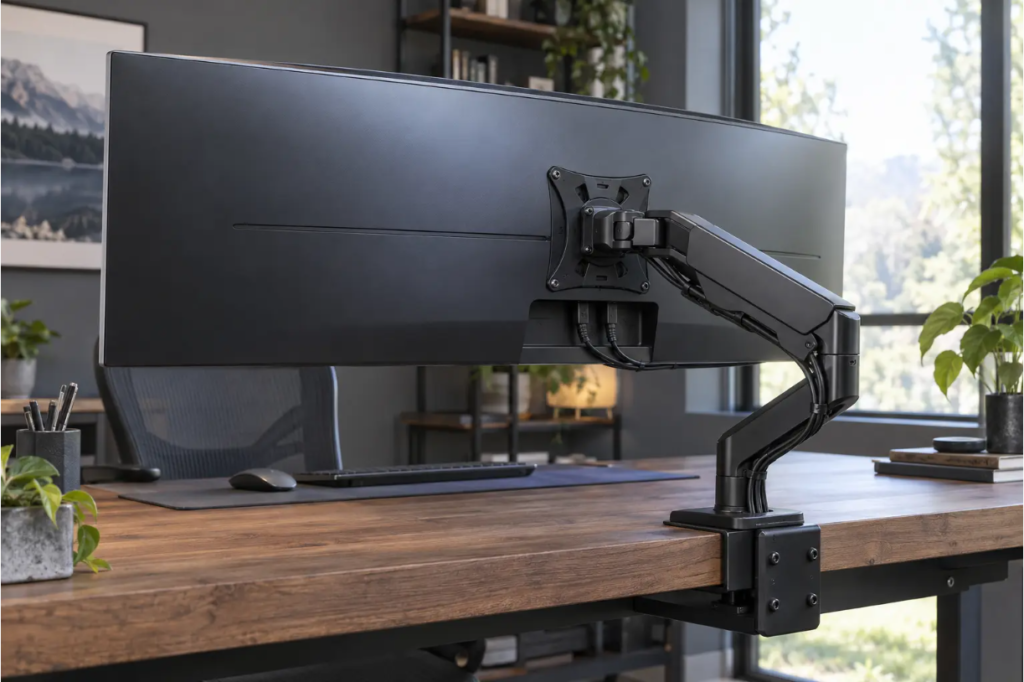
1. Find the monitor’s weight without its stand
Use the exact monitor model number and look for the display weight without the base. Do not estimate from screen size. A deep curved display can also place more leverage on the tilt joint, which is one reason some manufacturers publish a lower curved-screen limit.
2. Confirm the VESA pattern
Look for four threaded holes on the rear of the monitor and confirm their spacing in the manual. The common patterns in this guide are 75×75 mm and 100×100 mm, but VESA compliance should never be assumed from the screen size alone. Some monitors need a manufacturer-specific adapter.
3. Inspect the entire desk edge
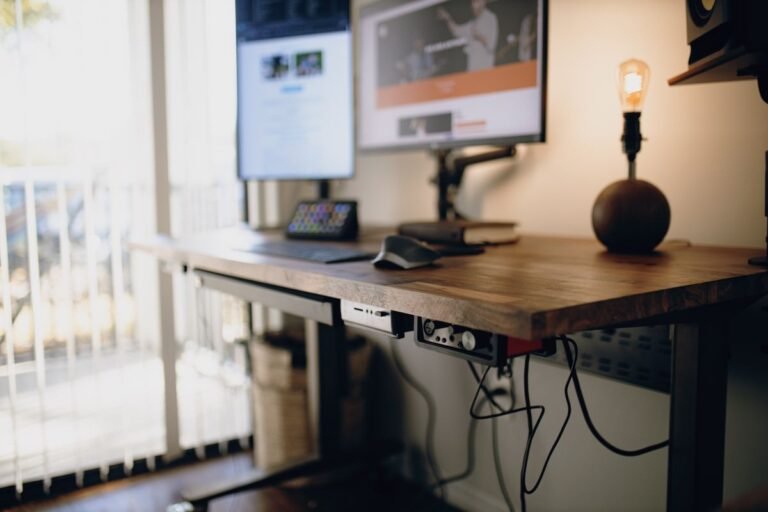
Measure desktop thickness where the mount will actually sit. Then look underneath for a frame, drawer, cable tray, apron, bevel, or crossbeam. A clamp needs a flat and structurally suitable contact area above and below the desktop.
4. Decide how much reach you need
Height is only part of screen positioning. A shallow desk may need less forward extension, while a deep desk can benefit from a longer arm. Large monitors may need to sit farther away for comfortable viewing. Compare the arm’s usable movement with your desk depth and normal working position.
5. Plan the installation safely
Follow the current manual for the exact model. Support the monitor while attaching it, tighten hardware as directed, and adjust gas-spring tension only according to the instructions. Leave enough slack in power and display cables for the full intended movement. If the desk material or condition is uncertain, contact the desk and mount manufacturers before installation.
Frequently Asked Questions
Is a monitor arm worth it for a home office?
It can be worthwhile when the original stand cannot reach a comfortable height or distance, when you frequently reposition the screen, or when reclaiming desk space solves a real problem. A stable riser may be enough if you only need a fixed amount of extra height. Our home office desk accessories guide includes that simpler option.
Can any monitor use a monitor arm?
No. The monitor must match the arm’s supported weight, VESA pattern, size guidance, and any screen-shape limits. The desk must also support the chosen clamp or grommet installation.
Can I install a monitor arm on a glass desk?
Do not assume that you can. Concentrated clamp force can damage an unsuitable surface. Use a mount only when both the desk and mount manufacturers approve that installation and follow any required reinforcement instructions.
Is a heavier-duty monitor arm always better?
No. A heavy-duty spring arm may have a minimum screen weight, occupy more space, cost more, and offer less useful reach for a normal monitor. Choose the range that fits your display with appropriate margin rather than buying the largest number.
Do monitor arms stop screen wobble?
Not necessarily. Wobble can come from the arm, loose hardware, desk movement, a flexible desktop, or the height at which the screen is positioned. Correct installation matters, but no arm can make an unstable desk completely rigid.
Final Verdict
Shortlist the ErGear EGDMA69B only when your display and desk meet its requirements. Consider WALI GSMP001N when its extra reach or flat-screen capacity solves a documented need, and use its lower rating for curved screens. Consider VIVO STAND-V157C for a heavier ultrawide only after checking its minimum weight, desk-thickness limits and short extension. None is an automatic choice from screen size alone.
Before clicking any purchase button, write down five facts: exact monitor model, weight without the stand, VESA pattern, desktop thickness, and required reach. Those details matter more than a product’s maximum screen-size headline.
For a broader workspace check, see our practical ergonomic home office guide and our guide to finding the right desk height for your setup.