Best Laptop Stands for a Home Office: 4 Practical Picks
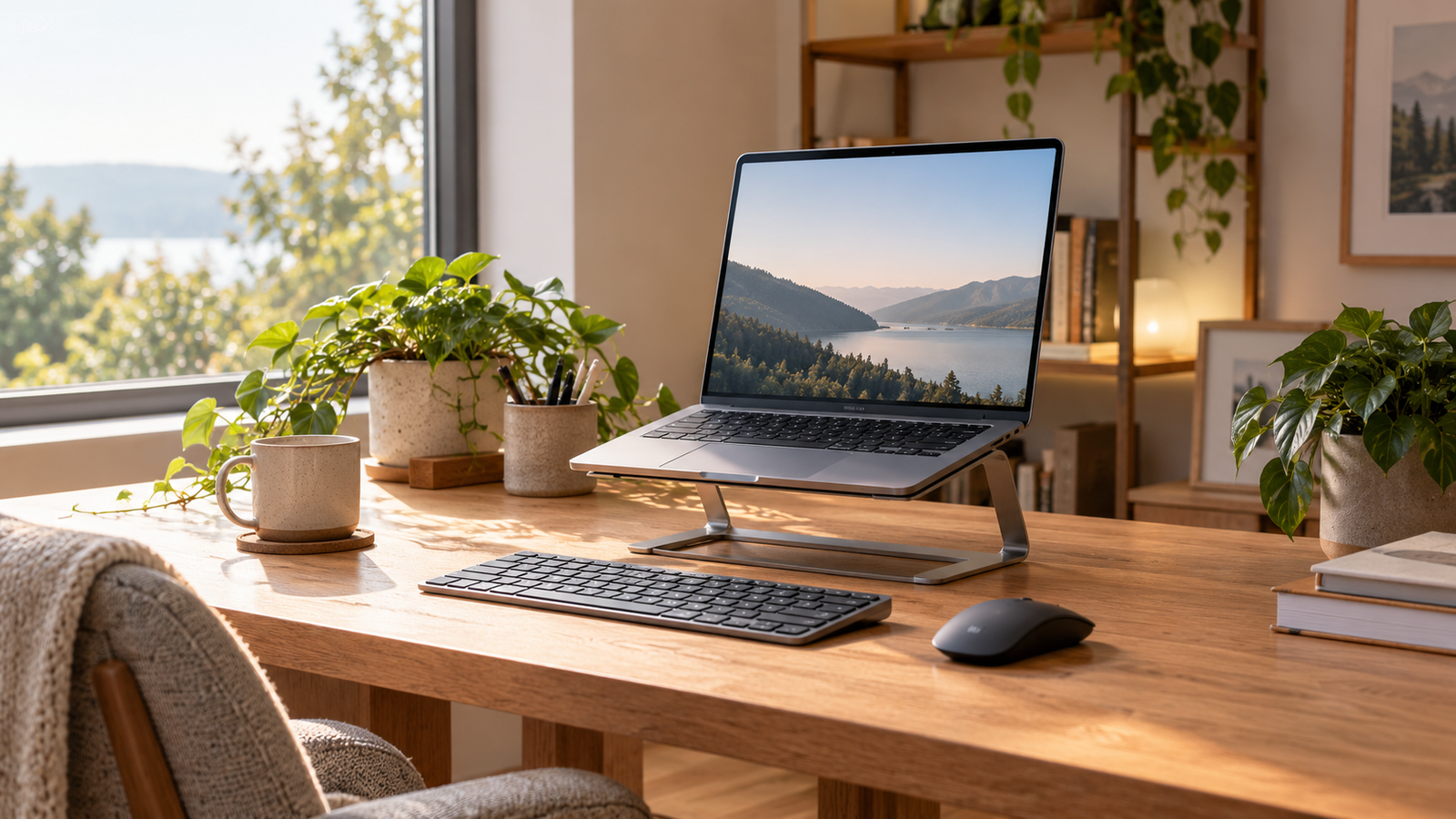
The best laptop stands for a home office are the ones that put your screen in a comfortable position on your actual desk, hold your particular laptop securely, and leave room for a separate keyboard and mouse. A fixed riser can be enough for a stable desk. If you share a workstation or travel often, adjustability and portability matter more. There is no useful universal winner.
We compare a fixed aluminum stand, a hinged desk stand, a compact folding stand, and an adjustable marketplace listing. These are documented design choices, not a price or comfort ranking. We have not hands-on tested them. Check the measurements and limitations below before deciding whether a stand or an external monitor addresses your setup.
Disclosure: As an Amazon Associate, SmartNestLab earns from qualifying purchases. This comes at no additional cost to you. Product links marked “Amazon” are affiliate links. Prices, sellers, and availability may change.
Quick Picks: Which Type Fits Your Desk?
| Stand | Best fit | Main limitation |
|---|---|---|
| Rain Design mStand | Permanent desk, simple fixed height | Height is not adjustable |
| Twelve South Curve Flex | Desk users who need height and angle changes | Bulkier and heavier than travel stands |
| Roost V3 | Moving between home and other workspaces | Open-frame design and high minimum lift may not suit every laptop or desk |
| Gogoonike ZB-1688 adjustable stand | Comparing a basic folding platform after checking its current specifications | Obtain the required dimensions and load limit; screen-size compatibility alone is insufficient |
Height figures need a common reference: the stand’s overall height, platform height and final screen position are different measurements. Read the model-by-model height explanation before comparing headline numbers.
Before ordering any of them, follow our ergonomic laptop setup guide: set your chair and external input devices first, then determine how much screen lift you need. The UK Health and Safety Executive recommends a separate keyboard and mouse for prolonged laptop use so that the screen can be raised independently. A stand alone does not solve the keyboard-position problem.
1. Rain Design mStand — Best Fixed Desk Riser
The mStand is a one-piece aluminum riser. Rain Design lists a 10 × 7.5-inch footprint and 5.9-inch overall stand height. That stand measurement is not the height of the top of your laptop’s visible screen. The platform angle, laptop size and lid position also affect where the screen ends up. There is no height joint to fine-tune.
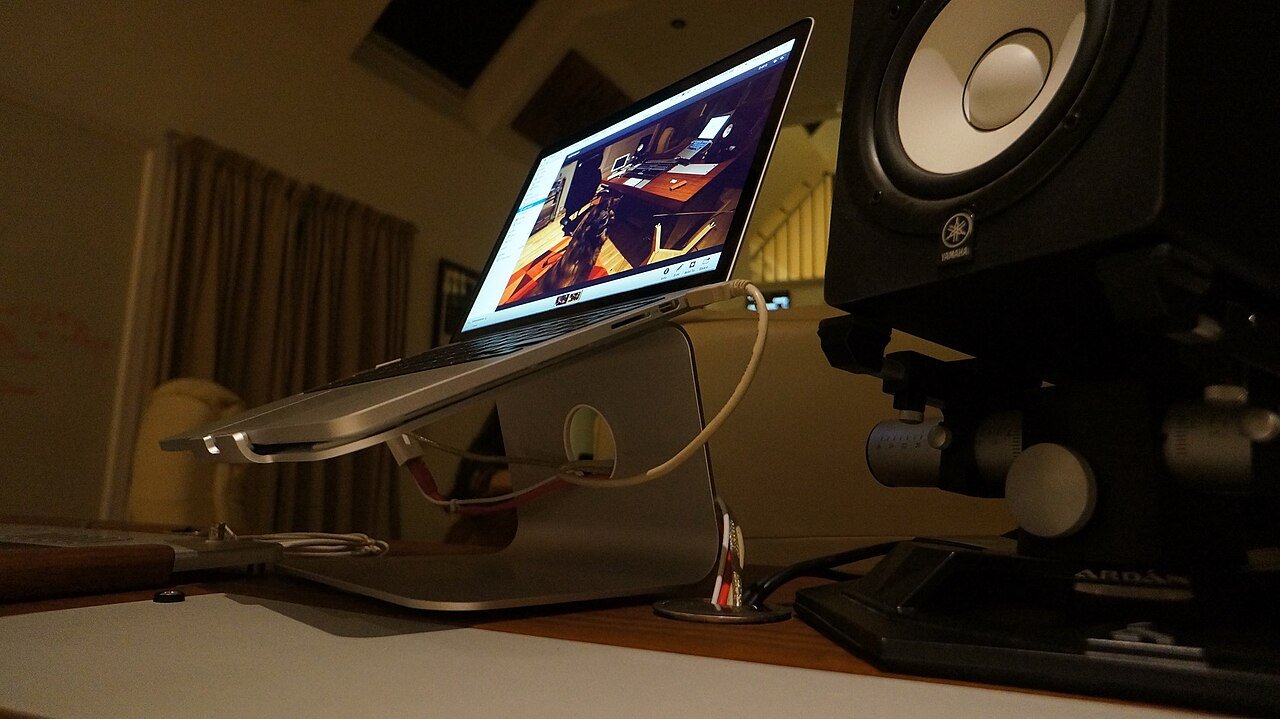
Why consider it: A fixed, open-front design avoids hinge adjustments and keeps the desk setup visually simple. It is particularly sensible when you have already measured the screen position and know that one lift height works. The aluminum body and cable opening are useful layout features; do not assume a stand will meaningfully improve your laptop’s cooling without checking its ventilation layout and temperatures.
Where it falls short: The fixed height is the whole tradeoff. If the screen ends up too high or too low, you cannot fine-tune the stand. Its form is also less convenient to pack than a folding riser. Measure the needed lift before committing, especially if you use progressive lenses or change chair height.
Check Rain Design mStand on Amazon →
2. Twelve South Curve Flex — Best Adjustable Desk Stand
Twelve South lists Curve Flex at 10.4 inches wide and 8.8 inches deep, with a folded height of 1.18 inches, maximum unfolded stand height of 10.78 inches and weight of 1.75 pounds. It supports laptops at least 8.66 inches wide and up to 7 pounds. Check both dimensions and weight; a laptop’s screen diagonal alone cannot establish fit. A sleeve and hinge tool are included.
Why consider it: It lets you adapt the screen to more than one seated position or align a laptop screen with another display. Unlike a fixed riser, you can begin low and move higher after testing your normal work. This is an especially relevant design if you use your laptop screen as a second display.
Where it falls short: It is much heavier to carry than a compact travel stand and occupies a meaningful desk footprint. Adjustable hinges are another part to set and check over time. The maker’s 22-inch statement refers to the approximate height of the top of a MacBook screen or camera in a particular setup, not the stand’s own platform height. Check the actual laptop dimensions and do not assume that a taller setting is automatically more comfortable.
Check Twelve South Curve Flex on Amazon →
3. Roost V3 — Best for Frequent Travel
Roost’s V3 folds to roughly 1 by 1.5 by 13 inches and weighs about 6 ounces. The maker lists seven height settings with a 6.5- to 12.5-inch screen lift. That combination suits someone who carries a laptop between a home desk, shared office, and temporary workspace, and wants the screen raised without packing a metal desk stand.
Why consider it: Weight and folded size are the strongest reasons. Its selectable positions provide more control than a fixed riser. The maker says it fits a broad range of laptops, but you should still verify the support points and front grips against the shape of your specific device.
Where it falls short: The minimum lift may be excessive for some seated setups. The narrow, open-frame contact points also deserve a careful fit and stability check with a heavy or unusually shaped laptop. Roost’s US Amazon page showed no featured offer when we checked, so the manufacturer page is the more dependable place to confirm the current model and availability. It is a non-affiliate link.
4. Gogoonike ZB-1688 — Verify the Adjustable Listing’s Fit
The existing affiliate link identifies Gogoonike ZB-1688, ASIN B0C7BKZ883, also in our desk accessories guide. The listing describes a folding metal support for 10- to 15.6-inch devices. That diagonal range does not establish platform size, usable height or load capacity. Obtain any missing measurements before shortlisting it; we are not claiming it is cheaper than the other stands at your time of purchase.
Why consider it: A jointed platform offers room to experiment with screen position before deciding whether a fixed stand or a larger monitor makes sense. A folding design can be tucked away on a shared desk. A separate keyboard and mouse are still the sensible pair for sustained raised-laptop work.
Where it falls short: The exact product variant, seller, load rating, and available colors can change on marketplace listings. Read the current page carefully and confirm the laptop fits the support arms and retaining lips. We cannot claim it is as rigid as a premium stand without testing both. If you regularly type on the laptop’s built-in keyboard, raising it on any tall stand is the wrong first move.
Check Gogoonike stand on Amazon →
How We Chose These Stands
We selected recognizable designs with different jobs, rather than four near-identical aluminum platforms. We checked the maker’s published construction, adjustment, weight or compatibility information where available, and whether the design works with a separate keyboard and mouse. We also checked identifiable Amazon product pages for the Amazon-linked models. No product in this article received a physical stability, heat, durability, or long-term comfort test from us. Our “best for” labels are an editorial fit judgment based on those documented features.
For any stand, measure desk depth and your laptop’s width, weight, underside vents, and front-edge shape. Check whether the stand’s retaining lip obstructs a port or palm rest. Manufacturer compatibility ranges are a starting point, not a substitute for checking your exact model. If a listing has changed model or seller, confirm the specifications again before purchase.
What to Check Before You Buy
- Screen height: Work from your seated eye position. The top of the display near or a little below eye level is a starting point, not a mandatory target for every pair of glasses or screen size. Our monitor-height guide explains the adjustment.
- Viewing distance: Check that your desk has room to position the raised laptop far enough back while keeping the separate keyboard close. Increase text size if you cannot read comfortably; see our viewing-distance guide.
- Base and load: Compare the laptop’s weight and dimensions with the stand’s published limits. Test the setup on a level desk before placing it near the edge.
- Ventilation and ports: Keep the laptop manufacturer’s specified vents clear. Confirm that support arms and lips do not block a charging port or cable.
- Keyboard and mouse space: Budget room for both input devices. A tall stand with the built-in keyboard is an awkward typing arrangement for regular use.
- Storage and travel: A sturdy fixed riser makes sense on a dedicated desk; a compact folding stand earns its place when it actually gets carried.
When a Laptop Stand Is Not the Best Upgrade
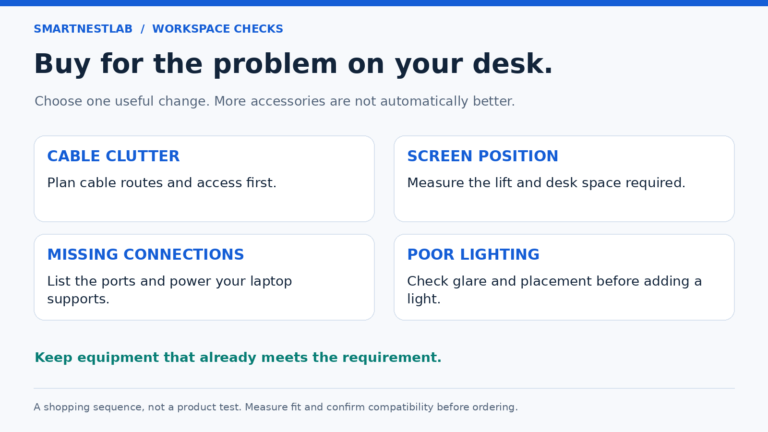
If the laptop screen is simply too small for your documents, more elevation may not solve the problem. An external monitor can give you larger text and a more flexible viewing distance. If the desk is too high, a stand does not fix raised shoulders or unsupported feet; address chair and desk fit first with our desk-height guide. If glare is the main complaint, reposition the screen or control the light before spending money; our glare guide walks through that process.
Frequently Asked Questions
Do I need a keyboard with a laptop stand?
For prolonged desk work, generally yes. Raising the attached screen also raises the built-in keyboard and trackpad. A separate keyboard and mouse let you adjust hand position and screen position independently, consistent with HSE guidance.
Is an adjustable stand always better?
No. If one fixed height fits your desk and chair, a simpler riser may be enough. Adjustable stands are useful when people share the desk, you change seating height, or the laptop must line up with another display.
Will a metal stand prevent overheating?
Do not count on it. Open space can help avoid blocking vents, but cooling depends on the laptop’s specific design and workload. Follow its manufacturer’s ventilation instructions and check that the stand does not cover intake or exhaust openings.
Our Practical Recommendation
For a dedicated desk, compare the mStand’s fixed footprint with Curve Flex’s adjustable design. For frequent moves, Roost V3’s published folded size and 178g weight provide a different tradeoff. Keep Gogoonike off the shortlist if the seller cannot provide a measurement you need. Compare complete delivered costs separately, including any keyboard and mouse, rather than assuming a particular model is the budget choice.
Measurement check, October 23, 2026: stand height, screen lift and folded size describe different things. Do not compare mStand’s overall height directly with Roost’s published screen-lift range as though they were identical measurements. Mark the proposed footprint on your desk, check the manufacturer’s drawing and confirm the visible screen position with your exact laptop. The Roost section covers V3, not the separate V3 Plus.
Compare the same height measurement
mStand’s 5.9 inches is overall stand height. Curve Flex lists a 10.78-inch maximum unfolded stand height; its 22-inch headline concerns the raised laptop screen. Roost V3 calls its 6.5–12.5-inch range “screen lift.” These are not three interchangeable platform-height ranges.
Check the final screen position with your own laptop, lid angle and desk setup. Manufacturer height descriptions rechecked October 29, 2026 against Rain Design, Twelve South and Roost’s V3 page. This does not verify Amazon stock or a particular laptop pairing.