
3M MS80B Monitor Stand: Is 1 Inch of Lift Enough?
Check the 3M MS80B monitor stand before buying: its 1-inch minimum lift, height steps, 15-by-12-inch footprint, load limit, and desk fit.
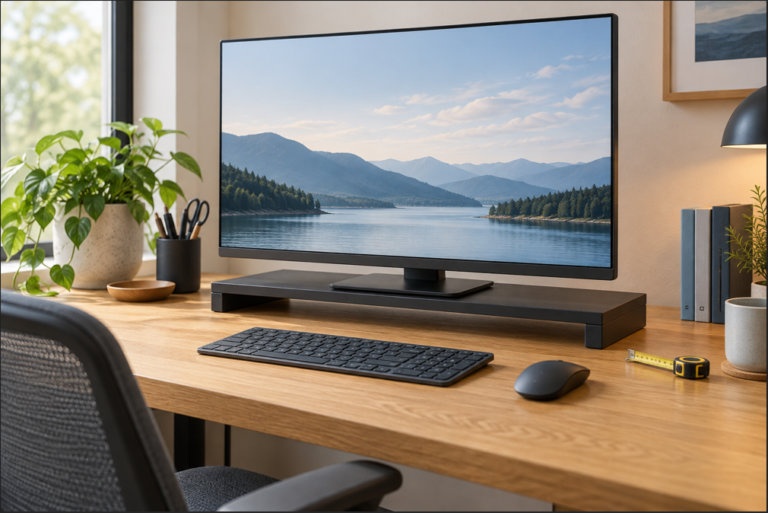
Check the 3M MS80B monitor stand before buying: its 1-inch minimum lift, height steps, 15-by-12-inch footprint, load limit, and desk fit.
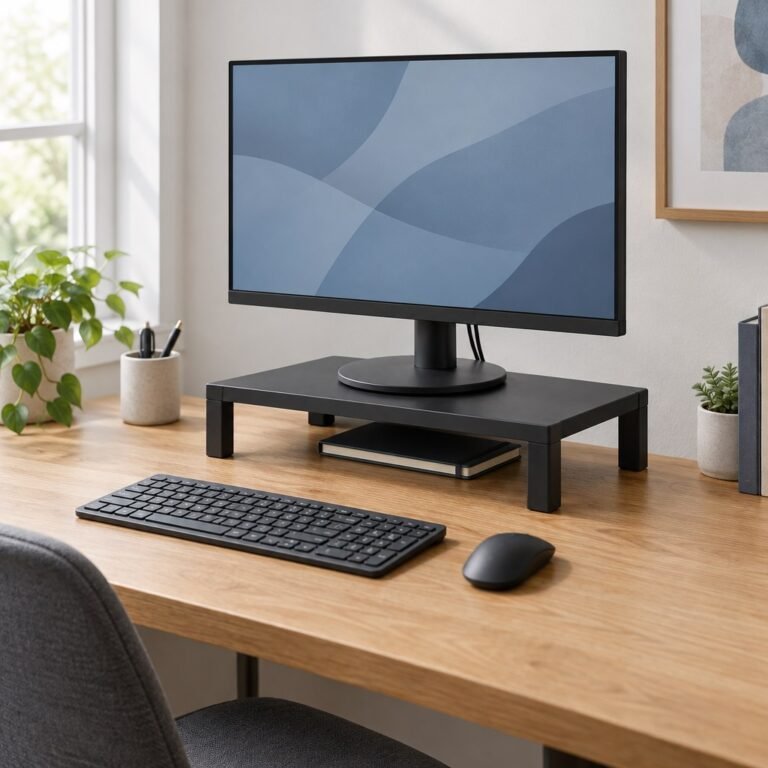
Compare three small-desk monitor risers from Kensington and VIVO. Check shelf size, minimum lift, adjustment method, screen limits and base support before buying.
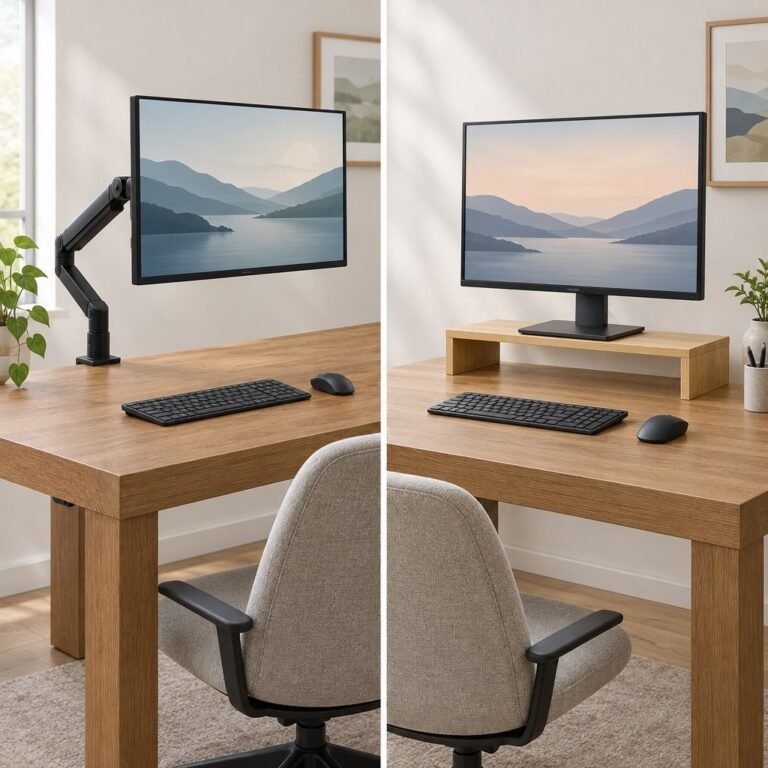
Compare a monitor arm and a riser by screen height, desk space, installation, and compatibility. Check what your setup needs before buying.
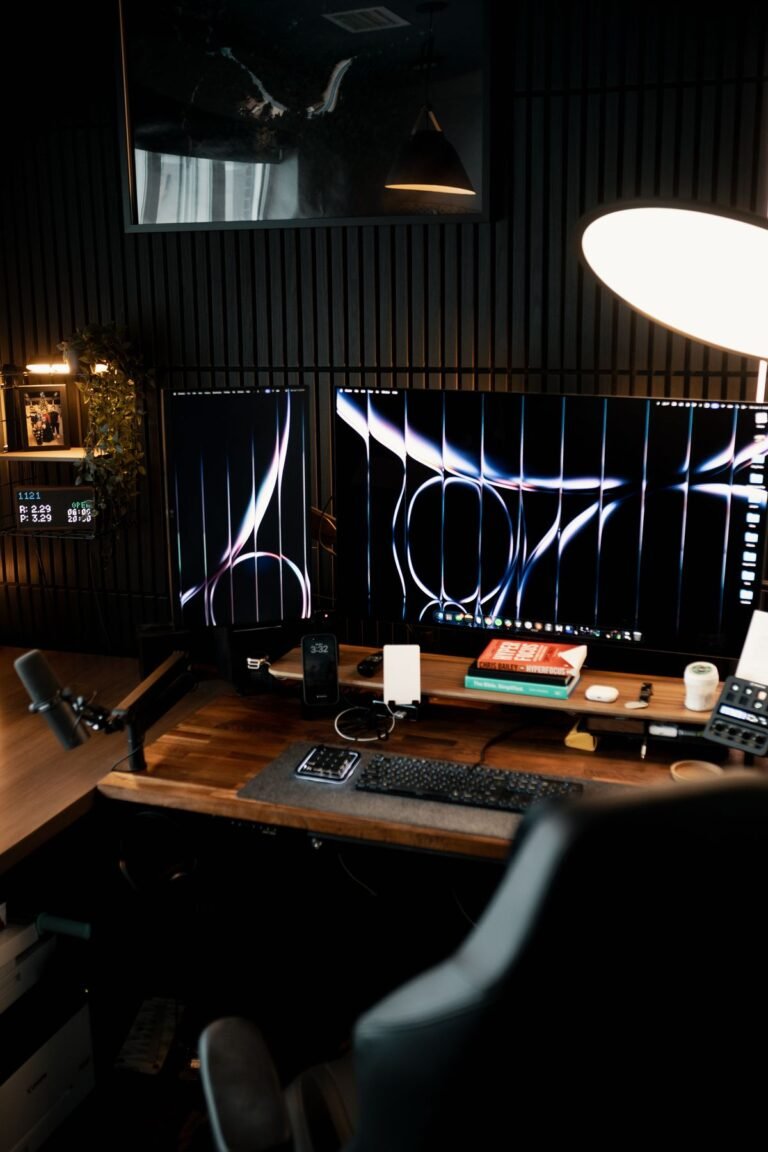
Set up two home office screens by how you use them, then check height, readable text, input devices, display settings, and connections.

Measure monitor distance from your eyes to the screen, compare OSHA and CCOHS guidance, and test text scaling and shallow-desk placement one change at a time.
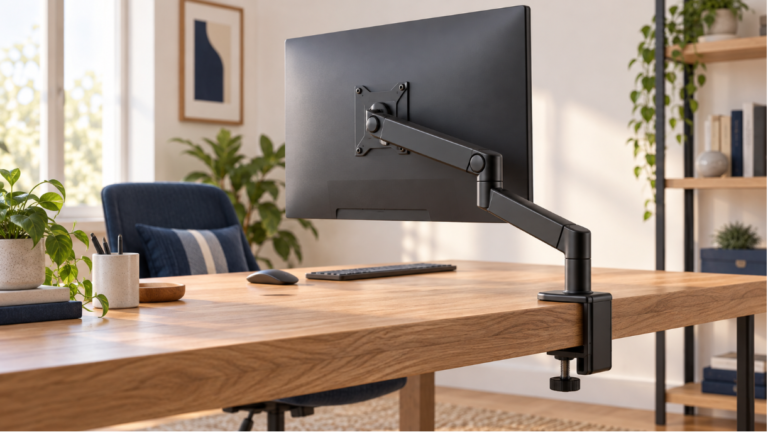
Compare ErGear, WALI and VIVO monitor arms by screen weight, curved-display limits and desk fit, with a worked example showing when none qualifies.

Start with the top of your monitor’s visible screen at eye level or slightly below it. Your eyes should look gently downward toward the main work area while your head stays comfortably balanced. OSHA uses this top-edge reference and places the screen’s center below the horizontal line of sight. Source: OSHA’s monitor guidance. After adjusting the height,…
We use cookies to improve your experience on our site. By using our site, you consent to cookies.
Manage your cookie preferences below:
Essential cookies enable basic functions and are necessary for the proper function of the website.
These cookies are needed for adding comments on this website.