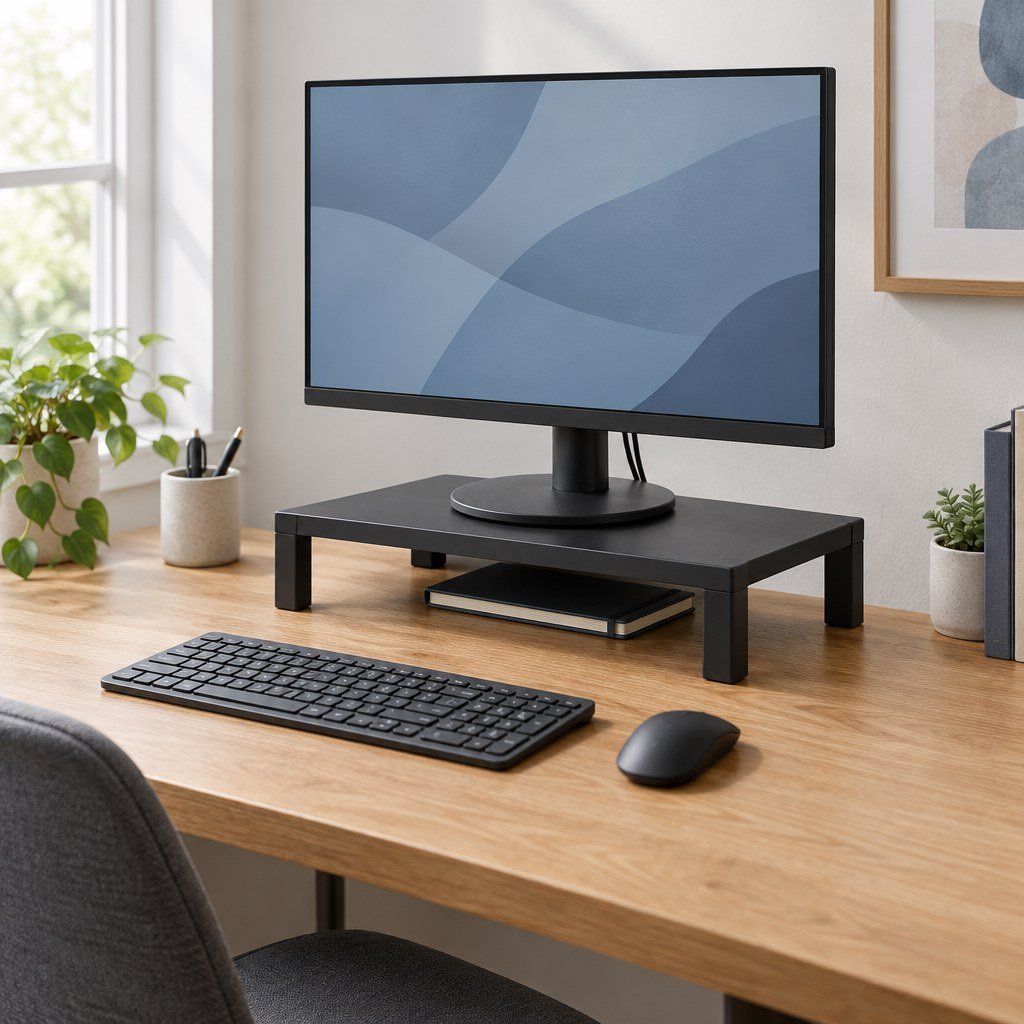
Small Desk Monitor Risers: 3 Buying Options
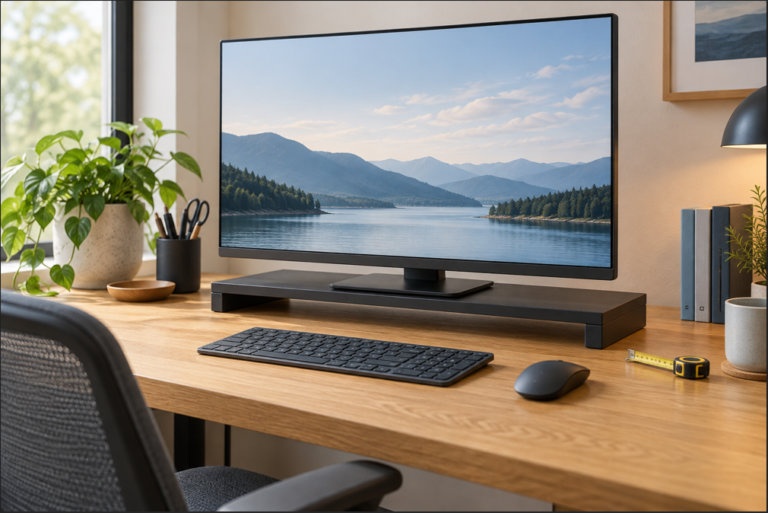
Small desk monitor risers should match the space and lift you need. Compare Kensington’s compact SmartFit for smaller screens, its Plus model only after confirming the conflicting dimensions, and VIVO’s shallower, screw-adjusted shelf. Choose by verified measurements rather than brand or appearance.
Start here: measure your monitor’s complete base, available desk depth, and required lift. The Kensington stands start at 3 inches; VIVO starts at 4.5 inches. If those heights raise the screen too far, keep your original stand or read our 3M MS80B guide to a lower-starting riser, checking its larger footprint and height steps.
This is a research-based buying guide, not a hands-on test. The diagrams and numerical examples explain the selection method; they are not photographs or hands-on tests of the selected products.
Affiliate disclosure: As an Amazon Associate, SmartNestLab earns from qualifying purchases.
Compare Size, Height, and Load
| Model | Published width × depth | Lift above desk | Screen / load limits |
|---|---|---|---|
| SmartFit K52785WW | 11.5 × 9 inches | 3 / 4.5 / 6 inches | Up to 21 inches / 40lb |
| SmartFit Plus K52786WW | 15.5 × 12 inches in the cited diagram; published dimensions conflict, so confirm the selected unit | 3 / 4.5 / 6 inches | Up to 24 inches / 80lb |
| VIVO STAND-V000SB | 12 × 8-inch shelf; 9 × 7-inch base | 4.5–6.5 inches | 33lb; check the monitor base against the shelf |
Kensington’s compact published dimensions are approximately 29.2 × 22.9cm. VIVO’s shelf is 30.5 × 20.3cm, slightly wider but shallower. These rectangular dimensions do not establish the usable support area: keep every load-bearing part of the monitor’s base supported and check the actual surface shape.
1. Kensington SmartFit K52785WW: Smaller Footprint
Consider the black K52785WW when a smaller screen needs a measured lift and a wide desk shelf would crowd other equipment. The verified Amazon ASIN is B01MYX3WSA.
Its practical advantage is the narrower shelf, with open space beneath for small accessories. The tradeoff is its 21-inch screen limit: do not treat low monitor weight as permission to ignore that limit. It is not our recommendation for a 24- or 27-inch display.
Kensington supplies a color-coded fitting system. Use it as a starting aid, then check the screen from your normal seated position. A chart cannot decide whether your existing monitor stand already provides sufficient height.
Check the K52785WW compact stand on Amazon
2. Kensington SmartFit Plus K52786WW: Up to 24 Inches
The black K52786WW, verified ASIN B01MQTE2T5, is a conditional candidate for a screen within its listed 24-inch and 80lb limits. The cited diagram shows 3 / 4.5 / 6-inch height settings, but resolve the dimension conflict below before ordering for a restricted space.
Once the dimensions are confirmed, mark the complete footprint with removable tape and leave the keyboard and mouse in their working positions. If the stand pushes them toward the desk edge or makes the screen too close, it has not solved your layout problem.
Check the K52786WW SmartFit Plus on Amazon
3. VIVO STAND-V000SB: Shallower Shelf, Higher Minimum
The black STAND-V000SB, ASIN B0B6LD3J5B, is a candidate when an 8-inch-deep shelf suits your monitor base and you need 4.5–6.5 inches (about 11.4–16.5cm) of lift. VIVO specifies a 9 × 7-inch base and a 33lb (about 15kg) load limit, including your original monitor stand.
Trade-off: its 4.5-inch minimum is higher than Kensington’s. VIVO’s manual instructs you to loosen the center-post set screw with a 3mm Allen wrench, adjust, then retighten. This is a setup adjustment rather than a quick daily height control. The center post also limits the open storage space beneath the shelf.
VIVO details checked October 21, 2026 against its official product page, linked assembly manual, and Amazon listing. The manual uses the family code STAND-V000S; the black listing identifies STAND-V000SB.
Check the VIVO STAND-V000SB seller options on Amazon. Confirm the current price, delivery and return terms; no fixed offer is quoted.
Three Checks Before Buying
Height: work out the extra lift needed after adjusting the original stand. Our monitor-height guide explains the setup process. A riser raises the entire existing base; it cannot lower an already high screen.
Depth: preserve a readable viewing distance and space for input devices. Follow our monitor-distance guide, then check connector clearance behind the display. Leave cables enough slack for ordinary movement.
Support: compare the actual monitor weight including its stand with the load limit. Inspect the base footprint, assemble according to the supplied instructions, and keep the shelf stable. These are freestanding shelves, not VESA mounts; they retain your original monitor stand.
Check Your Own Monitor and Riser Measurements
This checker compares your measurements with one candidate at one selected height. It can reject a dimensional mismatch; it cannot certify stability, safe installation or ergonomic fit. No product is preselected. Use the manufacturer’s current instructions and verified usable surface, not package dimensions or an unresolved listing field.
1. Measure the assembled monitor. 2. Confirm the candidate’s usable top. 3. Compare one real height setting.
Measure the full support footprint in its intended orientation, including all feet. A rectangular width/depth check assumes a flat rectangular surface; curved edges, holes, lips or separated contact pads need a separate physical check.
All seven length fields use cm; the last two fields use kg. Switching units converts entered values.
Extra lift means added height above the desk, not the screen’s total height. For a stepped riser, enter one available step. Do not enter an intermediate height the product cannot hold.
The checker has no network requests or storage and does not submit the measurements. It runs in your browser. Normal site analytics and privacy terms still apply. Read the calculation and limitations below.
The Calculation, Assumptions and Two More Cases
Our editorial method subtracts the monitor base width and depth from the verified usable shelf width and depth, subtracts total monitor weight from the documented load limit, and checks whether one actual riser setting falls inside your acceptable extra-lift range. A negative difference rules out that configuration; a non-negative difference only clears that numerical check. It does not verify stability. For a centred rectangular base, half the width/depth difference would lie on each side; actual contact shapes may differ.
| Invented case, not product test data | Arithmetic | Conclusion |
|---|---|---|
| 25 × 20cm support footprint, 30 × 24cm verified usable shelf, 6kg monitor, 10kg limit; selected 8cm lift within a requested 7–9cm range | Width +5cm; depth +4cm; load difference +4kg; lift inside range | No numerical mismatch. Screen limits, real support geometry, stability, assembly and desk space remain unchecked. |
| The same footprint and lift, but a 12kg monitor including its stand | 10 − 12 = −2kg | Rule out: the load limit is exceeded even though the dimensions fit. |
| Any candidate with conflicting or unverified usable-top dimensions | Required input is unknown | Do not substitute package dimensions or the most favourable listing. Obtain the exact unit’s drawing or measurement first. |
Tool and worked cases added October 29, 2026. This is an original measurement comparison, not a manufacturer-approved compatibility checker, product certification or hands-on stability test. If the stand is damaged, rocks, has unsupported feet or contradicts its instructions, do not rely on a calculator result.
Worked Example: A Light Monitor Can Still Rule Out a Riser
Suppose a hypothetical 24-inch monitor weighs 14lb including its stand, has a 10 × 8.5-inch load-bearing base, and needs 3 inches of extra lift. These are invented setup measurements to demonstrate selection, not a tested monitor or product pairing.
Why the VIVO shelf fails this example
Blue: published 12 × 8-inch shelf. Dashed red: hypothetical 10 × 8.5-inch load-bearing base.
is greater than
8 in shelf depth
| Model | Decision for this example |
|---|---|
| K52785WW | Rule out: the 24-inch screen exceeds its 21-inch limit even though the weight is low. |
| K52786WW Plus | Provisional only: the screen, load and cited 3-inch setting pass initial checks, but the conflicting published dimensions prevent a completed footprint and support check. |
| STAND-V000SB | Rule out: the base needs more than the shelf's 8-inch depth, and the 4.5-inch minimum is too high for the requested lift. |
The Plus remains unapproved for this example until the exact unit's dimensions and usable support surface are confirmed. Every candidate also needs room for connected cables and input devices. Passing a weight limit alone does not complete a fit check.
When to Choose Another Solution
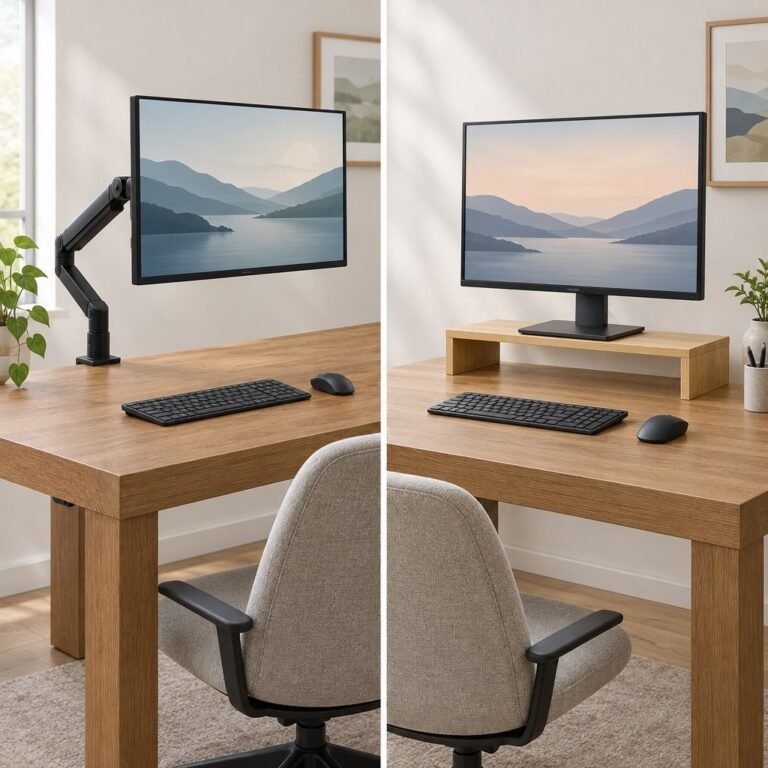
Skip all three if you need less than 3 inches of lift. For Kensington, also observe its model-specific screen limits; for VIVO, reject any monitor base that is not fully supported or a setup exceeding 33lb. If you need frequent height or reach changes, use our monitor arm vs riser comparison. For a wider shelf, the desk accessories guide includes our existing ROCDEER option.
Choose the smallest support that meets all your measurements. Under-shelf storage is useful only when the remaining work area stays comfortable.
Sources and Listing Check
Initial Kensington listing check: October 9, 2026. Product identities and source documents were rechecked October 27, 2026 against the linked Kensington sheets, the official compact-stand and support page, VIVO's current specifications and all three Amazon listings above. The Plus dimensions remain unresolved; the warning records that uncertainty rather than choosing one conflicting figure as fact.
No fixed Amazon price, rating, or stock promise is quoted. Check the current seller, delivery location, and return terms before ordering.