Dell U2720Q Stuck at 4K 30Hz over USB-C? Check This Setting
If your Dell U2720Q offers only 3840 × 2160 at 30 Hz over a direct USB-C connection, open the monitor’s on-screen menu and look for USB-C Prioritization. If it’s set to High Data Speed, try High Resolution and check whether your laptop now offers 60 Hz.
Compare both settings with the same cable
Connect the laptop directly to the monitor’s USB-C video input. Keep the same laptop port and cable for both tests. Save work on any drive attached to the monitor before switching. In Windows 11, use Settings → System → Display → Advanced display and select the Dell display. Note the available refresh rate in each mode, then recheck any webcam or SSD attached to the monitor.
If the hub is what limits you to 30 Hz
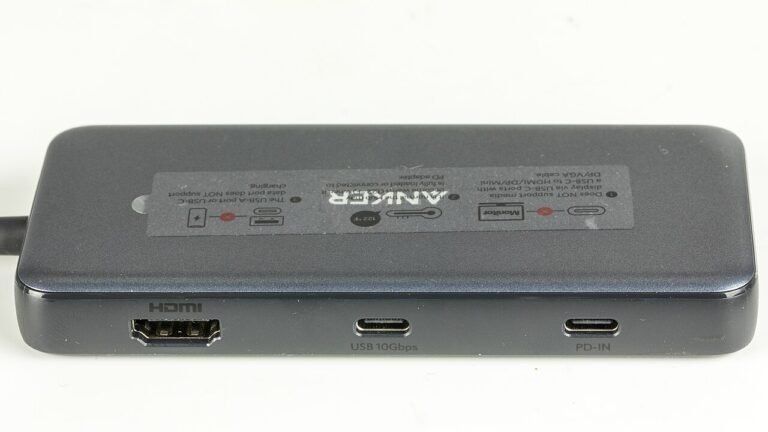
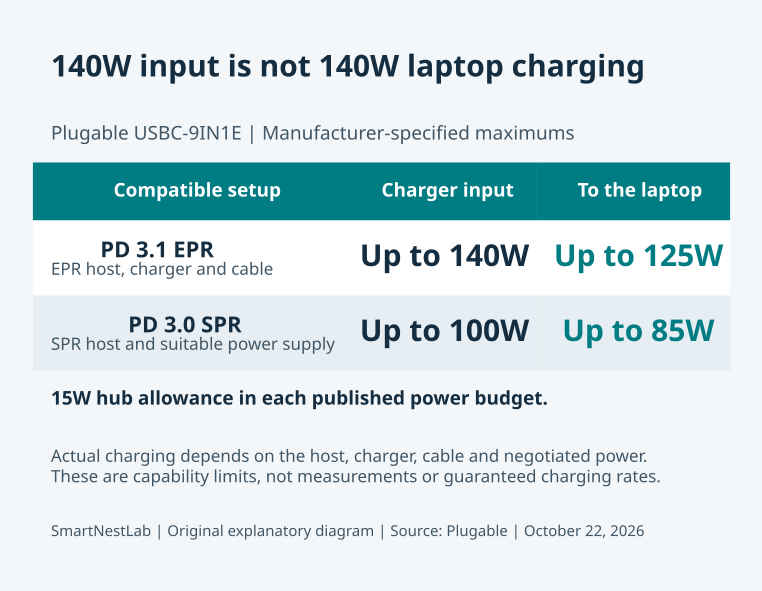
- Hubs that list 4K 60 Hz over HDMI with a DP 1.4 host: Anker 555 on Amazon or Plugable USBC-9IN1E on Amazon. A hub limited to 4K 30 Hz, such as the Anker 332, will not fix this.
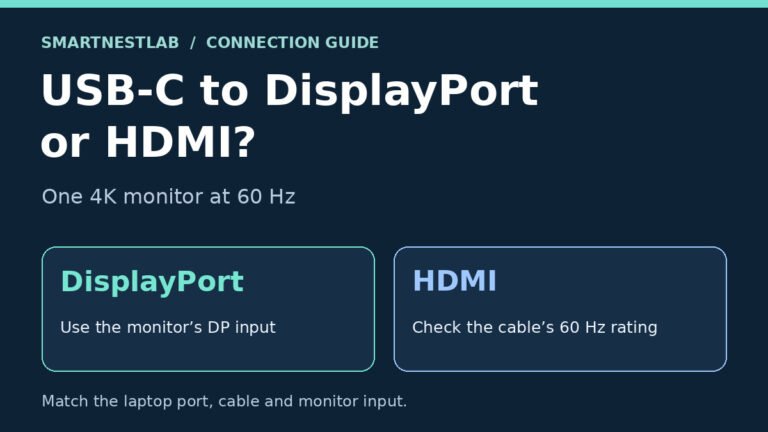
- Background: USB-C to DisplayPort vs HDMI for 4K 60 Hz
Research-based picks, not hands-on tests. As an Amazon Associate, SmartNestLab earns from qualifying purchases.
Choose the mode based on the result
| What you see | Next step |
|---|---|
| 60 Hz is available only in High Resolution | Use that setting if USB 2.0 is enough for the devices attached to the monitor. If an SSD or webcam needs more bandwidth, try a suitable port on the laptop. |
| 60 Hz is available in both modes | Use High Data Speed if you need the monitor’s faster USB ports. Dell lists 4K at 60 Hz with USB 3.0 for an HBR3 source link. |
| Both modes still stop at 30 Hz | Check the laptop’s USB-C video specification and try a known-good video cable. If you have a second input, compare it using the direct DisplayPort and HDMI guide. |
Dell lists a maximum of 4K at 30 Hz with USB 3.0 in High Data Speed when the source link is HBR2. To see the current link rate, check Display Info in the monitor menu. These settings and limits come from the U2720Q manual. Check your model’s manual if its menus differ.
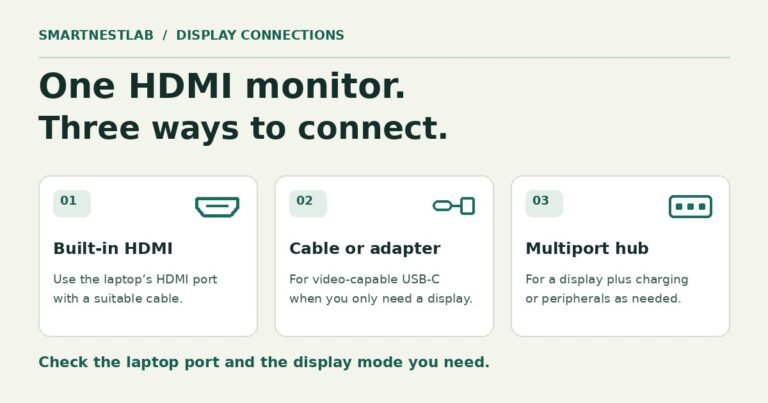
If the direct connection meets your needs, keep it. If you still need separate Ethernet, charging or USB ports, use the single-monitor hub comparison to check those requirements together.
Source: Dell U2720Q User’s Guide, USB-C Prioritization and Display Info.