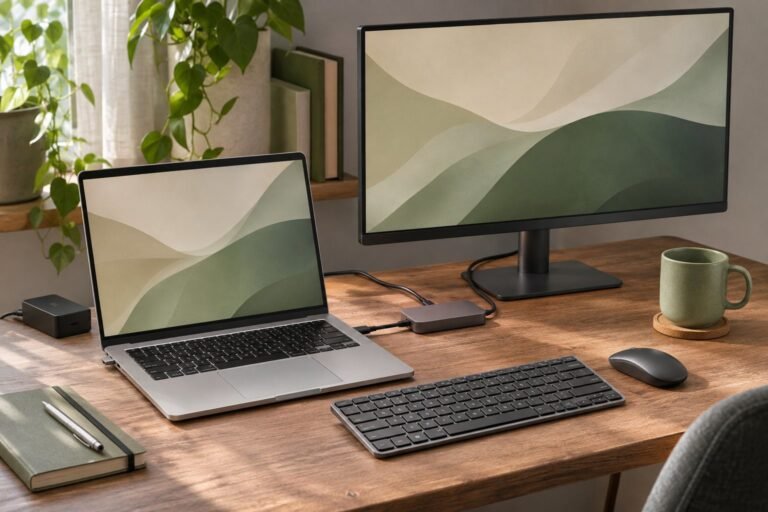
Anker 555 USB-C Hub: Home Office Fit Guide
The Anker 555 USB-C hub is a candidate for a home office built around one HDMI monitor, wired networking, and USB accessories. Buy it only after checking your laptop’s display support, charging requirements, and cable reach.
Affiliate disclosure: As an Amazon Associate, SmartNestLab earns from qualifying purchases.
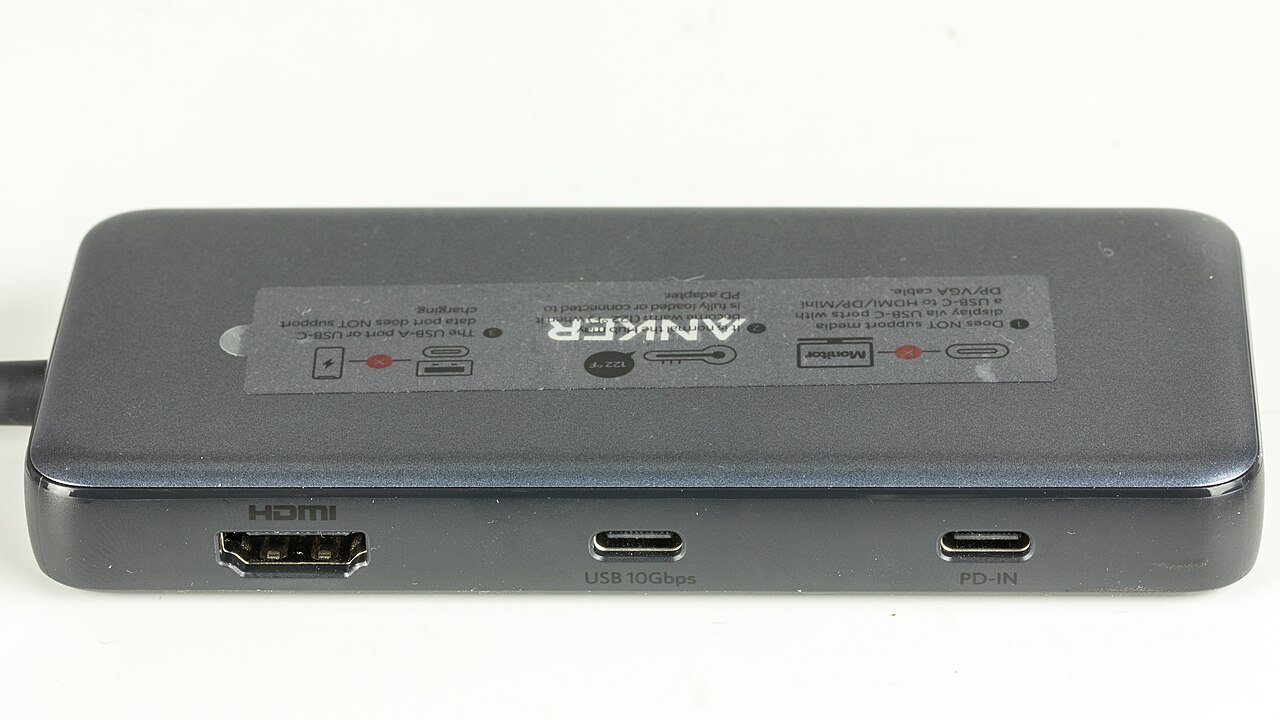
Our recommendation: consider it when its ports solve specific gaps in your current setup. Choose another solution if you need two external displays through one accessory, a USB-C monitor connection, or more laptop charging power.
This is a research-based buying guide, not a hands-on test. The credited photographs show A8383 hardware; compatibility and performance claims below come from the linked manufacturer documentation.
Before you choose
4K/60Hz depends on a suitable DP 1.4 host and connection.
100W PD input does not deliver 100W to the laptop.
The data port is not a USB-C monitor output.
View Anker 555 A8383 photos & seller options on Amazon →Affiliate link. Product photos open on Amazon; match the exact model and selected variant before ordering.
Which Anker 555 Is This?
This guide covers the 8-in-1 A8383 family. The verified Amazon listing identifies model A83830A1, ASIN B087QZVQJX. Match these details before ordering; a similar name does not establish identical specifications.
Already comparing the 332 and 555? Use the side-by-side port and charging table. The 555 adds networking, card readers and higher published data/video ceilings; it does not increase the 85W host-charging ceiling.
Ports and Desk Fit
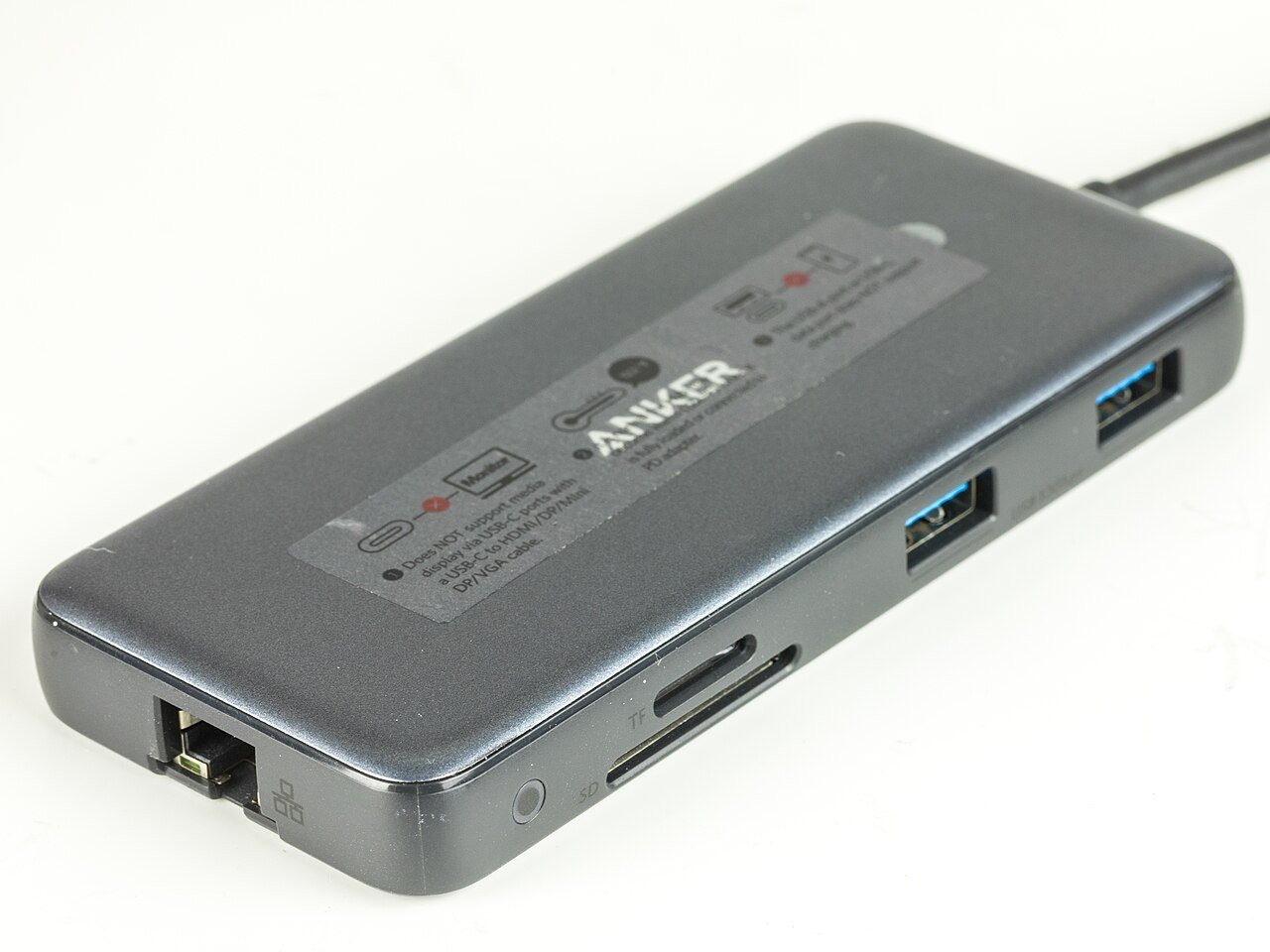
| Connection | Published specification |
|---|---|
| HDMI | One output, up to 4K at 60Hz with a suitable host |
| USB data | Two USB-A ports and one USB-C port, up to 10Gbps |
| Ethernet | Up to 1Gbps |
| Card readers | SD and microSD, UHS-I |
| Power Delivery input | Up to 100W input; up to 85W to the laptop |
Anker lists the body at 4.76 × 2.17 × 0.6 inches (approximately 12.1 × 5.5 × 1.5cm). Amazon lists a built-in 7.48-inch cable (about 19cm). Measure from your laptop’s intended port to the hub’s resting place, especially with a raised laptop.
Draw the cable route before buying. Keep the hub supported on the desk, with room to insert connectors without crowding the mouse. Our home-office cable management guide helps plan that space.
Check Video and Operating-System Compatibility
The Amazon listing checked on October 9, 2026 specifies 4K at 60Hz with DP 1.4 hosts and 4K at 30Hz with DP 1.2 hosts. It lists macOS 12 or newer, Windows 10/11, and ChromeOS, with DP Alt Mode and Power Delivery support; Linux is listed as incompatible.
USB4 or Thunderbolt branding alone does not settle your exact configuration. Check the laptop manufacturer’s documentation for the port you will use, then confirm your monitor and HDMI cable support the intended mode. If your setup supports the mode you want, review the pre-order checklist for the exact model, charging plan, cable reach, and seller terms.
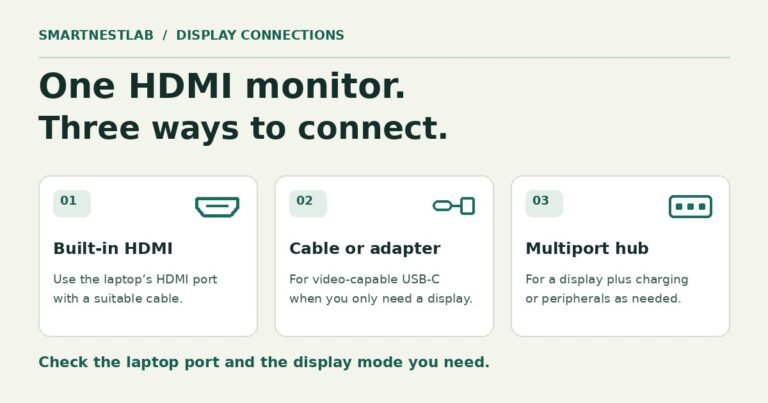
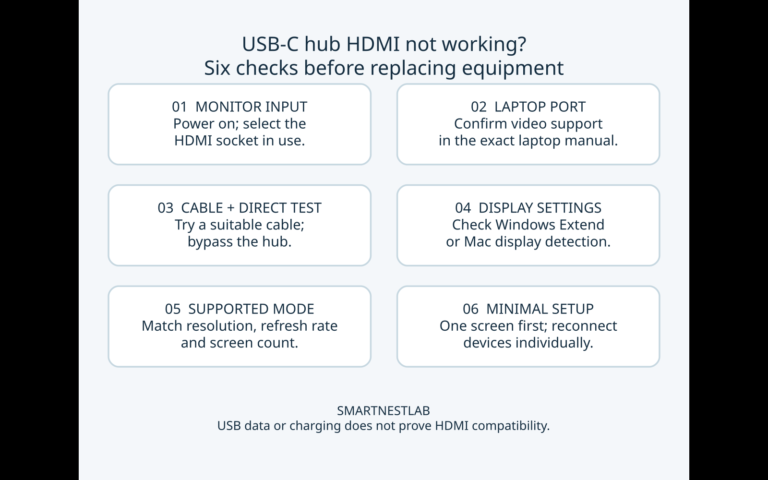
Only HDMI provides video output here. The USB-C data port cannot drive a USB-C display. If your goal is two external screens, start with our dual-monitor setup guide and select an accessory documented for that configuration. If the HDMI monitor shows no picture, follow our USB-C hub HDMI troubleshooting checklist before replacing equipment.
Understand the Charging Limit
100W in is not 100W to the laptop
The Anker 555’s published maximum-input allocation is:
A compatible charger and cable are separate. Actual delivery depends on supported PD negotiation and the connected laptop; this bar is not a power-meter result or a measured efficiency chart.
What if I use a 65W or 140W charger?
A 65W source cannot deliver 85W through the hub. A suitable higher-rated source cannot raise the hub’s 85W host ceiling. Do not predict actual laptop power by subtracting 15W from every charger rating: the negotiated modes, cable and hub limits still determine what is available.
The hub can work without an external charger when laptop charging is unnecessary. Its USB-C data socket is not a monitor output or the PD input; use the documented sockets for each function.
Compare your laptop’s recommended power supply with that ceiling, including demanding workloads. Budget for a suitable PD charger and cable if you need pass-through charging. Keeping your existing laptop charger connected separately may be the simpler arrangement. If charging is not working, follow our USB-C hub not charging checklist before replacing the hub.
Who Should Buy It?
It is worth considering if you regularly connect an HDMI monitor and Ethernet, then need data ports or card readers alongside them. If you only need a mouse receiver, count the unused ports before paying for this configuration.
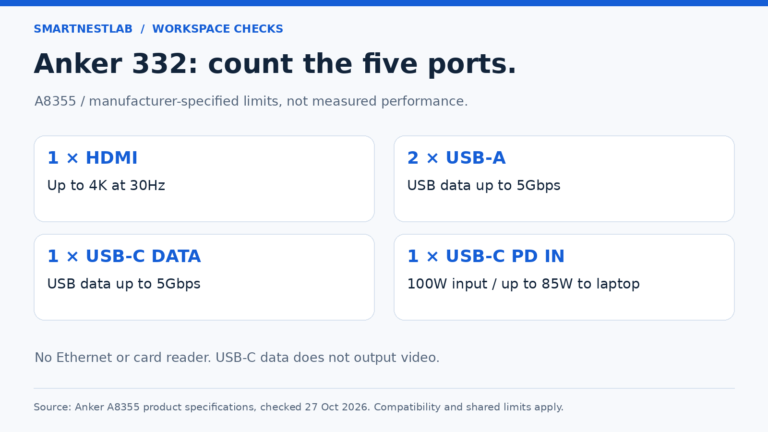
If you only need HDMI and USB data, and the 332 supports your target display mode, compare the Anker 332 USB-C hub guide. Its HDMI output tops out at 30 Hz at 4K, and it leaves out Ethernet and card readers. If you need 4K at 60 Hz, check the 555’s host and display requirements above.
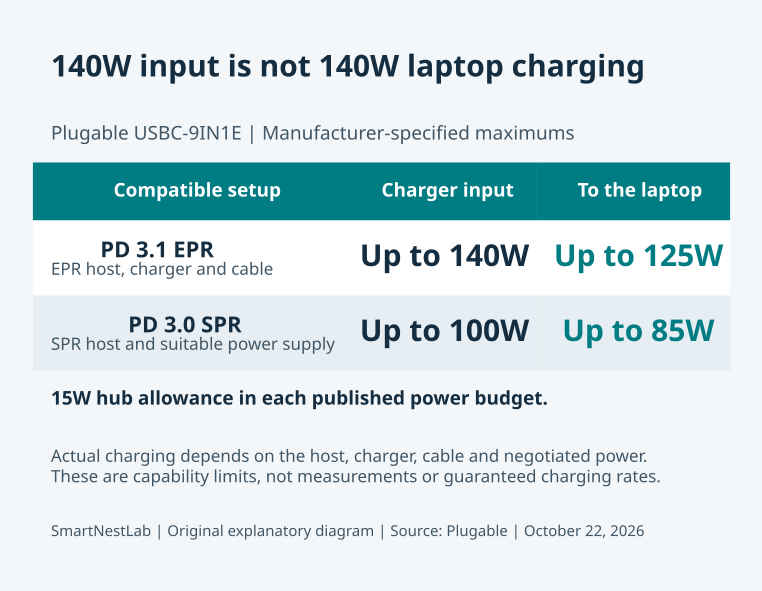
If you have a specific need for a fourth USB data socket, UHS-II card readers or an EPR charging setup, compare the Plugable USBC-9IN1E fit guide and port comparison. Its extra USB-A socket runs at USB 2.0 speed, and both hubs still provide only one HDMI display. A larger input-wattage headline alone is not a reason to replace a working Anker 555.
For a permanent desk with more demanding connections, compare your requirements using our USB-C hub vs docking station guide. With a laptop stand, also check the physical arrangement in our laptop setup guide.
Before Ordering
Confirm the exact model, host port, display mode, charging plan, and cable reach. Review the selected seller’s return terms. After delivery, check your required devices and a normal sleep-and-wake cycle before fastening cables permanently.
View the verified Anker 555 listing on Amazon. Price and availability depend on the current seller and delivery location; no fixed Amazon price or stock promise is quoted here.
Sources and Verification
Specifications and listing identity checked October 9, 2026: Anker official A8383 page and the Amazon listing linked above. Recheck compatibility details before purchase.