How Bright Should a Home Office Be? A Practical Lux Guide
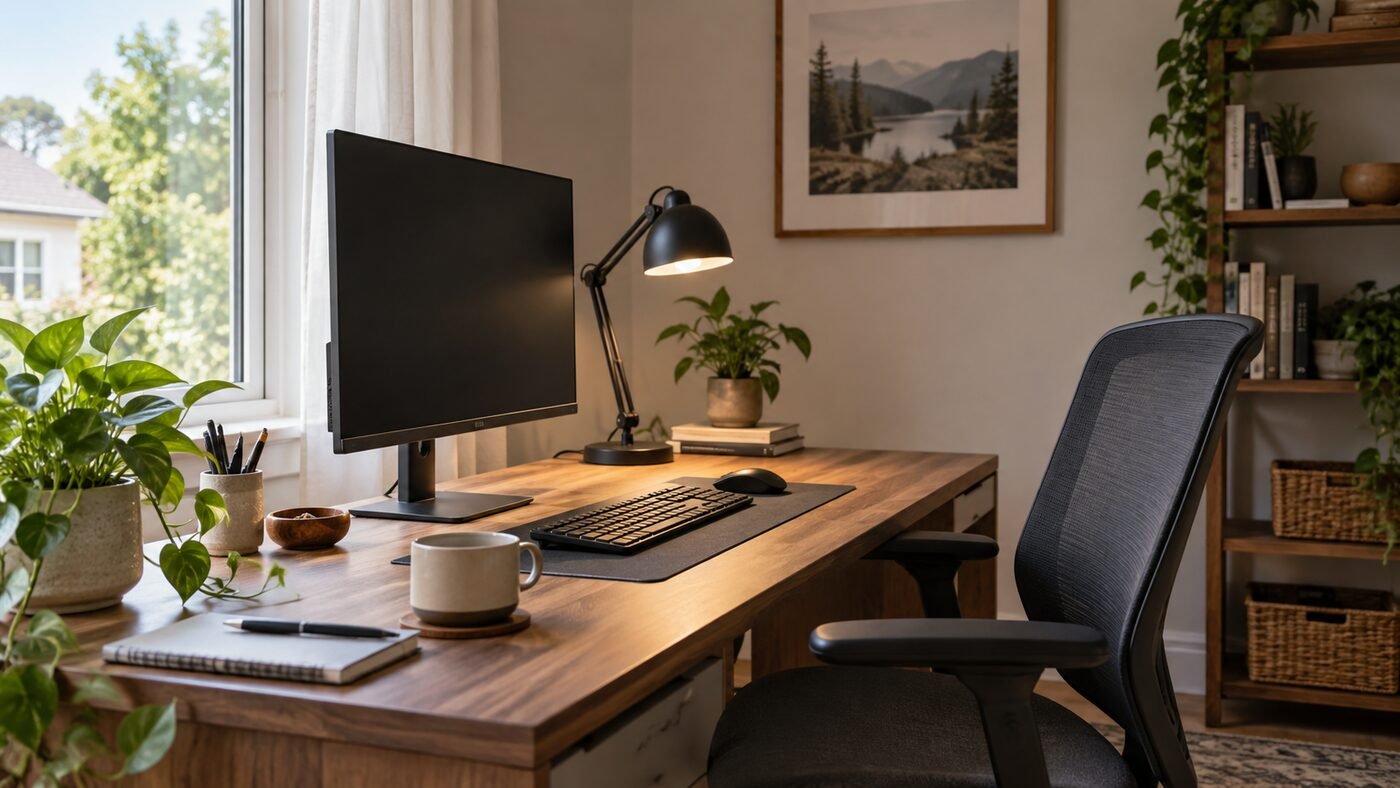
Choose home-office lighting for the task and check the light on the surface where you work. CCOHS discusses 300–500 lux as office guidance when no task lamp is used, while its task-specific table gives different ranges for computer work and paper tasks. There is no single desk reading that guarantees a comfortable whole setup.
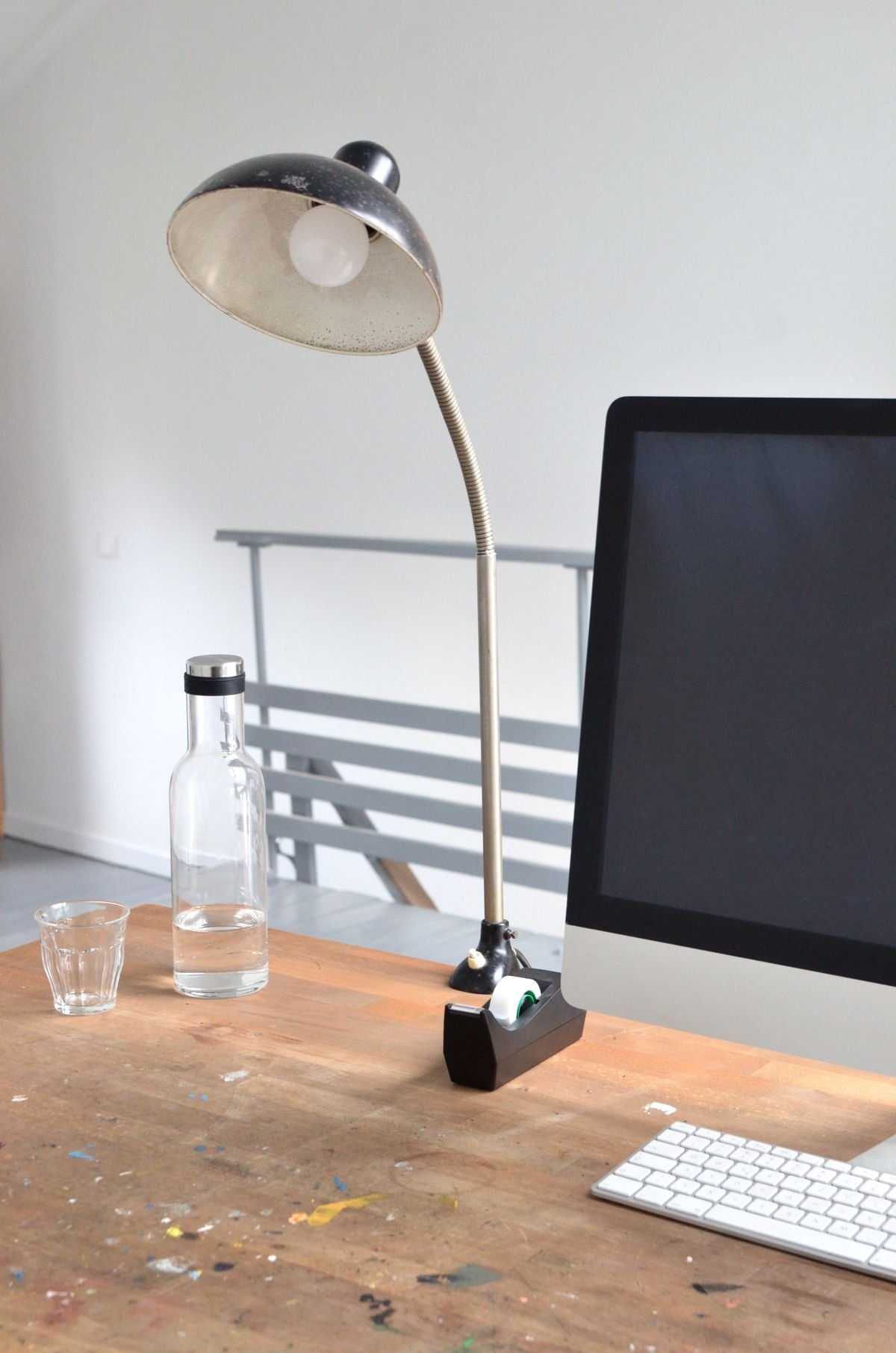
Start with your normal screen, keyboard and documents. Control reflections, then adjust room and task lighting so the work is readable. A higher reading does not by itself resolve glare.
How Many Lux? Keep the Source Context With the Number
| Context in CCOHS guidance | Published range | How to use it |
|---|---|---|
| Office lighting discussion, with no task lamp in use | 300–500 lux | General office context, not a minimum for every screen task |
| Computer tasks, depending on screen type and polarity | 75–300 lux | A task-specific range, not an instruction to darken the entire room |
| Good-quality print and other high-contrast or larger visual tasks | 200–500 lux | Check the document area and any shadows |
| Smaller or medium-contrast visual tasks | 500–1,000 lux | Assess the actual task and local lighting needs |
Sources: CCOHS’s office-lighting discussion and task-specific illumination table. These contexts are different; do not average their ranges into one universal target. They are reference guidance, not a claim about a legal requirement for your home.
Ranges and the measurement workflow were reviewed October 22, 2026. The example readings below are hypothetical, not measurements of a lamp or light bar. Images illustrate generic setups.
Lux, Lumens, and Color Temperature Are Different
Lighting product pages often mix several measurements, but they answer different questions.
- Lumens describe the total visible light produced by a lamp.
- Lux describe how much light reaches a surface. One lux equals one lumen per square meter.
- Color temperature, measured in kelvin, describes whether white light appears warm, neutral, or cool.
- Color rendering, often shown as CRI or Ra, describes how naturally colors appear under the light.
A high-lumen bulb does not guarantee useful desk illumination. Distance, shade design, beam angle, wall reflectance, and lamp position determine how many lux actually reach your notebook and keyboard. A concentrated desk lamp can create a bright working area with fewer total lumens than a ceiling fixture that spreads light across the whole room.
Why More Light Is Not Always Better
Adding light can make printed material easier to read, but excessive brightness creates its own problems. A bright lamp in your direct field of view can be uncomfortable even when the desk measurement looks reasonable. A strong ceiling light may reflect from a glossy screen. A sunlit window behind the monitor can make the wall much brighter than the display, while a window behind you can produce a visible reflection.
OSHA’s computer-workstation guidance recommends arranging the workstation and lighting to avoid reflected glare on the display or nearby surfaces. It also suggests medium-colored, non-reflective finishes around the screen. If reflections are already present, use our step-by-step guide to reduce monitor glare in a home office before buying a brighter fixture.
Use Three Layers of Light
1. Daylight
Daylight can provide excellent general illumination, but it changes constantly. Place the desk so the window is generally beside the monitor rather than directly in front of or behind it. Adjustable blinds or curtains let you reduce intense sun without turning the room into a dark box. Do not design the entire setup around a cloudy morning; check it again when direct sun reaches the room.
2. Ambient room light
Ambient light makes the room navigable and reduces the contrast between a bright display and a dark background. Ceiling fixtures, wall lights, or an indirect floor lamp can provide this layer. Diffused or indirect light is usually easier to control than a bare bulb. CCOHS notes that indirect fixtures distribute light upward and can provide even illumination with less direct glare when the room surfaces support reflection.
3. Task light
A task lamp adds light where you read, write, or handle small objects. It is often more efficient and comfortable than raising the brightness of the entire room. Position it to the opposite side of your writing hand when possible so your hand does not cast a shadow across the page. Aim the beam below eye level and away from the monitor.
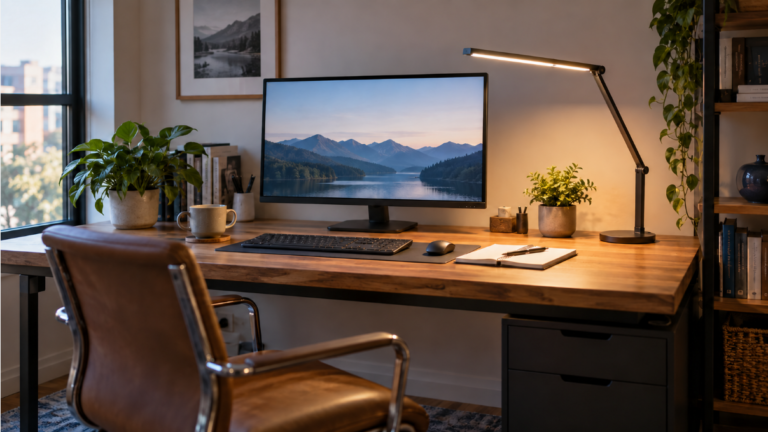
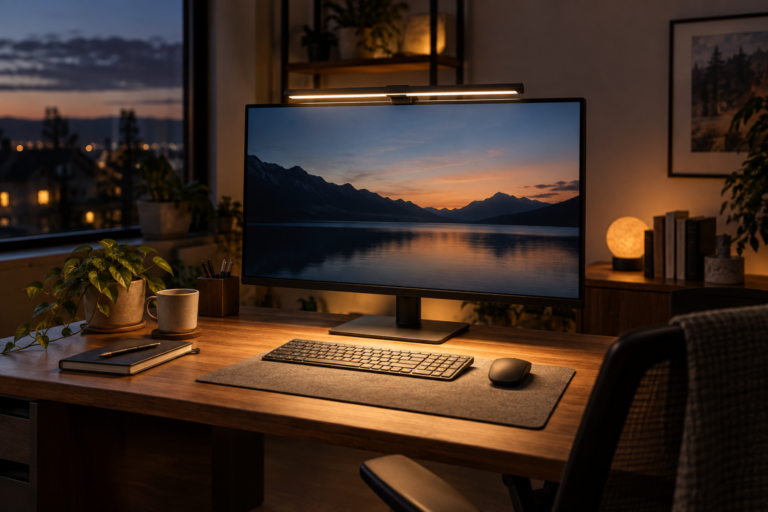
If you are deciding between different mounting styles and beam shapes, our guide to the best desk lamps for a home office explains the practical tradeoffs. For a small desk used mainly in front of one screen, compare that with the best monitor light bars for a home office.
Measurement reminder: measure illuminance at the surface where the task happens, not beside the lamp or at eye level. The workspace photograph is not a recorded illuminance test.
How to Measure Without Losing the Task Context
Use a suitable light meter according to its instructions, including its calibration and sensor-position requirements. A phone app is a rough screening aid unless its accuracy for that device and setup has been established; do not use an unverified reading to claim that a target has been met.
- Record the time, daylight and blind position, room-light settings, lamp position and meter used.
- Keep the sensor at the actual task surface. For a flat notebook or keyboard area, follow the meter instructions for measuring incident light on that plane rather than pointing it at the lamp.
- Remain in your normal working position so real task shadows are represented. Avoid adding an unusual shadow by leaning over the sensor to read it.
- Record the keyboard and paper areas separately. One bright point does not describe the whole desk.
- Change one lamp setting or position while keeping the other conditions steady. Note any changing daylight that makes the comparison uncertain.
- Check screen reflections from the seated position as a separate observation. Repeat at the times you actually work, including after dark if relevant.
CCOHS recommends measurements representative of normal working positions and following the instrument manufacturer’s instructions. These home setup checks do not replace a professional lighting survey when one is required.
Worked Example: The Highest Lux Reading Is Not the Whole Decision
Hypothetical evening setup with unchanged room lights and blinds: the numbers below illustrate a comparison method. They are not product performance claims or recommended readings.
The brightest paper reading can still leave a reflection
All bars use the same 0–500 lux display scale. The 500-lux endpoint is a chart scale, not a target. Blue is the keyboard area; green is the paper area. Every number and observation below is invented for this example.
1 · Task lamp off
Separate screen / task observation: Paper needs closer inspection.
2 · Task lamp on
Separate screen / task observation: A lamp reflection appears on the screen.
3 · Same brightness, changed direction
Separate screen / task observation: The reflected patch is no longer visible.
The second condition has the highest paper reading but introduces a screen problem. The third is worth checking with the normal document and handwriting task; the numbers alone do not establish comfort or adequate lighting. Do not average keyboard and paper readings to hide a poorly lit task area.
If the remaining problem is a reflection rather than dim paper, use our window-position schematic and glare checks before increasing lamp power.
A Practical Five-Step Setup
Step 1: Set the monitor first
Lighting adjustments are easier after the display is in its final position. Start with our guides to monitor height and monitor viewing distance. A screen that is too high, too far away, or tilted toward a ceiling fixture may feel difficult to see even when the room has enough light.
Step 2: Control the window
Rotate or move the desk before investing in more equipment. Side daylight is usually easier to manage. Add adjustable blinds when the sun crosses the screen or creates a high-contrast bright patch.
Step 3: Establish moderate ambient light
Use enough room light that the wall around the display is visible and the room does not feel black when you look away from the screen. Avoid placing an exposed bright bulb within your normal line of sight.
Step 4: Add task light only where needed
Raise illumination on documents with a desk lamp instead of over-lighting the entire room. A dimmer makes it easier to adapt the same desk for screen work, paperwork, and evening use.
Step 5: Check comfort during real work
Work for 20 to 30 minutes, then look for squinting, visible reflections, deep shadows, or repeated changes to screen brightness. The measurement provides a baseline; your task and visual comfort determine the final setting.
What Color Temperature Works Best?
Color temperature does not tell you how bright the desk is. A warm and a cool lamp can produce the same lux. Neutral white light often feels practical during daytime work, while warmer light may feel more comfortable in the evening. The best setting is usually one that does not clash strongly with the daylight or other fixtures in the room.
Do not assume that the coolest setting is automatically more productive or that warm light is always better for your eyes. Brightness, glare, timing, and personal preference all matter. If a lamp has adjustable color temperature, use the feature to match the room rather than changing it constantly.
Common Home-Office Lighting Mistakes
- Lighting only the monitor: The screen produces its own light, but the keyboard and room still need illumination.
- Working in a dark room with a bright display: The sharp contrast can feel uncomfortable when you look away from the screen.
- Placing a bare lamp in the field of view: Direct glare can be distracting even if the desk has an appropriate lux reading.
- Aiming a task lamp at the display: Light should reach the desk without producing a visible reflection.
- Using one fixed setting all day: Daylight can change the room by hundreds of lux.
- Buying by lumens alone: Beam direction and distance determine the light that reaches the work surface.
- Ignoring glossy surfaces: Shiny desks, frames, and whiteboards can create glare outside the monitor itself.
Frequently Asked Questions
Is 500 lux enough for a home office?
It can be appropriate for some paper tasks, but it is not a universal minimum or guarantee. Check the task category, sensor location, shadows and screen reflections. Use the source-context table above before comparing your reading with 500 lux.
Is 1,000 lux too bright for an office?
Not necessarily for a demanding visual task, but it may be excessive for routine computer work if the light creates glare or a large contrast with the screen. Use higher illumination locally when the task needs it rather than assuming the whole room should reach 1,000 lux.
Can I measure lux with my phone?
Treat an unverified phone app as a rough screening tool. Keep the same device, app and orientation for exploratory comparisons, but changing sensor or camera behaviour can still affect the result. Use a suitable meter with known accuracy when an absolute lux value matters.
Should a desk lamp be brighter than the room?
It can be brighter on the task area, but the surrounding room should not be completely dark. A moderate ambient layer reduces the abrupt brightness change when you look away from the desk.
Where should the desk lamp go?
Place it beside the main work area, usually opposite your writing hand, and aim it downward so the source is not in your eyes and the beam does not reflect from the display.
Final Recommendation
Start with the task and the relevant guidance, then measure its actual work area. Keep the keyboard, paper and screen observations separate. Balance daylight, room light and local task lighting, compare one change at a time, and keep the setting that supports readable work without introducing reflections.
Comfortable home office lighting is not simply about brightness. It is evenly understandable to your eyes: the screen remains readable, the desk is visible, shadows do not hide the task, and no light source demands attention.