Belkin AVC018 USB-C Hub: 4 Ports, 85W Charging, No Video
Need more USB-C connections for an SSD, webcam or audio device? The Belkin AVC018 USB-C hub adds four USB-C sockets through one laptop connection. Choose it when the monitor already connects separately.
The three checks that decide whether it fits
Fits: several USB-C data peripherals, with the screen connected elsewhere.
Check another option: HDMI, USB-A, Ethernet or memory cards are on your connection list.
Affiliate disclosure: As an Amazon Associate, SmartNestLab earns from qualifying purchases.
View product photos and seller options on Amazon →
Black AVC018btBK · ASIN B0BY27XSJ3. Confirm the model, current price, seller, delivery and return terms. The photos are on Amazon; no fixed offer is quoted here.
Jump to your question: available ports · example connections · charging limit · monitor support.
Research-based guide, not a hands-on test. The connection-plan diagram below is explanatory, not a product photograph. Sources and model identity checked October 28, 2026.
What the Four USB-C Ports Actually Add
Belkin specifies four USB-C 3.2 Gen 2 ports and a maximum 10Gbps connection between the hub and computer. That host link is shared. Two SSDs do not each gain an independent 10Gbps path to the laptop, and a slower computer port or cable can reduce performance further.
Count plugs before buying. With laptop charging supplied through the hub, one socket takes the USB-C PD charger and three remain for peripherals. If your laptop charges separately, all four sockets can serve supported USB devices. There are no built-in USB-A sockets for an older keyboard receiver or mouse.
A Worked Connection Plan
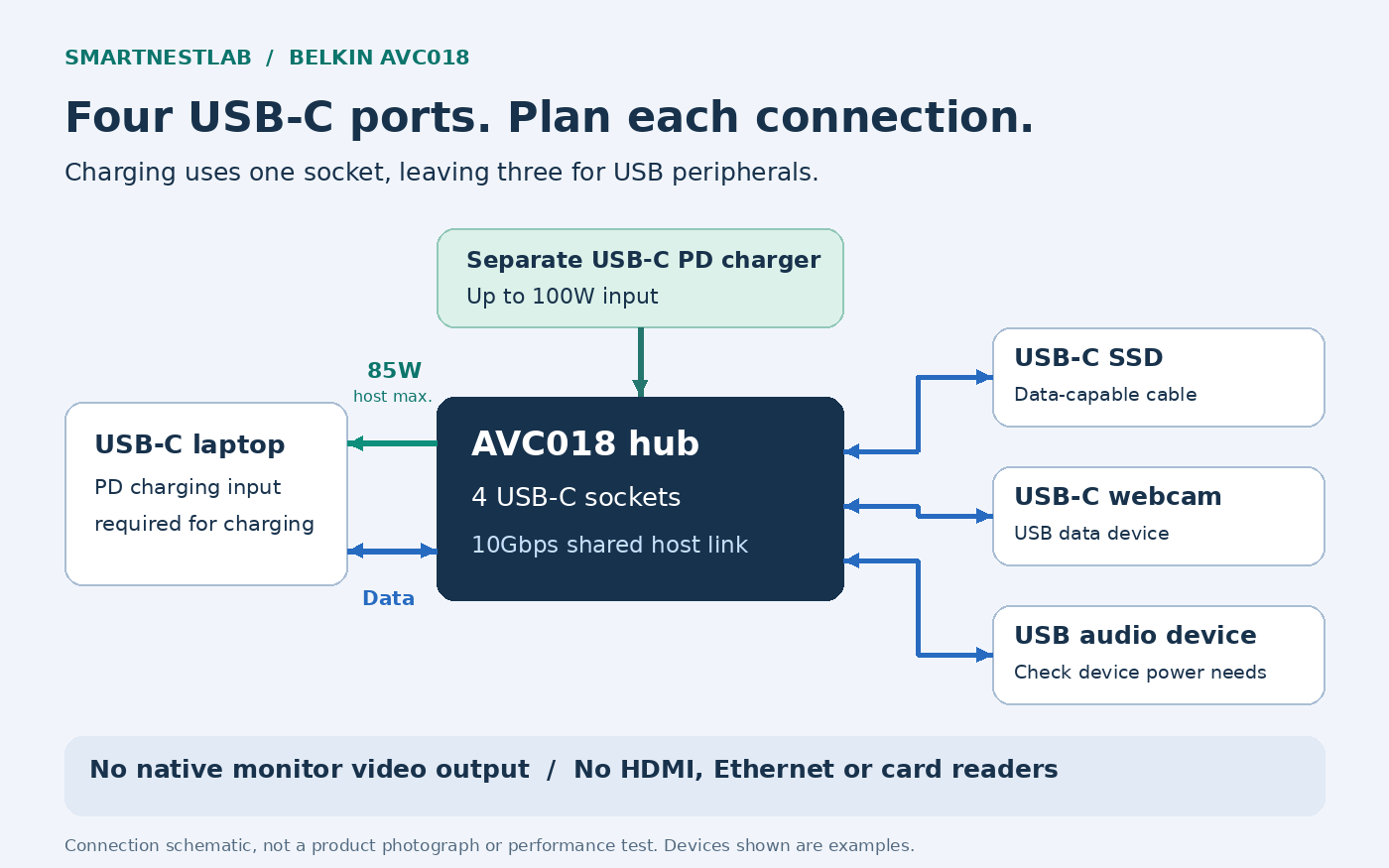
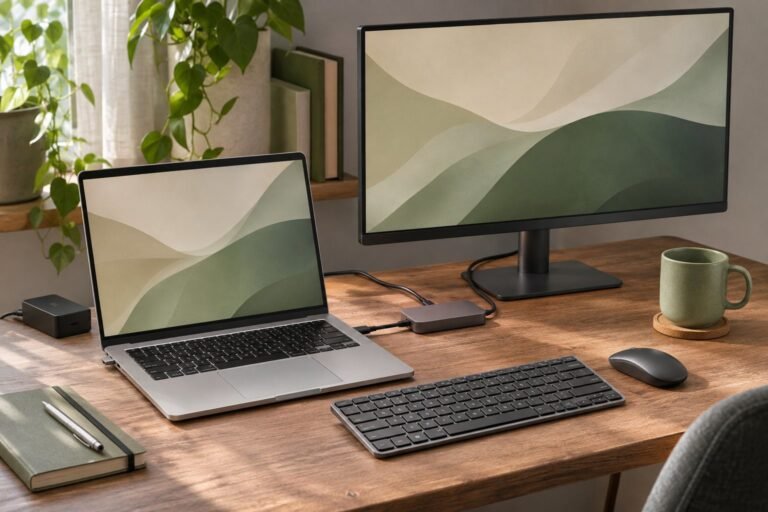
Consider a hypothetical desk with one USB-C SSD, one USB-C webcam and one USB-C audio device. A separate PD charger uses the fourth socket, and the hub’s attached lead connects to the laptop. A monitor uses another connection on the laptop. This is a port-count example, not a tested combination or a guarantee that every device can run together.
Check each accessory’s power requirements as well as its plug. Belkin’s published peripheral budget is shared; the 85W laptop figure is not the power available to every accessory. Power-hungry drives or audio interfaces may need their own supply. Keep important transfers backed up and follow each device’s safe-disconnection instructions.
Why “100W” Does Not Mean 100W to the Laptop
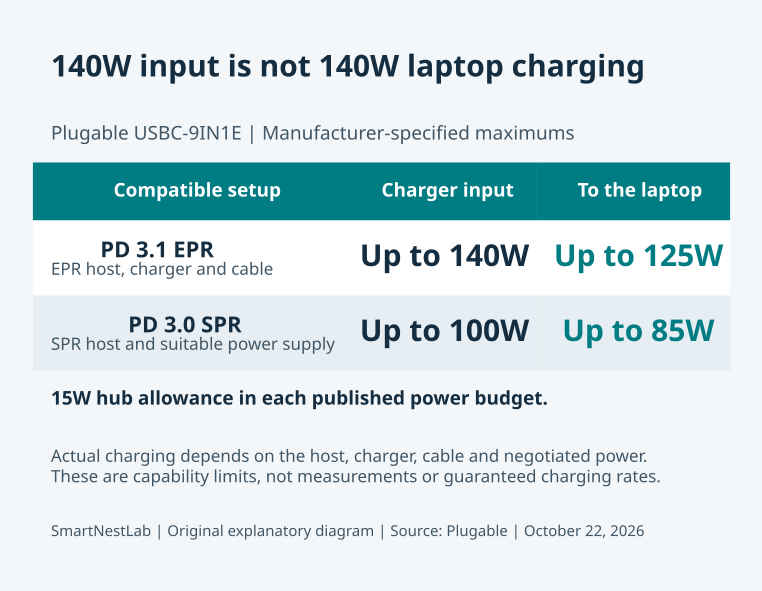
The documented ceiling is 100W PD input and up to 85W delivered to the host. The hub does not include a power supply. Reaching the stated maximum requires a compatible charger, suitable power cable and laptop USB-C port that accepts the required PD charging. A lower-rated charger will not produce the advertised maximum.
Compare the laptop’s charging requirement under your normal workload with that 85W ceiling. If it needs more, keep its original charger connected separately or choose a documented higher-power solution. If a current hub charges poorly, work through our USB-C hub charging checks before buying another one.
Can It Connect a USB-C Monitor?
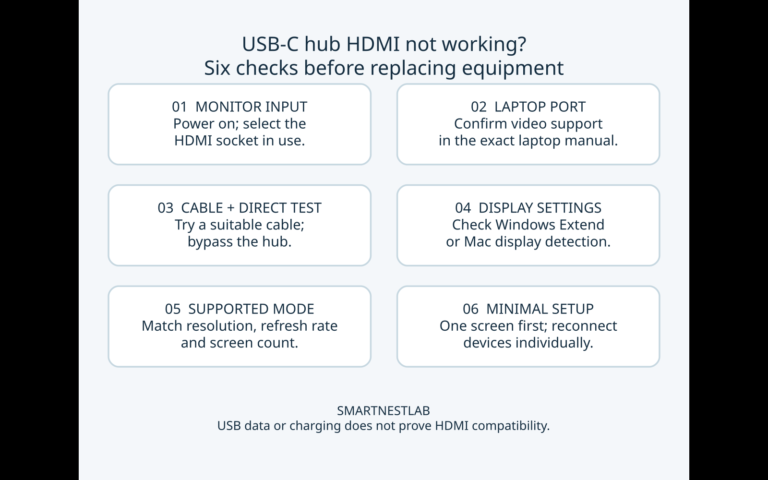
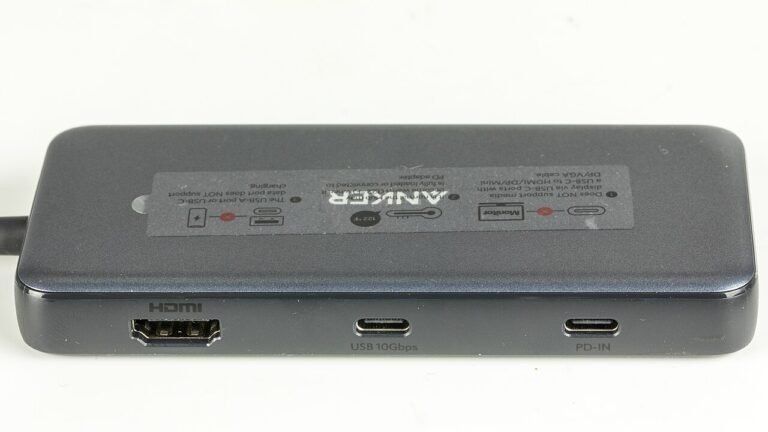
It cannot provide a native DisplayPort Alt Mode video connection. Belkin explicitly excludes that feature. A matching USB-C plug on a monitor does not make the hub video-capable. Do not buy it as a direct USB-C display adapter or as a replacement for an HDMI hub.
A USB video-capture device is different from a monitor video output: it sends captured data to the computer. Marketing references to cameras or capture cards do not establish display support. If your goal is to add a monitor, start with our USB-C hub versus docking station guide and check the laptop’s display capabilities.
Desk Fit and Compatibility Checks
- Computer: Belkin lists USB-C Mac, Windows and Chromebook compatibility with plug-and-play operation. Check your exact port’s data and charging capabilities separately.
- Cables: use data-capable USB-C cables for peripherals; a charging-only cable will not add a data connection. The 10Gbps figure is a maximum, not a measured file-copy speed.
- Size: Amazon lists approximately 2.95 × 1.65 × 0.55 inches (7.5 × 4.2 × 1.4cm). Belkin specifies a fixed 8.7-inch lead, about 22cm. Leave a supported resting place beside a raised laptop.
- Missing connections: no built-in HDMI, DisplayPort, Ethernet, USB-A or SD/microSD readers. Do not assume another accessory in the same brand’s range has the same capabilities.
Belkin AVC018 or a Multiport Hub?
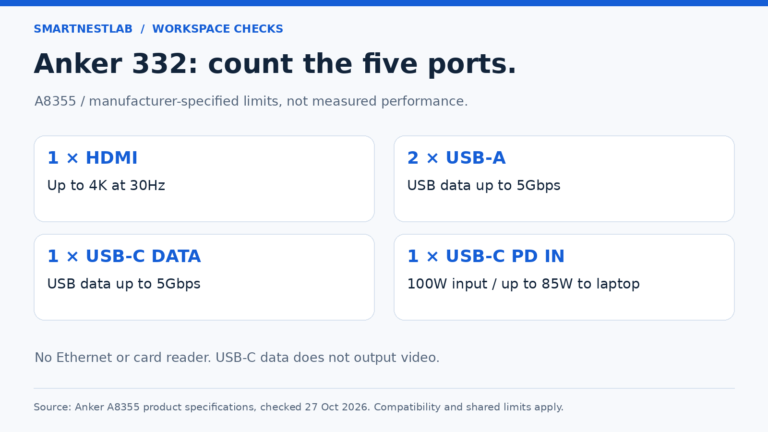
Choose the AVC018 when extra USB-C data connections are the missing piece. If you need one HDMI display and older USB-A accessories, the Anker 332 guide covers a different connection mix. For HDMI plus wired networking or card readers, compare the Anker 555’s compatibility limits. Neither is interchangeable with four USB-C data sockets.
Keep your existing equipment if it already connects everything you use. The buying reason here is a measured shortage of USB-C data ports, not the “4-in-1” label or a promise that another hub will make the computer faster.
Compare current AVC018btBK seller options on Amazon after checking your peripheral count, charging requirement and separate monitor connection.
Sources and Model Check
Checked October 28, 2026 against Belkin’s AVC018btBK product page, its AVC018 FAQ, and the manufacturer’s product release, which states the video limitation and shared accessory power budget. Amazon’s product details identify model AVC018BTBK and ASIN B0BY27XSJ3. Listing titles may emphasize 100W; use the manufacturer’s 85W host-output specification when planning laptop charging.