
Anker 555 USB-C Hub: Home Office Fit Guide
Check whether the Anker 555 USB-C hub fits your home office: HDMI limits, laptop charging, data ports, compatibility, and cable reach.
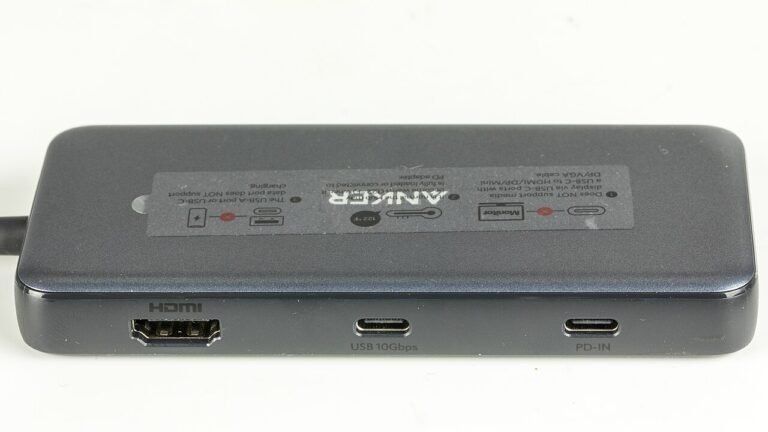
Check whether the Anker 555 USB-C hub fits your home office: HDMI limits, laptop charging, data ports, compatibility, and cable reach.
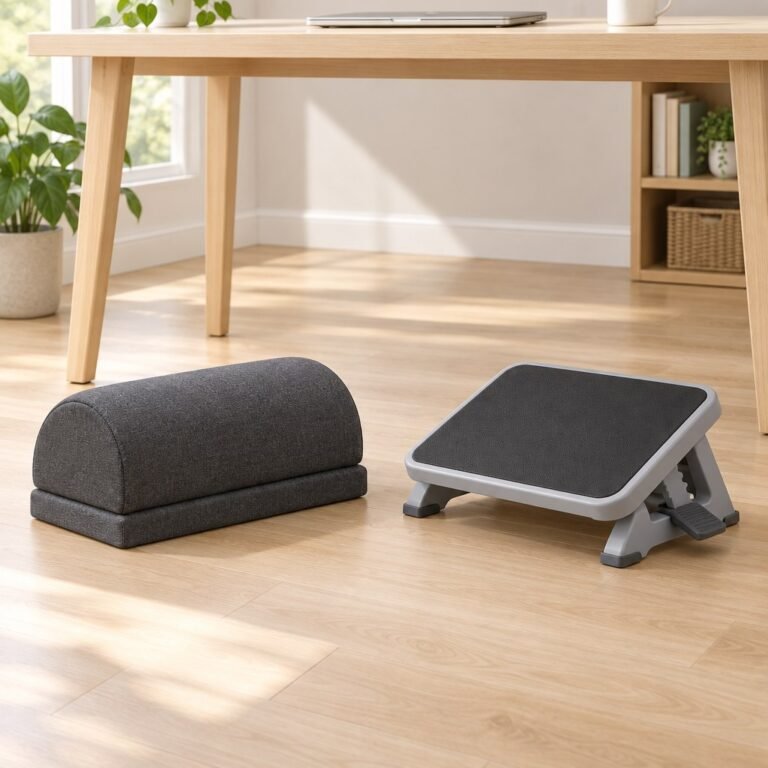
Compare five home-office footrest designs by support height, foam compression, floor space and adjustment method. Check model-specific limits and the worked no-fit example before buying.
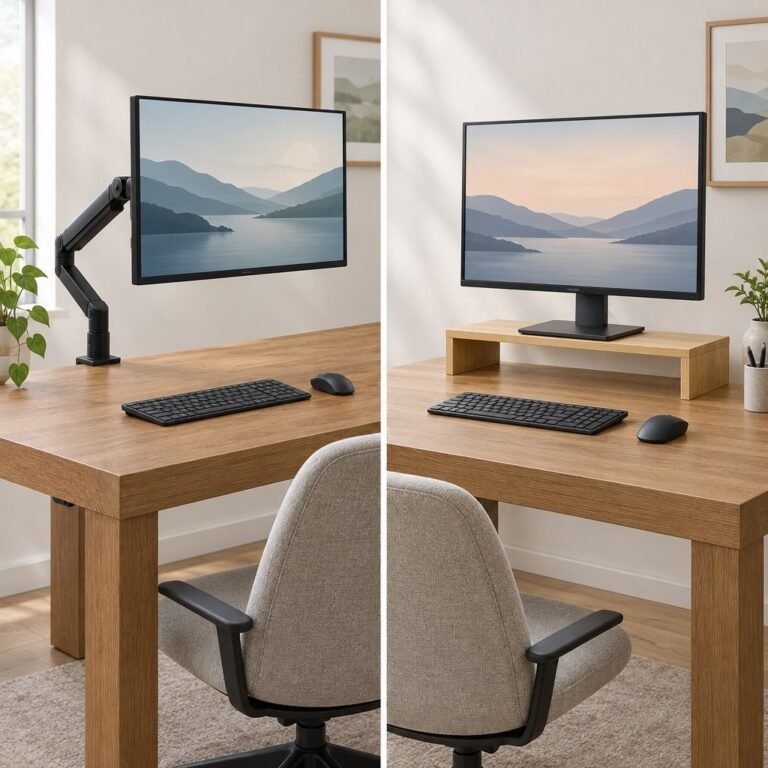
Compare a monitor arm and a riser by screen height, desk space, installation, and compatibility. Check what your setup needs before buying.
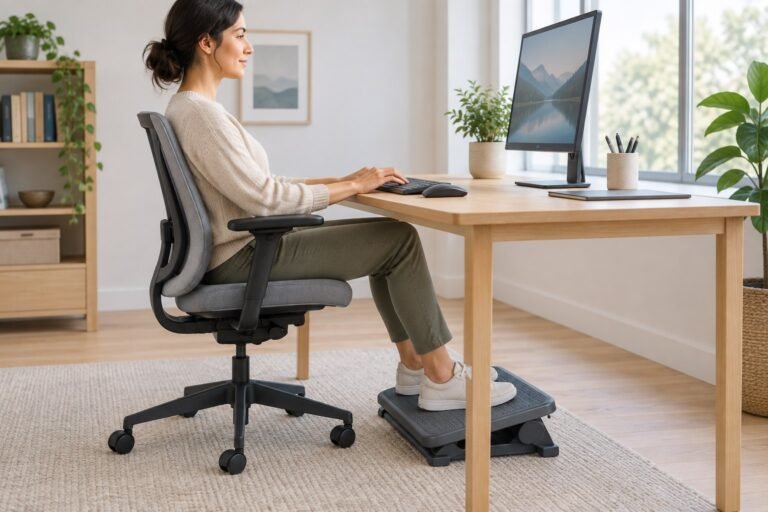
Find out when a footrest under your desk helps, how to adjust it, and what to check before buying one for your home office.
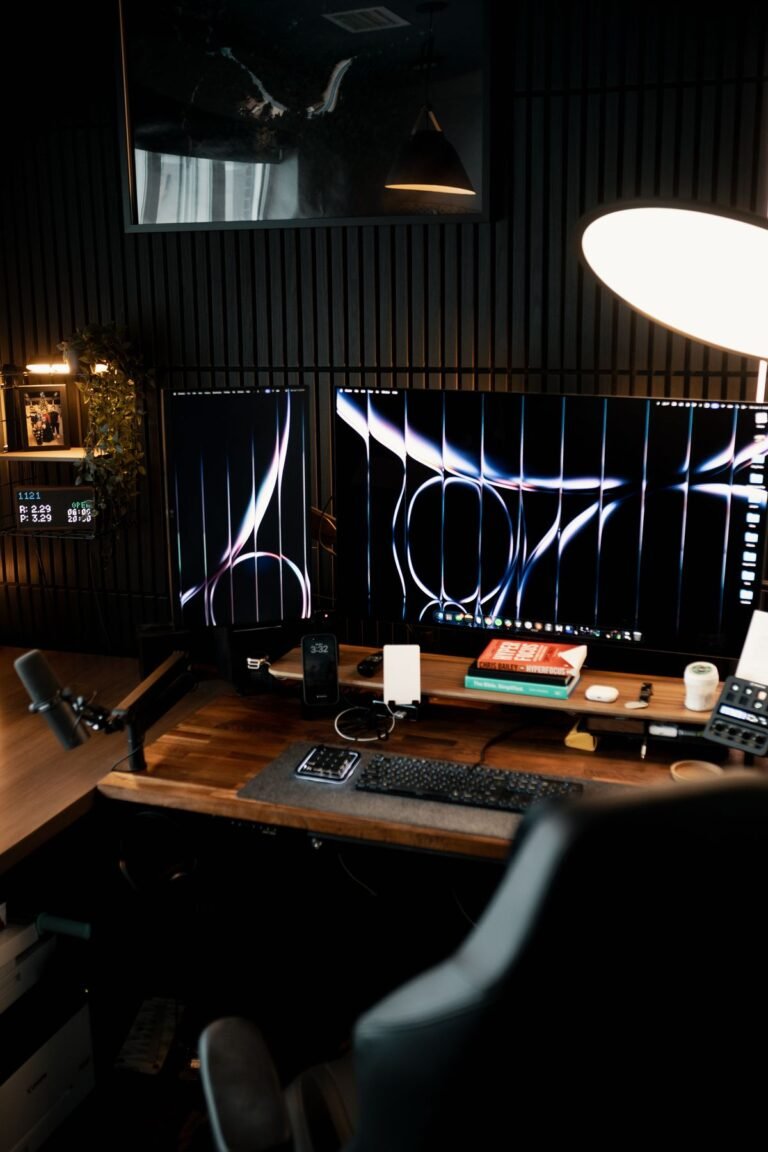
Set up two home office screens by how you use them, then check height, readable text, input devices, display settings, and connections.

Compare three under-desk cable trays by mounting method, desk compatibility, published dimensions, and the space your connected equipment needs.
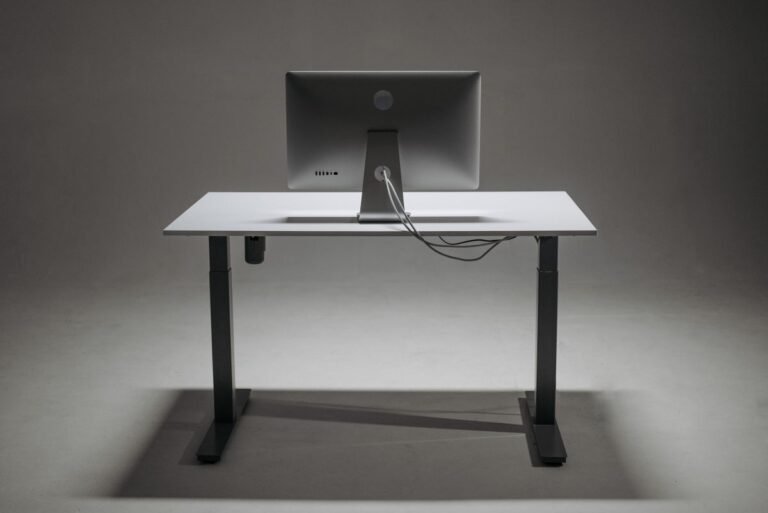
A practical sequence for organizing cables under your desk: arrange devices, remove unused leads, support the route, and check access and movement.
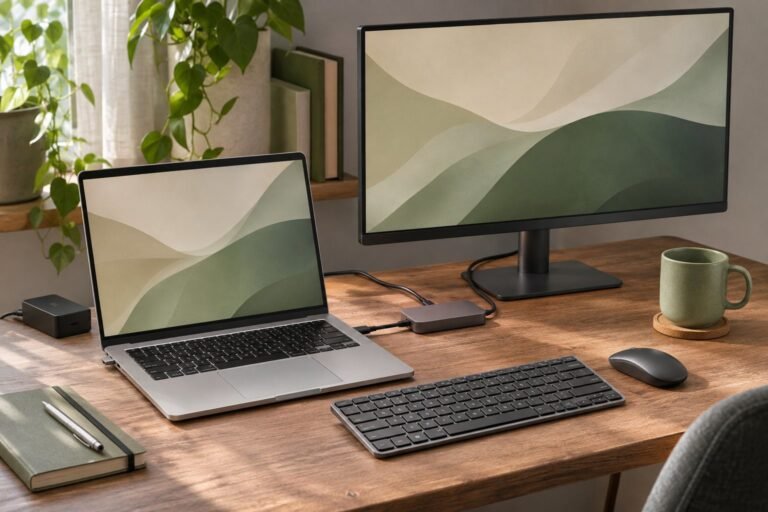
Choose between a USB-C hub and a docking station by checking your laptop, displays, charging needs, and desk devices before buying.

Arrange your keyboard and mouse for easier reach at a home office desk. A practical chair-first setup for height, distance, wrists, laptops, and narrow spaces.
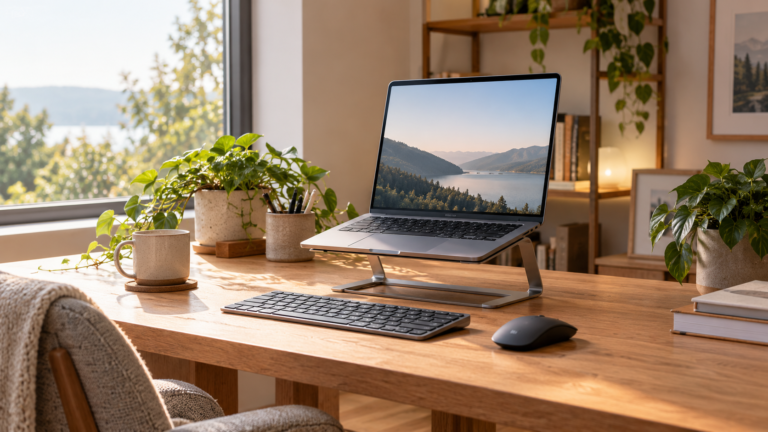
Compare four laptop stand styles for a home office: fixed, adjustable, travel, and value. Learn what to measure before buying and where each stand falls short.
We use cookies to improve your experience on our site. By using our site, you consent to cookies.
Manage your cookie preferences below:
Essential cookies enable basic functions and are necessary for the proper function of the website.
These cookies are needed for adding comments on this website.