
How to Reduce Monitor Glare in a Home Office
Separate direct light, screen reflections and text-readability problems. Use one-source checks and repeatable daylight settings before buying glare accessories.
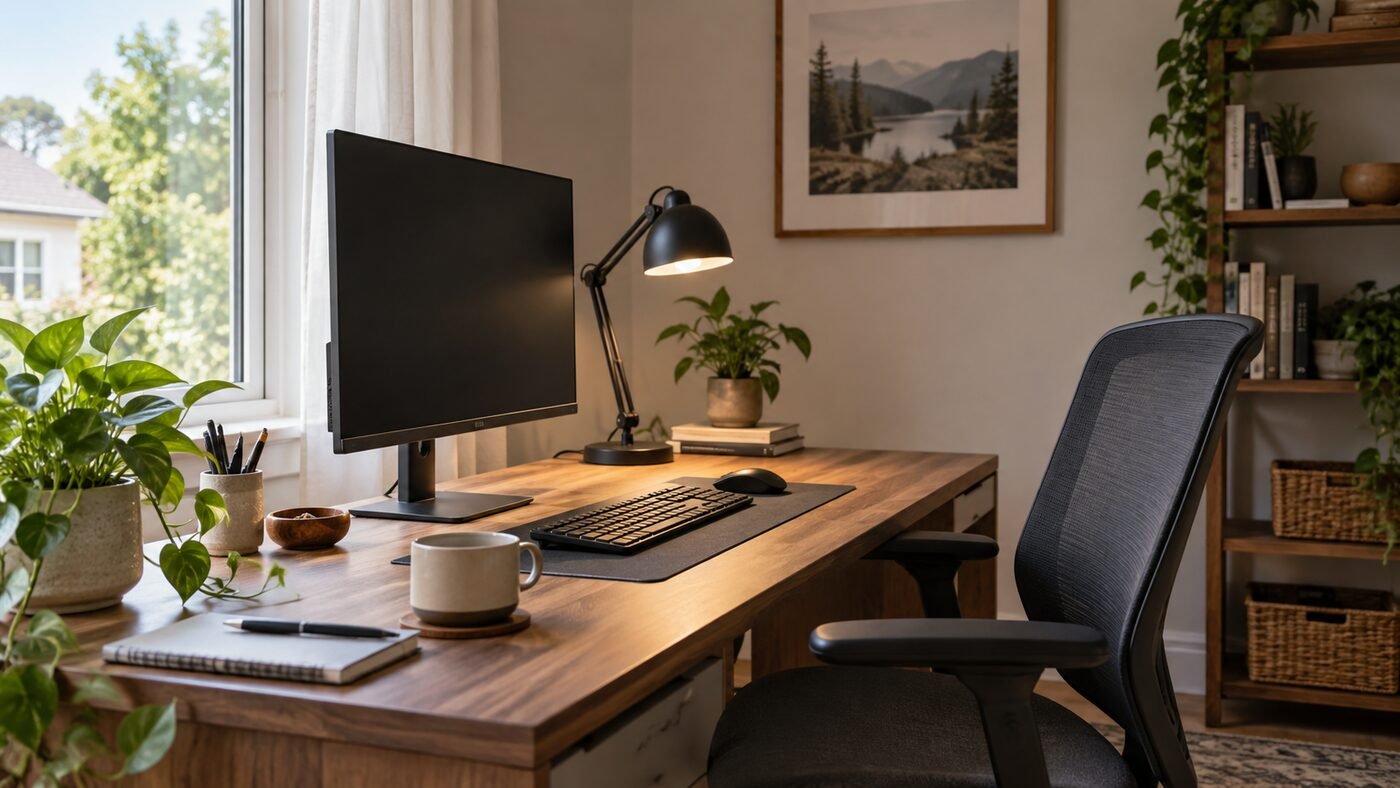
Separate direct light, screen reflections and text-readability problems. Use one-source checks and repeatable daylight settings before buying glare accessories.
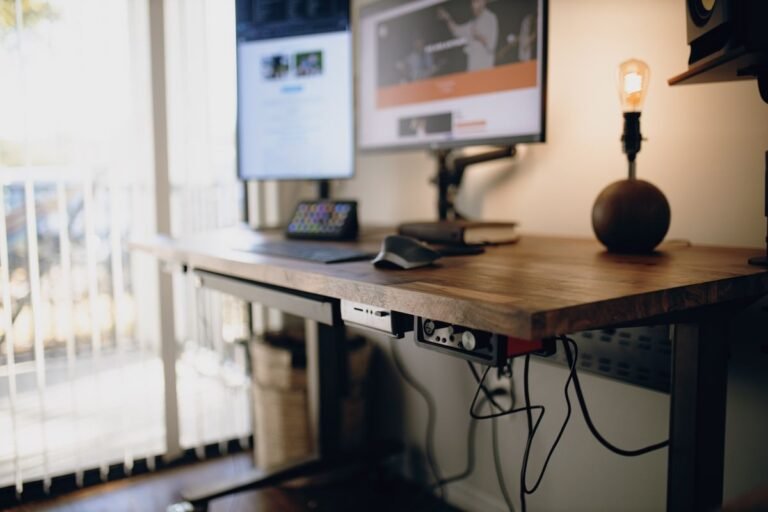
If you are choosing between a sitting vs standing desk for a home office, the most useful answer is not “standing is always better.” A well-adjusted seated desk can be comfortable and productive, while standing for hours can create its own fatigue. For most people, the better setup is one that makes it easy to…
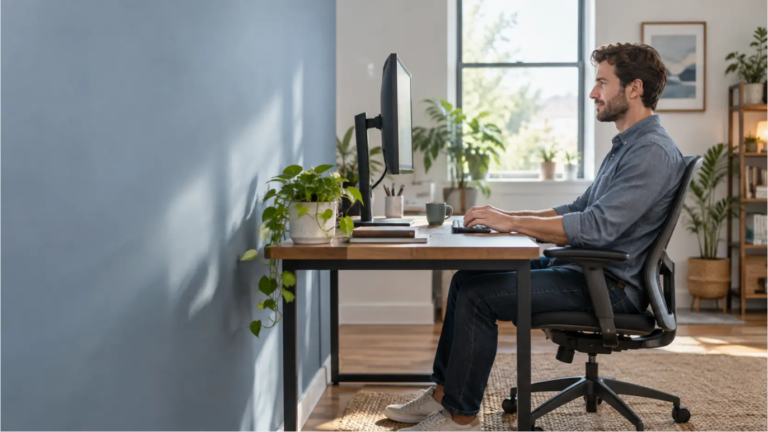
Measure monitor distance from your eyes to the screen, compare OSHA and CCOHS guidance, and test text scaling and shallow-desk placement one change at a time.
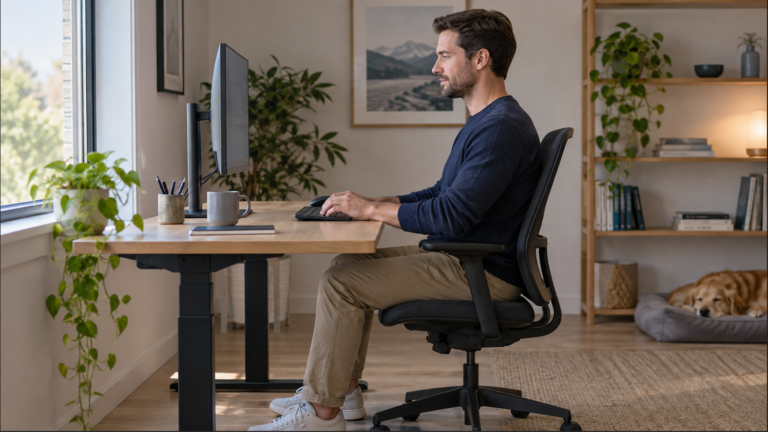
Start with the top of your monitor’s visible screen at eye level or slightly below it. Your eyes should look gently downward toward the main work area while your head stays comfortably balanced. OSHA uses this top-edge reference and places the screen’s center below the horizontal line of sight. Source: OSHA’s monitor guidance. After adjusting the height,…

Find a workable desk height by checking your chair, actual keyboard height and leg clearance. Use the fixed-desk decision table before choosing a footrest, keyboard tray or adjustable desk.
We use cookies to improve your experience on our site. By using our site, you consent to cookies.
Manage your cookie preferences below:
Essential cookies enable basic functions and are necessary for the proper function of the website.
These cookies are needed for adding comments on this website.