What Is the Best Desk Height for a Home Office?
When setting up a home office, most people spend a lot of time choosing the right office chair.
But there is another important factor that is often overlooked:
desk height.
A desk that is too high or too low can make it difficult to maintain a comfortable working position. You may find yourself raising your shoulders, bending your wrists, leaning forward, or constantly adjusting your chair.
So, what is the best desk height for a home office?
For many people, a desk around 28 to 30 inches high can be a reasonable starting point. However, there is no single desk height that works perfectly for everyone.
Your height, chair position, keyboard, monitor, and preferred working posture all affect the ideal setup.
The goal is not simply to find a specific number.
The goal is to position your desk so you can work comfortably while keeping your body in a natural position.
What Is the Standard Desk Height?
Most traditional office and computer desks are approximately 28 to 30 inches high.
This range works reasonably well for many adults, which is why it is commonly used for standard desks.
However, standard does not necessarily mean optimal.
A person who is significantly shorter or taller than average may find a standard-height desk uncomfortable.
For example, a desk that feels comfortable for one person may cause another person to raise their shoulders or lift their chair excessively.
This is why your chair and desk should be considered together.
How to Tell If Your Desk Is Too High
A desk that is too high can cause several noticeable problems.
You may find yourself:
- Raising your shoulders while typing
- Bending your wrists upward
- Keeping your elbows too high
- Feeling tension around your neck and shoulders
- Sitting too far away from the desk
- Raising your chair to reach the desktop comfortably
One simple sign is your shoulder position.
If you naturally have to lift your shoulders while your hands are resting on the keyboard, your desk may be too high.
Your arms should be able to rest comfortably without forcing your shoulders upward.
How to Tell If Your Desk Is Too Low
A desk that is too low can create a different set of problems.
You may notice that you:
- Lean forward toward the desk
- Bend your back or neck more than necessary
- Feel cramped underneath the desk
- Have difficulty positioning your monitor properly
- Keep your arms at an uncomfortable angle
If you constantly feel like you need to hunch forward while working, your desk height may be contributing to the problem.
However, posture problems are rarely caused by desk height alone.
Your chair, monitor position, keyboard, and working habits also matter.
What Is the Ideal Position for Your Arms?
One of the easiest ways to evaluate your desk height is to look at your elbows and forearms.

When sitting at your desk:
- Keep your shoulders relaxed
- Keep your elbows close to your body
- Let your forearms rest comfortably toward the keyboard
- Avoid significantly bending your wrists upward
- Keep your hands and keyboard at a comfortable working height
Your elbows should generally be around a right angle or slightly more open while using your keyboard.
The exact angle does not need to be perfect.
The more important thing is that your shoulders remain relaxed and you do not have to reach upward or downward to use your keyboard.
Your Chair Height Matters Too
A common mistake is trying to adjust the desk without considering the chair.
Your chair should be adjusted first so that your feet can rest comfortably on the floor and your legs are supported.
Then check the relationship between your elbows and the desk.
If your desk is fixed at a height that is slightly too high, you may need to raise your chair.
But this creates another problem if your feet no longer reach the floor comfortably.
In that situation, a footrest can sometimes help.
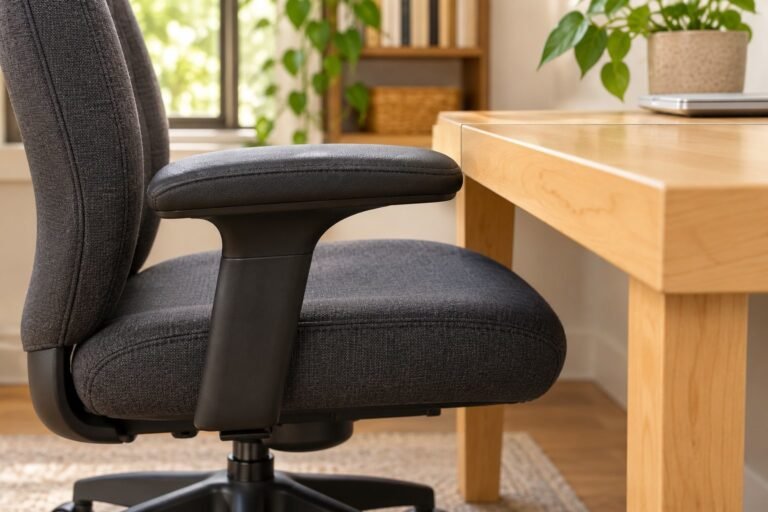
This is one reason an adjustable office chair can be useful in a home office.
If you want to compare different options, check out our guide to the Best Office Chairs Under $300.
What About the Keyboard and Mouse?
Your keyboard and mouse should also be considered when setting your desk height.
A desk may feel comfortable when your hands are resting on the desktop, but the actual working position can change once you start typing.
Your keyboard should be positioned so that you can use it without significantly bending your wrists upward or reaching forward.
Your mouse should be close enough that you do not have to constantly extend your arm.
If you use a large desk, it can be tempting to place the keyboard far away from your body.
That can cause unnecessary reaching and may make the entire setup feel less comfortable.
Keep the keyboard and mouse relatively close to your body and adjust your chair accordingly.
What About Monitor Height?
Desk height and monitor height are closely connected.
If your monitor sits directly on the desk, a low desk can result in a low monitor position.
You may then find yourself looking downward for long periods.
On the other hand, raising the monitor too much can create a different problem.
A good starting point is to position the monitor so that you can look at the screen comfortably without constantly bending your neck.
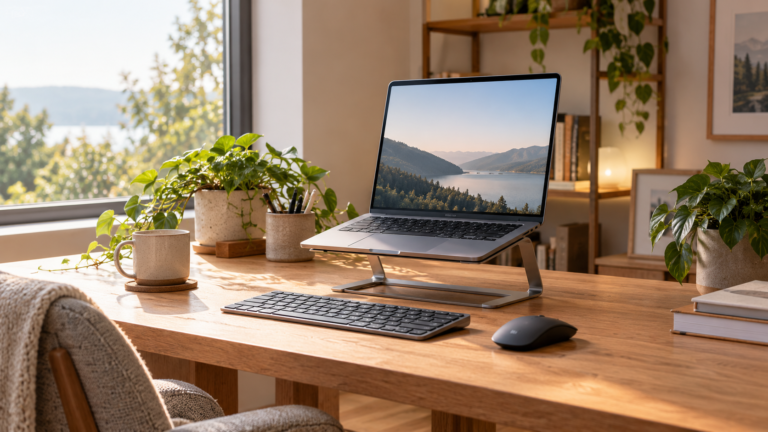
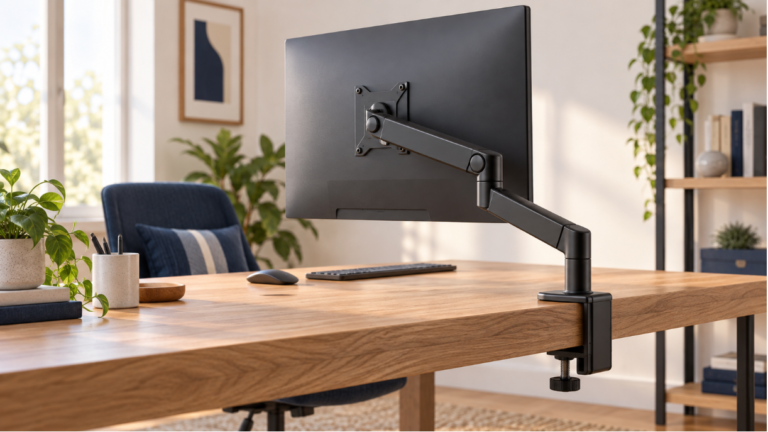
A monitor stand or monitor riser can be useful if the height of your desk and monitor do not work well together.
This is also one of the reasons desk accessories can make a noticeable difference in a home office setup.
Once your typing position feels comfortable, use our monitor height setup guide to adjust the screen independently.
A monitor stand can raise a low screen, but it does not correct a desktop that is too low for typing
How to Find the Right Desk Height for You
You do not necessarily need to buy an adjustable desk to find a comfortable working height.
Start with the desk you already have.
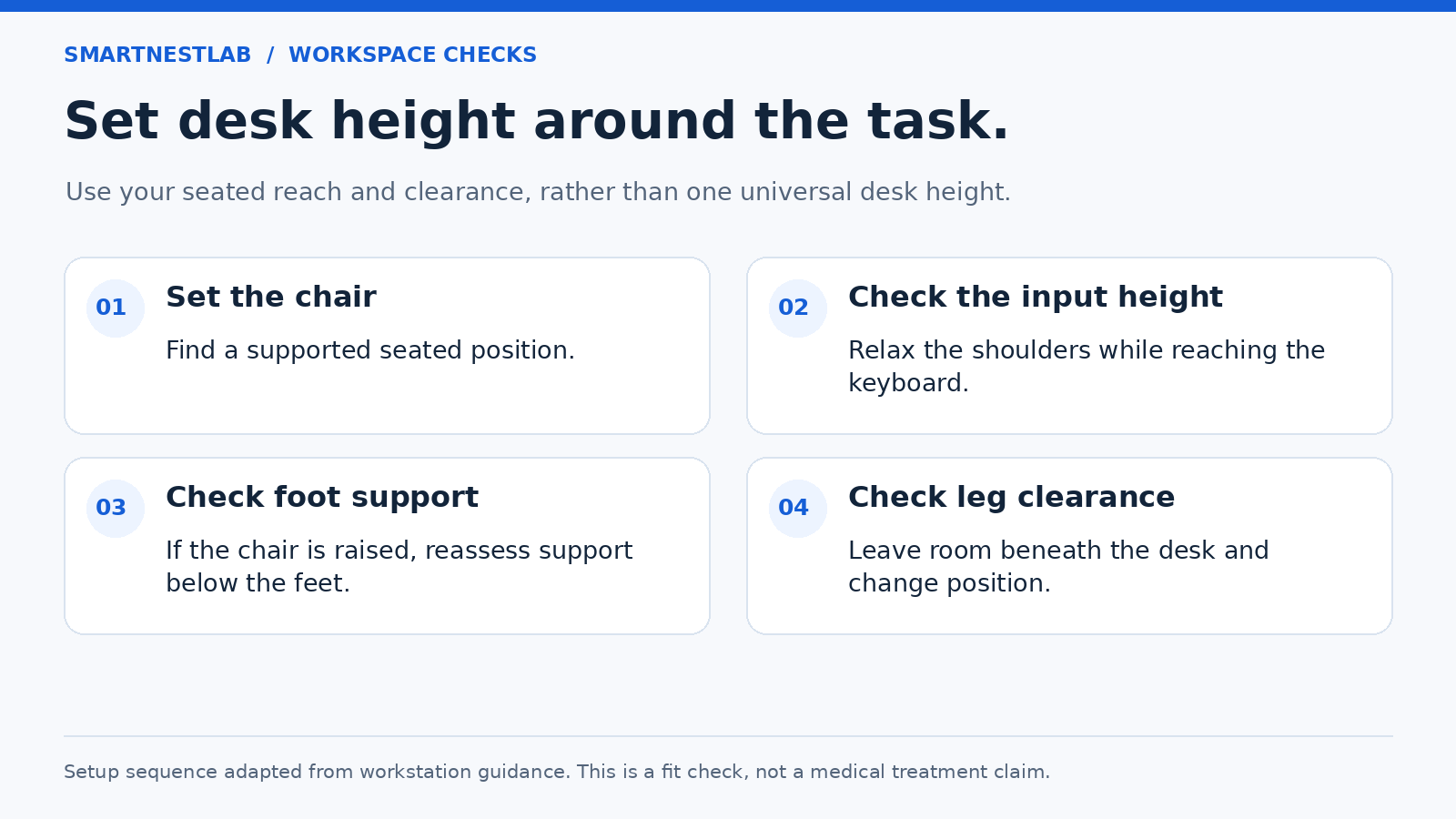
Step 1: Adjust Your Chair
Sit normally and adjust your chair so that your feet are comfortably supported.
Your knees should remain in a natural position and you should not feel like you are hanging from the edge of the chair.
Step 2: Relax Your Shoulders
Place your hands in your normal typing position.
Pay attention to your shoulders.
If you feel yourself raising them toward your ears, your desk may be too high.
Step 3: Check Your Elbows
Your elbows should remain comfortably close to your body.
You should not have to reach upward or significantly downward to use the keyboard.
Step 4: Check Your Wrists
Your wrists should feel relatively neutral while typing.
If you constantly bend them upward to reach the keyboard, consider adjusting the desk, chair, keyboard position, or keyboard tray.
Step 5: Check Your Monitor
Finally, look at your monitor.
Make sure you can use the screen comfortably without constantly bending your neck forward or downward.
Small adjustments to the monitor can sometimes make a bigger difference than changing the entire desk.
What If Your Desk Height Cannot Be Adjusted?
Many home office desks have a fixed height.
Fortunately, you still have several options.
If the desk is too high
You can try:
- Raising your chair if needed, while keeping your feet supported with a suitable footrest and ensuring enough clearance for your thighs
- Using a keyboard tray
- Moving the keyboard closer to the edge of the desk
- Using a footrest if your feet no longer reach the floor
If the desk is too low
You can consider:
- Raising the desk with stable risers
- Choosing a taller desk
- Switching to an adjustable-height desk
The important thing is to make sure any desk risers or supports are stable and designed to safely support the weight of the desk.
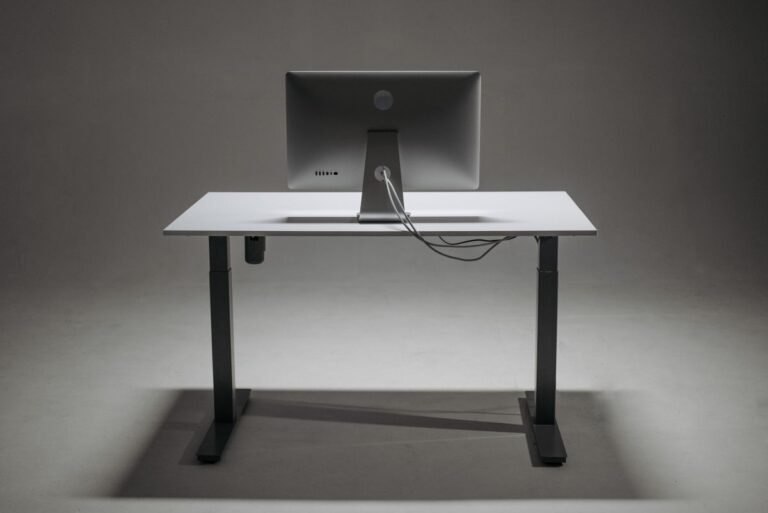
Are Standing Desks Better?
Standing desks have become increasingly popular in home offices, but they are not automatically better than traditional desks.
The main advantage is flexibility.
For a practical comparison of fixed and adjustable options, see our guide to sitting vs standing desks.
An adjustable standing desk allows you to alternate between sitting and standing instead of staying in one position throughout the entire workday.
This can be useful if you naturally prefer changing positions while working.
However, simply standing for hours is not necessarily the goal.
A good adjustable desk should allow you to find comfortable positions for both sitting and standing.
If you are considering a standing desk, pay attention to its height range rather than simply choosing a desk because it is labeled “standing.”
The lowest setting should work with your seated position, while the highest setting should allow you to work comfortably while standing.
Does Desk Height Depend on Your Height?
Yes.
Your body proportions have a significant influence on the ideal desk height.
Two people who are different heights may need different desk heights even if they use the same chair and monitor.
This is one reason fixed-height desks can sometimes be difficult to optimize.
A taller person may find a standard desk too low, while a shorter person may find the same desk too high.
If several people use the same workspace, an adjustable desk can provide more flexibility.
Is a 30-Inch Desk Too High?
Not necessarily.
A 30-inch desk is within the range of many standard desks, and plenty of people use desks around this height comfortably.
The problem is assuming that 30 inches is automatically right for everyone.
Your chair height, body proportions, keyboard position, and monitor height all influence whether a particular desk feels comfortable.
If your shoulders remain relaxed and your arms are comfortably positioned while working, the desk height may be perfectly suitable for you.
Should You Buy an Adjustable Desk?
An adjustable desk can be worth considering if:
- You frequently change between sitting and standing
- Multiple people use the same desk
- You are significantly taller or shorter than average
- You have difficulty getting comfortable with a fixed-height desk
- You want more flexibility in your workspace
However, you do not need an adjustable desk simply because it is marketed as ergonomic.
A well-adjusted traditional desk can work perfectly well for many people.
The important thing is whether the desk allows you to maintain a comfortable working position.
Don’t Forget the Rest of Your Workspace
Desk height is only one part of an ergonomic home office.
Your chair, monitor, keyboard, mouse, lighting, and ability to move throughout the day all contribute to how comfortable your workspace feels.
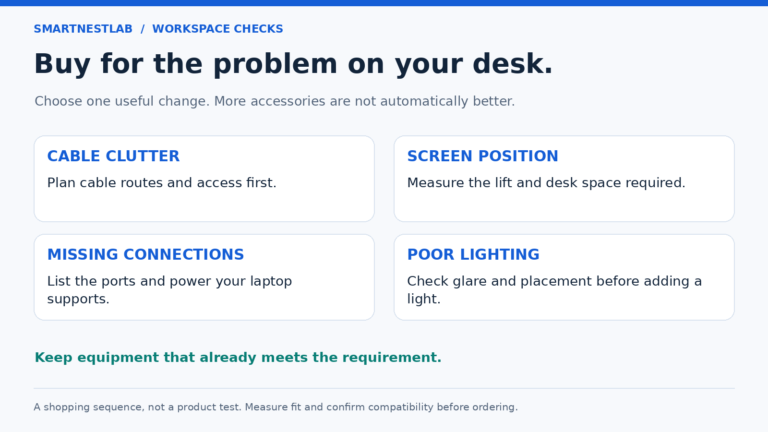
If you are building a home office from scratch, it can be helpful to look at the entire setup rather than trying to solve everything with one product.
For a broader overview, read our How to Set Up an Ergonomic Home Office: A Practical Guide.
You can then make smaller adjustments based on the way you actually work.
Final Thoughts
There is no universal desk height that is perfect for everyone.
A standard desk around 28 to 30 inches can work well for many adults, but your ideal height depends on your body proportions and the rest of your workspace.
Instead of focusing only on a specific measurement, check whether:
- Your shoulders remain relaxed
- Your elbows are comfortably positioned
- Your wrists remain relatively neutral
- Your feet are properly supported
- Your monitor can be viewed comfortably
- You can work without constantly leaning forward
If those things are working well, your desk is probably close to the right height for you.
The best desk height is the one that lets your entire workspace work together comfortably.