Sitting vs Standing Desk: Which Is Better for a Home Office?
If you are choosing between a sitting vs standing desk for a home office, the most useful answer is not “standing is always better.” A well-adjusted seated desk can be comfortable and productive, while standing for hours can create its own fatigue. For most people, the better setup is one that makes it easy to change positions and move during the day.
That does not automatically mean you need an expensive electric desk. A fixed desk, a desk converter, or a full sit-stand desk can all work. The right choice depends on your work, available space, budget, and whether you will actually use the standing position.
Sitting vs Standing Desk: The Short Answer
A sit-stand desk is usually the most flexible option, but alternating positions matters more than standing all day. Choose a fixed sitting desk if it fits your body, budget, and work habits well. Choose a height-adjustable desk when you want frequent position changes and can set up the monitor, keyboard, and cables correctly at both heights.
| Setup | Best for | Main tradeoff |
|---|---|---|
| Fixed sitting desk | Limited budgets, seated focus work, stable equipment | Requires deliberate movement breaks |
| Full sit-stand desk | People who want easy position changes throughout the day | Higher cost, more setup variables |
| Desktop converter | Renters or anyone keeping an existing desk | Uses desktop space and may change keyboard depth |
| Standing-only desk | Short tasks or a secondary work zone | Not ideal for continuous computer work |
What a Sitting Desk Does Well
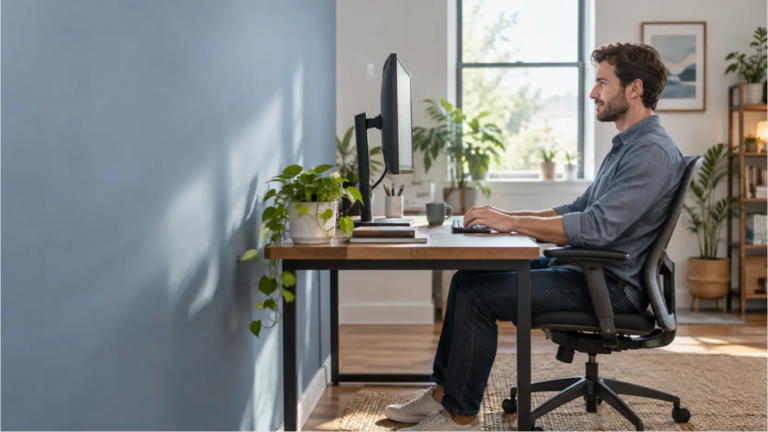
Sitting provides a stable base for precise keyboard and mouse work. It is often easier to keep your screen, input devices, documents, and speakers in consistent positions. A supportive chair also carries some of your body weight, which can be useful during long concentration-heavy tasks.
The problem is usually not the chair itself. It is staying in one position for too long or trying to work at a desk that does not fit. If the surface is too high, your shoulders may rise as you type. If it is too low, you may round forward. Our guide to the best desk height for a home office explains how to match the surface to your elbow height instead of relying on one universal number.
A fixed desk is a sensible choice when it can be adjusted indirectly with the chair and, if needed, a footrest. It can also be the better value if most of your work is performed seated and you already take regular walking breaks.
What a Standing Desk Does Well
A standing desk makes position changes easier without forcing you to stop working. You can raise the surface for a video call, reading session, or a short block of email, then lower it when you want more support for detailed work. That flexibility is the main benefit—not the idea that standing is exercise.
A 2018 randomized trial of the SMArT Work programme found less occupational sitting at 12 months. The programme combined adjustable workstations with education, feedback, prompts and coaching. That result does not isolate the desk’s effect or establish that buying one will improve an individual reader’s health. Use the desk to support position changes while keeping opportunities to move away from screen work.
Standing also has limits. Staying upright without moving can make your feet, legs, or lower back feel tired. Hard floors, unsupportive footwear, locked knees, and a surface that is set too high can make the experience worse. If your plan is to replace eight hours of sitting with eight hours of standing, the desk will not solve the underlying problem: too little variation.
Is Standing Healthier Than Sitting?
Standing uses somewhat more muscle activity than supported sitting, but the difference is not enough to turn desk work into a workout. The more defensible advantage is behavioral: when the desk is easy to raise, you have another way to interrupt a long seated period.
Mayo Clinic’s office ergonomics guidance recommends changing position, standing, and moving rather than staying in the same posture for hours. That is a useful way to frame the decision. There is no single “healthy” desk position that removes the need to move.
If you have an injury, balance problem, circulation concern, or persistent pain, generic desk advice may not fit your situation. A healthcare or ergonomics professional can help you decide how much standing is appropriate.
Who Benefits Most From a Sit-Stand Desk?
- People who lose track of time while seated. A saved standing preset can provide an easy cue to change position.
- Workers with varied tasks. Standing may suit calls and reading, while sitting may feel better for detailed editing or design work.
- Shared home offices. A wide adjustment range can accommodate two users more easily than one fixed surface.
- People whose desk height does not match their body. An adjustable frame can solve a fit problem that a chair alone cannot.
- Anyone who already knows they enjoy standing in short blocks. Trying a counter or temporary riser first can reveal whether you will use the feature.
When a Fixed Sitting Desk May Be Better
A sit-stand desk is not automatically the best use of your budget. A fixed desk may be the better choice if an adjustable model would force you to compromise on stability, desktop size, storage, or chair quality. It also makes sense when you cannot stand comfortably or your work depends on heavy equipment that should not move.
Before replacing a usable desk, check whether a better chair adjustment, footrest, keyboard tray, monitor riser, or more frequent movement break solves the actual problem. Our ergonomic home office setup guide walks through the whole workstation rather than treating the desk in isolation.
How to Set the Correct Sitting and Standing Heights
Do not choose a desk height from an online chart and assume it will be exact. Shoes, keyboard thickness, arm length, chair height, and personal comfort all affect the final setting. Use these checkpoints at each position.
At sitting height
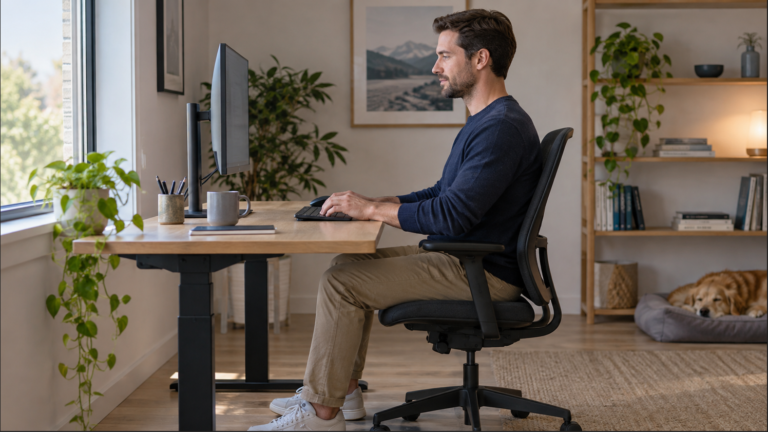
- Place your feet flat on the floor or on a stable footrest.
- Keep your shoulders relaxed and your upper arms near your sides.
- Set the work surface so your elbows are roughly level with the keyboard.
- Keep the mouse close enough that you do not reach forward.
- Support your back without pressing the backs of your knees into the seat.
At standing height
- Stand close to the desk with weight distributed comfortably.
- Relax your shoulders rather than lifting them toward your ears.
- Raise or lower the surface until your forearms are approximately parallel to it.
- Keep wrists straight while typing and mousing.
- Avoid leaning your body weight onto the desk edge.
After changing the desk height, check the display too. The monitor should remain directly in front of you, at a comfortable viewing distance, with the top area of the screen around eye level for many users. See how high your monitor should be for a more complete adjustment process.
Check both positions: confirm keyboard height, monitor position and cable reach at your seated and standing settings.
A Practical Two-Week Sit-Stand Routine
CCOHS notes that recommended intervals vary and emphasizes alternating as needed. The table below is our planning example for evaluating a new setup, not a tested training programme or a prescribed sitting-to-standing ratio. You do not need to reach a standing-time target.
| Review point | What to try | What to record |
|---|---|---|
| First few days | Try a brief standing task only when comfortable; return to sitting before fatigue | Whether both desk heights fit, and whether cables remain free |
| End of the first week | Compare a call, reading task and detailed keyboard task in your preferred positions | Any leaning, reaching or repeated height correction |
| Second week | Keep transitions that are useful; revise awkward tasks or settings | Whether the feature gets used without forcing longer standing |
| Ongoing | Include breaks away from the workstation and vary activity | Usability and comfort rather than a standing-time score |
Lower the desk before discomfort becomes the reminder. A short walk to refill water or look out a window gives your body and eyes a different stimulus than simply standing still. On busy days, even changing position between tasks can be easier to maintain than a strict hourly schedule.
Five Common Standing Desk Mistakes
1. Standing for the entire workday
The goal is variation. If your legs or feet are tired, sit down or walk instead of treating standing time as a score.
2. Saving only one standing preset
Recheck the preset after changing shoes, adding a keyboard pad, or moving equipment. Small height changes can affect your shoulders and wrists.
3. Leaving the monitor at sitting height
If the screen does not move with the work surface, you may look down or crane forward when standing. A riser or monitor arm can help when the display needs independent adjustment. Compare practical options in our guide to the best monitor arms for a home office.
4. Ignoring cables and clearance
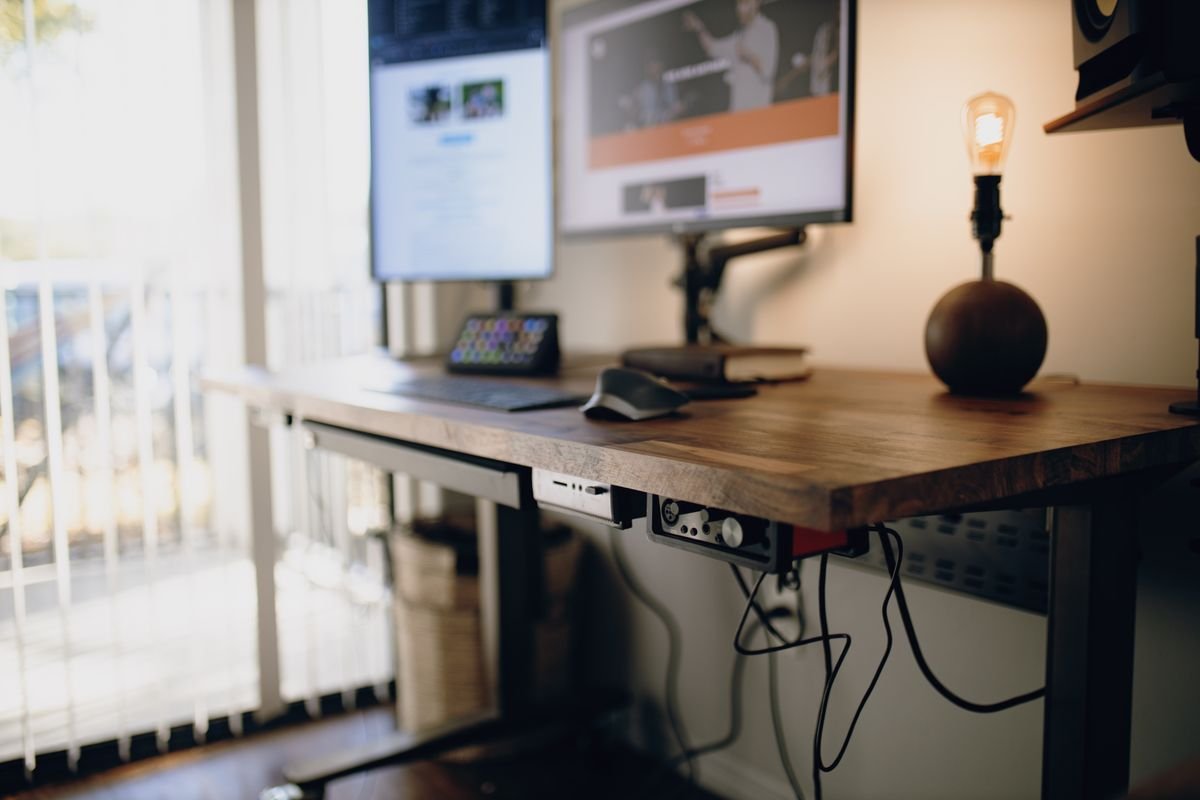
Follow the exact desk’s assembly and movement instructions. Before operating it, check clearance above, below and around the desktop, including drawers, shelves and wall fixtures. Confirm cable slack and connected-device placement throughout the permitted travel; stop if anything catches or tightens. Our cable routing guide covers the moving desktop’s route to stationary equipment.
5. Buying accessories before identifying the problem
An anti-fatigue mat may improve comfort on a hard floor, but it does not fix a desk that is too high. A monitor arm adds range, but only if your monitor is compatible and the desk can support the clamp. Start with fit and movement, then add accessories that solve a specific limitation.
Should You Buy a New Desk or a Converter?
Use this quick decision framework before spending money:
- Keep your current desk if it fits well, feels stable, and the main issue is forgetting to move.
- Add a converter if you rent, have a limited budget, or want to test standing without replacing furniture. Measure the keyboard depth and the converter’s lowest working height first.
- Choose a full sit-stand desk if you want one large surface to move together, need presets, or share the workstation.
- Create a secondary standing zone if only calls, reading, or planning feel better upright. A safe counter-height area may be enough.
For an adjustable desk, check the height range, lifting capacity, desktop dimensions, stability at full height, control type, warranty, and cable-management options. Measure your seated and standing elbow heights before comparing product specifications.
Frequently Asked Questions
How long should you stand at a standing desk?
There is no duration that fits everyone. CCOHS recommends allowing time to adapt and changing position as needed. Keep standing periods comfortable, switch before fatigue develops and preserve breaks away from the computer. Follow individual advice if you have been given a specific plan.
Is a standing desk good for back pain?
Some people feel better when they can change positions, but a standing desk is not a treatment and standing can also be uncomfortable. Persistent or worsening pain deserves individual medical advice.
Do you need an anti-fatigue mat?
Not necessarily. A mat can make short standing periods more comfortable on a hard floor, but supportive footwear, position changes, and correct desk height come first. Make sure any mat does not create a trip hazard around the chair.
Are manual standing desks worth considering?
Yes, if you change height infrequently and do not mind using a crank. Electric presets are more convenient for frequent transitions, but a stable manual frame can offer good value with fewer electronic parts.
Choose by Fit and Actual Use
In the sitting vs standing desk debate, neither position wins for an entire workday. A height-adjustable desk offers useful flexibility, but its value depends on whether you change positions and set up both heights correctly. A well-fitted fixed desk plus regular movement can still be a practical, budget-conscious home office solution.
Choose the setup that makes position changes easy while keeping both working heights usable. Recheck the seated position before judging the standing feature; the footrest setup guide helps when a fixed surface leaves the feet unsupported.
Evidence and guidance checked October 23, 2026: CCOHS sit/stand desks; HSE work routine and breaks; Edwardson and colleagues, SMArT Work trial, BMJ 2018. This is a research-based decision guide; the review sequence above is our proposed way to assess a setup, not a result from product testing.