Are Expensive Office Chairs Worth It? What You Actually Pay For
Expensive office chairs can be worth it when the extra cost buys an adjustment, fit, or service option you actually need. A price tag alone cannot establish comfort or useful lifespan. Compare the exact models against your body, desk, tasks, and purchase terms before deciding to spend more.
Start by naming the limitation in your current setup. Is the seat too deep, the minimum height too high, or an armrest stopping you from reaching the keyboard? If you cannot identify what the replacement needs to change, a higher budget does not make the choice clearer.
This is a research-based comparison framework, not a hands-on chair test or a current market-price survey. The cost figures below are hypothetical. We checked the linked workplace guidance on October 26, 2026.
When Paying More Has a Clear Purpose
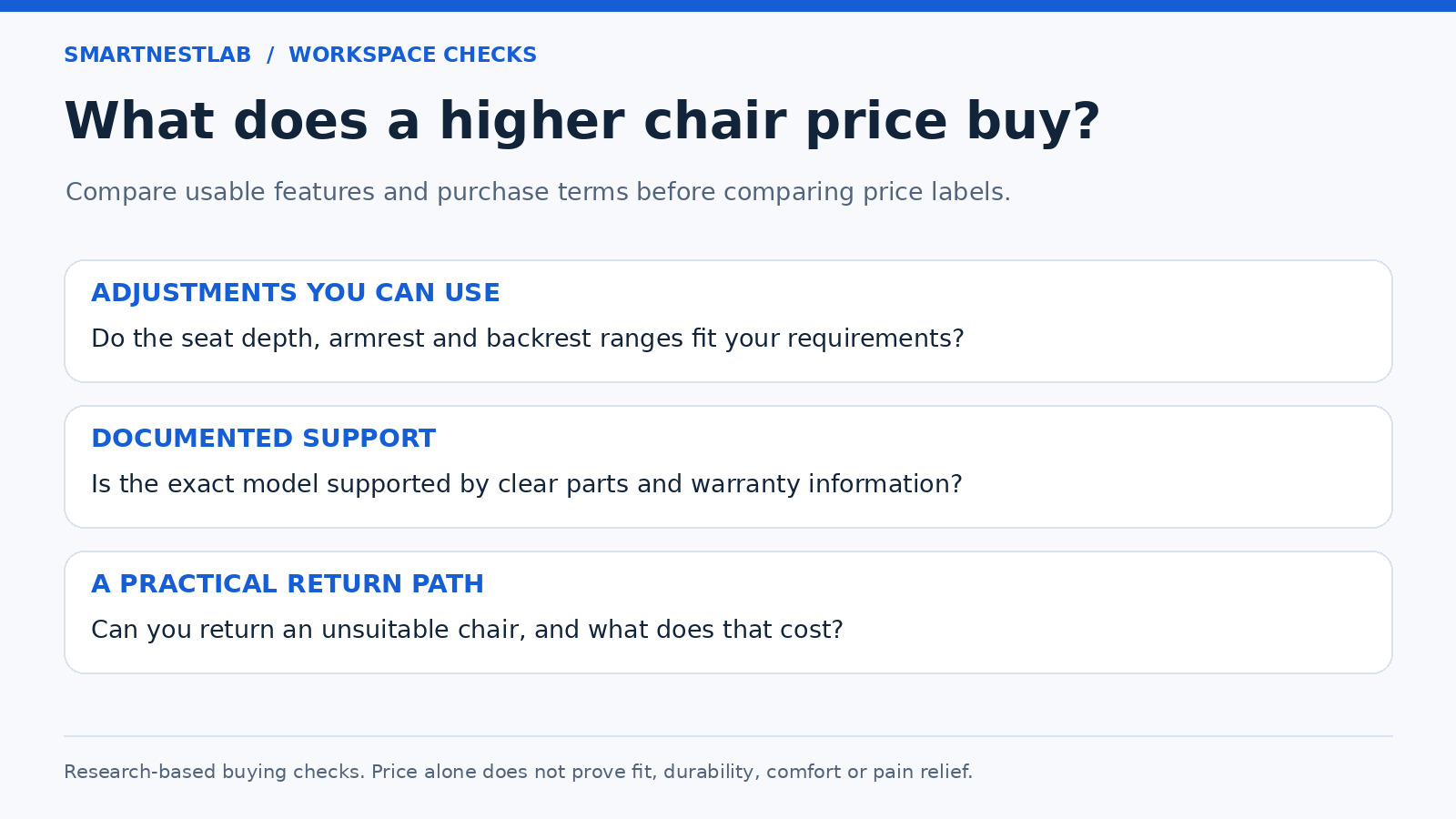
Use the table as a set of questions for two specific chairs. These are our buying checks, not features guaranteed by any price category.
| Problem to solve | What could justify extra cost | Reason to pause |
|---|---|---|
| The seat does not fit your leg length | A documented usable seat-depth range that reaches your required position | The seller lists only overall depth or the amount of seat travel |
| Armrests obstruct typing or desk access | Height, width, or position adjustments with suitable ranges | “4D” describes directions but supplies no dimensions |
| Back support lands in the wrong place | A backrest or support adjustment you can try in your working position | The support remains uncomfortable at every available setting |
| The chair is shared | Usable adjustment ranges and accessible controls for each person | One user falls outside the documented range |
| You want to maintain the chair | Available model-specific parts and written service terms | Repair availability or coverage is assumed from the brand name |
Working at a desk all day makes fit worth careful attention, but it does not set a minimum purchase price. A less expensive chair that meets your requirements can remain a sensible choice. Equally, a chair used occasionally still needs to fit; short sessions do not make an unsuitable seat suitable.
Compare Adjustment Ranges, Not the Number of Controls
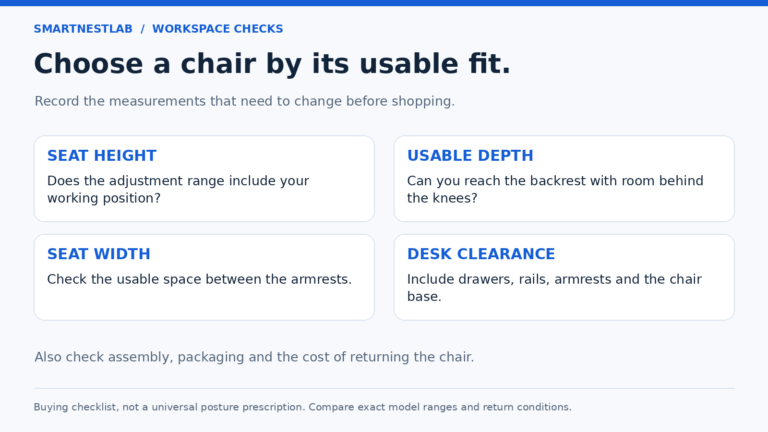
CCOHS explains that an “ergonomic” label does not guarantee individual fit. Its selection guidance considers seat height and depth, back support, width, armrests, and the tasks performed. Use our chair measurement checklist to record your requirements before comparing offers.
For seat-depth adjustment, ask for both ends of the usable range. Two inches of travel means little if neither end fits. For armrests, compare the space between them and their position relative to your desk, including drawers or an apron. A feature count cannot answer those questions.
Where a trial is available, use normal work rather than a brief showroom recline: sit against the backrest, type, point with the mouse, and change position. Try the controls you expect to use. A complicated lumbar mechanism is not an advantage if you cannot find an acceptable setting. Keep any trial within the seller’s stated conditions.
Materials and Recline Need Their Own Checks
Mesh, fabric, foam, and metal describe materials rather than a quality ranking. Check whether “mesh chair” means a mesh back, a mesh seat, or both. Review the exact cushion, frame, cleaning instructions, and replacement options instead of assuming that every model in one price bracket uses better components.
For recline, compare how the mechanism moves, the available tension or locking controls, and the clearance behind the desk. A higher number of positions is useful only if those positions suit your work. We have not measured comfort, wear, or mechanism performance for the chairs discussed in our buying guides.
Reclining also does not replace time away from the workstation. The HSE work-routine guide favors frequent short breaks or activity changes that allow movement, rather than relying on one long break after sustained screen work.
Check Returns, Warranty, and Repair Before Ordering
Compare the offer you can actually buy, including its selected version and seller. A manufacturer page and a marketplace listing may cover different configurations. Ask for missing terms before purchase rather than treating the most favorable description as applicable to both.
- Returns: Can an assembled chair be returned, who pays shipping, and what packaging must be kept?
- Warranty: Which components and uses are covered, what exclusions apply, and how is a claim handled?
- Repairs: Are suitable parts available for the exact model, at what quoted cost, and who performs the work?
- Complete price: Include delivery, tax, and any required accessories or services.
A warranty is a set of coverage terms, not a guarantee that the chair will remain comfortable for that many years. Replacement parts also need model-specific compatibility. Do not assume that a chair cylinder, caster, or arm pad is interchangeable solely because it looks similar.
Compare Cost Without Assuming a Longer Life
Illustrative calculation only: divide purchase plus repair costs by the years you actually use the chair. The table uses purchase cost alone to show how the assumed lifespan changes the result; these are not measured chair lifespans or current product prices.
| Assumed purchase cost | Assumed useful life | Purchase cost per year |
|---|---|---|
| $150 | 3 years | $50 |
| $450 | 3 years | $150 |
| $450 | 9 years | $50 |
In this simplified example, the $450 chair must last three times as long to match the $150 chair’s annual purchase cost. Repairs, resale value, shipping, and changes in your needs would change that comparison. Paying more can still be reasonable for an adjustment you need now, but do not justify the purchase with an unverified durability claim.
Compare your own cost assumptions
Use USD for both chairs. Enter the complete purchase cost, including delivery, tax and required extras, plus any assumed repair cost. Years are your scenario—not a warranty or predicted lifespan. The starting values reproduce the hypothetical $150/3-year and $450/9-year examples above.
With the sample values, both chairs cost $50 per year before any repairs.
Formula: (complete purchase cost + assumed repairs) ÷ assumed years. Try Chair B at 3 years as well as 9. This simple comparison excludes resale value, financing and the time value of money. The calculator runs in this page and does not save or send these inputs.
Set a Budget, Then Eliminate Poor Fits
There is no reliable rule that under $100 means occasional use, $200–$300 means the best balance, or over $300 means maximum durability. Use price as a spending limit and compare actual specifications within it. A sale price, finish, optional headrest, or different seller can change the offer without changing whether the seat fits.
Our office chair fit comparison compares five documented designs and their adjustment limits. Use it to identify features worth paying for in your setup, then confirm the selected model, total checkout cost, measurements and return terms. Current offers are not ranked by price.
When Keeping Your Current Chair Makes Sense
If the current chair is serviceable, first review its existing adjustments and the surrounding workstation. A high keyboard, deep desk edge, or poorly positioned mouse can remain a problem after a chair upgrade. Use our home-office setup guide to check those relationships.
For wear or a failed component, use our repair-or-replace checks and the manufacturer’s instructions. Compare a real repair quote with the complete replacement cost. A damaged or unstable chair needs assessment; adding a cushion is not a repair for a structural fault.
Spend more when a verified feature or service option solves an identified need. Keep a suitable working chair when the replacement adds little. If the required fit information or purchase terms remain unclear, pause the purchase rather than choosing by price alone.