How to Choose an Office Chair: 7 Things to Look For
To choose an office chair, compare its actual adjustment ranges with a working reference from your own chair and desk. Check seat height and depth first, then arm clearance, back support, movement and return terms. Feature names alone do not establish fit.
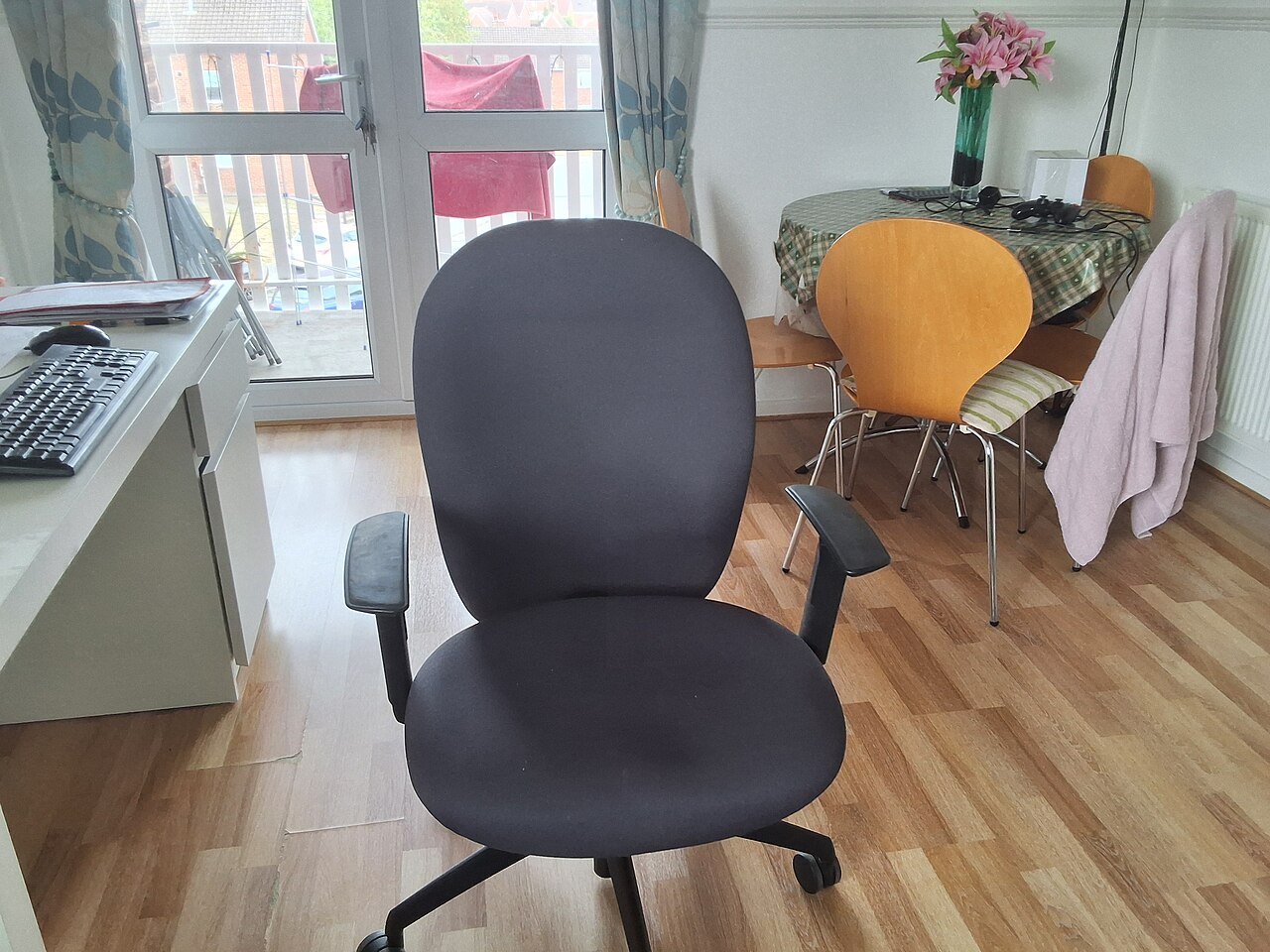
Chair-fit checks and visual presentation updated October 28, 2026. This is a research-based setup and purchase guide, not a hands-on chair test. Use the photograph as an example and compare the measurements with your own working position.
Make the measurements comparable
Wear your usual footwear. Use your normal keyboard position with your back supported and feet supported. Adjust the chair and desk together. A current chair that already fits poorly is not a target to copy.
Record seat height from the floor to the seating surface and usable depth from the effective back-support position to the front edge. Note your seated condition and any cushion or lumbar accessory. Do not substitute the total frame or package depth.
Ask whether the seller’s numbers are loaded or unloaded, which backrest position they use, and both endpoints of any adjustment. If the methods differ or an endpoint is unknown, mark the comparison “unresolved” rather than guessing.
With your back supported, check that the front edge leaves clearance behind your knees and lower legs rather than pressing against them. CCOHS’s seated adjustment steps explain the relationship between the seat, desk and foot support. These notes document your setup; they are not a medical assessment.
Record Your Measurements Before Comparing Chairs
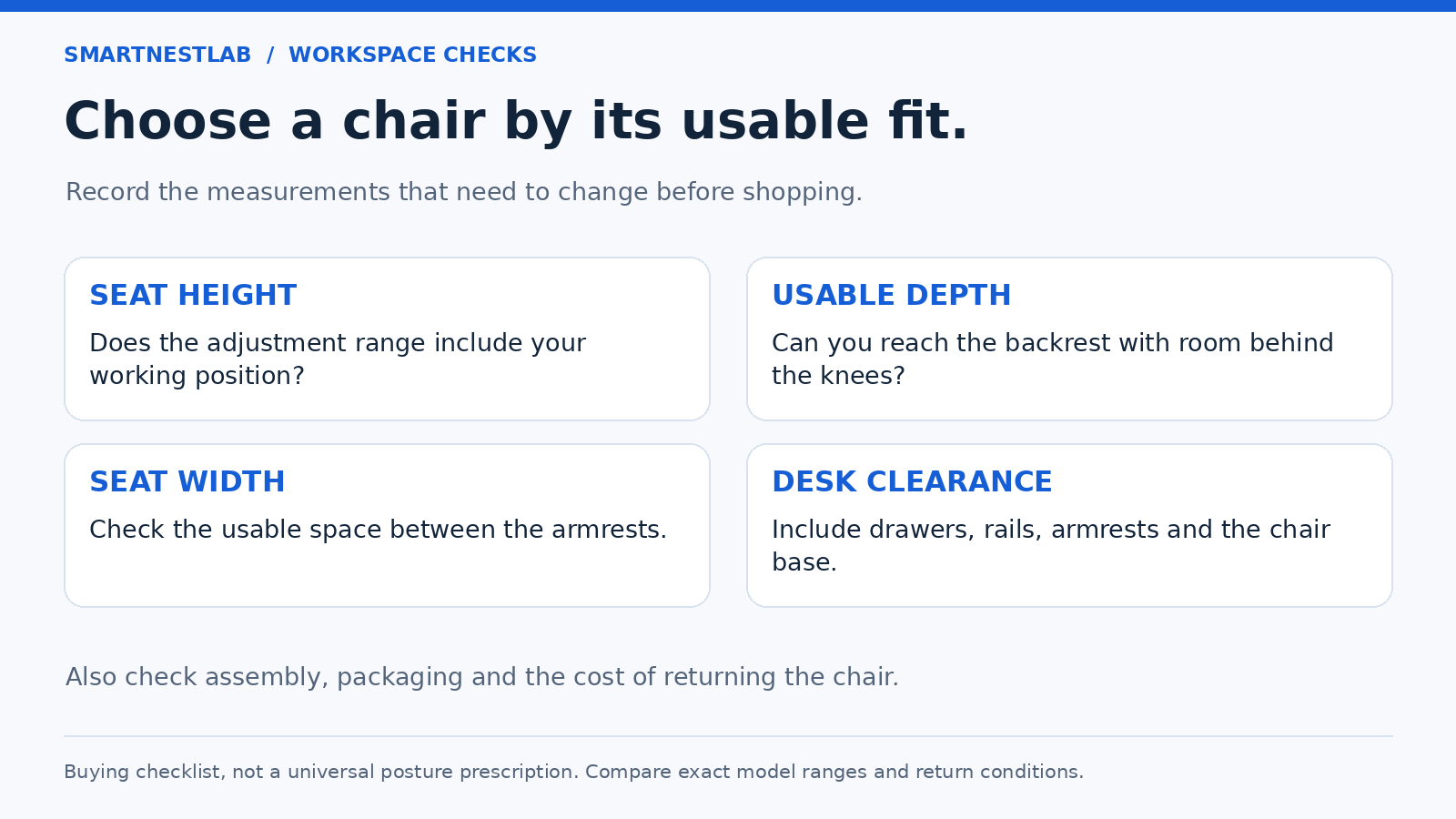
| Record from your setup | Ask the seller for | What to check |
|---|---|---|
| Seat height at a workable keyboard position with feet supported | Minimum and maximum seat height | The range includes the position you need |
| Usable depth with your back supported and clearance behind your knees | Usable seat depth and any sliding range | The backrest and seat can work together |
| Clear width between the arms | Seat width and arm spacing | Usable space, rather than total chair width |
| Desk opening beneath drawers or apron | Armrest height range at your selected seat height | You can approach the keyboard without reaching |
| A realistic way to try the chair | Return window, assembly restrictions, packaging and shipping costs | You can return a poor match on acceptable terms |
These checks apply the fit principles in OSHA’s chair guidance and CCOHS’s chair adjustment guide. Dimensions narrow a shortlist; they do not guarantee comfort. If the whole desk arrangement needs attention, start with our home office setup guide.
A Worked Example: Does the Range Include Your Reference?
Illustrative measurements, not product specifications: suppose your current setup works at a 44cm seat height and about 43cm usable seat depth. You are comparing two hypothetical chairs:
| Check | Chair A | Chair B |
|---|---|---|
| Seat-height range | 47–55cm: cannot reach the 44cm reference | 42–50cm: includes 44cm |
| Usable seat depth | Fixed 48cm: deeper than the reference | 40–46cm: includes 43cm |
| Shortlist decision | Do not assume extra features resolve the mismatch | Worth a fit trial; armrests, backrest and desk clearance still need checking |
This example does not prescribe a seat height or depth for you. Use your own reference, and confirm how the seller measures the seat. An overall or shipping-box dimension cannot replace a usable seat measurement. The seven checks below explain what to assess during a trial.
Does the height range include 44cm?
The same invented 44cm reference is the dark vertical line. Tracks use a 40–56cm scale, not a zero-based length scale. These are hypothetical chairs A and B, not the products in our shortlist.
Chair A · 47–55cm
The 44cm reference is 3cm below its minimum. More height at the top end does not lower the bottom end.
Chair B · 42–50cm
44cm is inside the range. It clears only the numerical height check; the chair still needs a seated fit trial.
Next: compare only candidates with documented usable ranges, then check armrests, back support and desk clearance in a seated trial.
Check the Seat Height
Check: can the chair reach the seat height that lets you use the keyboard without raised shoulders and keeps your feet supported? Assess the desk and seat together, rather than choosing from your body height alone.
Ask: get the minimum and maximum seat heights and how they are measured. If you must raise the seat for a fixed desk, check foot support and leg clearance again. A footrest cannot correct an unsuitable seat depth.
Check Seat Depth and Width
Check: sit with your back supported and leave comfortable clearance behind your knees. Compare usable seat depth, not overall chair depth. If the seat slides, obtain both endpoints; the travel distance alone is insufficient.
Ask: confirm the usable seat width and clear width between the arms. Compare those measurements with your working reference. A high weight rating or wide wheeled base does not establish seating space.
Start With Lumbar Support
Check: use the backrest and any lumbar adjustment while seated. The support should meet your lower back without pushing you away from the backrest or making you brace against the desk.
Ask: find out which parts adjust and over what range. A large cushion or an “ergonomic” label does not show where the support will meet your body. Use the return period to assess fit during normal work.
Look for Adjustable Armrests
Check: your arms can remain near your body with relaxed shoulders, and the armrests allow you to approach the keyboard. Test desk drawers and aprons as well as the top surface.
Ask: compare armrest height at your intended seat height and the usable spacing between the arms. More adjustment directions do not help if their ranges miss the position you need.
Consider the Backrest and Headrest
Check: try the backrest while typing and while changing position. Check a headrest separately: its height, depth or angle should not push your head forward at your normal screen position.
Ask: confirm which supports adjust and whether any part is optional or removable under the manufacturer’s instructions. A headrest is a preference to test, not evidence that the chair fits better or prevents discomfort.
Consider Recline and Movement
Check: operate the controls as the manual directs and try the positions you expect to use. Confirm that the base feels stable, the controls are reachable and the casters suit your floor.
Ask: distinguish recline locks from tension adjustment and check any user-weight range. Reclining is one way to vary position; it is not a promise that a chair relieves pressure or replaces movement breaks.
Match the Chair to Your Workspace
Check: measure the desk opening, space for the base and the route to sit down or stand up. Check arm clearance at the seat height you will actually use, including any desk apron or drawer.
Ask: verify the chair’s assembled dimensions. Flip-up arms may help storage, but they do not establish a comfortable typing position. Keep the fit measurements and return terms together before comparing models.
Check the Complete Purchase Cost
Set a delivered budget including shipping, tax and any required accessories. Compare only the exact model and selected variant whose dimensions you have checked. Our office chair fit comparison explains the documented designs and their limitations; verify the selected offer’s current total against your own spending limit.
Ask These Questions Before Ordering
- What are the minimum and maximum seat heights, and how are they measured?
- What are the usable seat depth and width? If the seat slides, what are both endpoints?
- Can the armrests reach a workable position and clear my desk at the seat height I need?
- Can I return an assembled chair, what packaging must I retain, and who pays return shipping?
During a trial, open your normal work and use the keyboard and mouse. Check whether the controls are reachable, the base is stable and the casters suit the floor. Try changes of position rather than judging the chair from a brief upright sit. Follow the chair manual for adjustments.
For a fixed-height desk, CCOHS recommends checking leg clearance and the relationship between the work surface and your elbows. If raising the seat leaves your feet unsupported, our footrest setup guide explains the next fit checks. A footrest does not correct a seat that is too deep.
Keep the measurement notes and return deadline together. Choose the chair whose usable ranges and trial terms fit your needs, then adjust the rest of the workstation around that choice.