Best Home Office Desk Accessories on Amazon in 2026
Choose one desk accessory for a problem that remains after adjusting your current setup. Start with the problem groups below, then compare fit and reasons to skip each item. The unverified charging station is held in separate research notes. This is a research-based guide, not a hands-on product test.
Disclosure: As an Amazon Associate, SmartNestLab earns from qualifying purchases. This comes at no additional cost to you.
What is getting in the way?
Loose leads or crowded storage
Use clips for light leads. A tray or side organizer needs a compatible mounting surface and a suitable load limit.
A screen that sits too low
Set your chair and input devices first. Measure the remaining lift and footprint; raising an already high display will not help.
Laptop stand · Wide monitor shelf
Compare laptop-stand designs · Smaller monitor risers
Writing or mouse surface
Check the space your keyboard and mouse actually need. Extra padding should not force your hands or input devices out of position.
Desk pad · Optional palm support
Adjust input-device placement first
Several separate chargers
Keep working chargers until the exact phone, watch and earbuds are confirmed. UEQ T8’s Apple Watch certification is unverified here.
Keyboard too high or no room for your legs? Start with the desk-height and clearance guide; these accessories do not correct the desk’s underlying fit.
Match the accessory to the task
| Exact linked item | Potential use | Check before buying |
|---|---|---|
| Aothia black desk pad — B086BLQZ5L | A larger writing and mouse surface | The linked 23.6 × 13.7-inch variant must fit with the keyboard and mouse in their working positions. |
| ROCDEER MR-17-WHT riser — B0DXKRBY77 | A wide shelf above existing desk storage | Its 31.5-inch width is substantial. Check monitor base support, required lift and the listing’s load limit. |
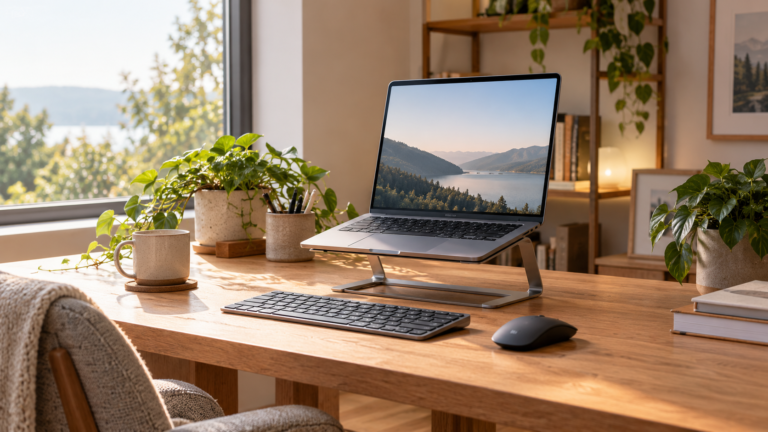
| Gogoonike ZB-1688 stand — B0C7BKZ883 | Raising a laptop screen with separate input devices | Match the laptop to the support and retaining lips; check ports and vents. |
| 25.3-inch black clamp tray — B0FHGW9PZW | Supporting a larger cable route | Confirm desk thickness, edge shape, brackets, interior clearance and permitted load. |
| PEGZONE HW1106WH organizer — B0CTQND9BL | Moving storage beside a compatible desk edge | Check the stated 0.4–2.2-inch flat-edge range and space beside drawers or chair arms. |
| MOSISO Antique Green support set — B0DCVVZ6CT | Trying a different palm-support surface | Skip it if it bends the wrists upward, restricts movement or moves input devices out of reach. |
| INCHOR black cable clips — B087TH1R6T | Keeping light, frequently disconnected leads nearby | Check cable diameter and the adhesive’s surface instructions; this is not support for a power strip. |
| UEQ T8 charging station — B0DK4VM1SX | Consolidating chargers for a supported phone, watch and earbuds | Conditional candidate: confirm all three devices, case compatibility, adapter and Apple Watch certification. MFi certification and charging speeds have not been independently verified here. |
If the keyboard itself is too high or your legs lack room, begin with the desk-height and clearance checks. A monitor riser or palm rest does not correct the desk’s underlying fit.
1. Aothia desk pad: a measured keyboard-and-mouse surface
The linked black PU-leather variant is 23.6 × 13.7 inches (ASIN B086BLQZ5L). Tape out that rectangle with your keyboard and mouse in their working positions before ordering.
Best for: a continuous writing and input-device surface. Skip it if: you prefer fabric, the rectangle crowds the desk, or the extra surface changes your hand position. Follow the selected variant’s cleaning instructions; PU leather is not genuine leather.
2. ROCDEER MR-17-WHT: a wide shelf, not a compact riser
The checked listing identifies a bamboo shelf with acrylic legs, 31.5 × 7.87 inches (ASIN B0DXKRBY77). Its stated 3.3-inch under-shelf clearance is not the same as the added screen height.
Best for: an already measured lift with storage underneath. Skip it if: the monitor base overhangs the shallow shelf, the desk is narrow, or you need frequent repositioning. Confirm the permitted load and actual lift before ordering.
Need a smaller footprint? Compare small-desk risers and their fit checker. For adjustable positioning, use the arm-versus-riser guide and monitor-arm comparison.
3. Gogoonike ZB-1688: raise the screen, separate the inputs
This foldable metal stand’s listing gives a 10–15.6-inch device range (ASIN B0C7BKZ883). Diagonal size alone does not prove that the support, retaining lips, ports and vents suit your laptop.
Best for: a raised laptop screen used with a separate keyboard and mouse. Skip it if: you need to type on the elevated laptop keyboard, its base is not supported, or the stand blocks a vent or port. We have not measured cooling or stability.
Check your laptop setup first; compare laptop-stand designs if this support does not fit.
4. 25.3-inch clamp tray: plan the mount before the cables
The linked black tray is listed as 25.3 inches wide (ASIN B0FHGW9PZW). The desk-thickness range and permitted load remain checks to resolve with the exact listing or seller; a clamp is not automatically compatible with every desktop.
Best for: a larger cable route on a verified mounting surface. Skip it if: the desk frame, drawers, bevel or desktop construction conflicts with the mounting instructions. Keep equipment vents clear and allow slack for moving desks and arms.
Use the cable-routing guide and tray mounting comparison before choosing.
5. PEGZONE HW1106WH: storage beside a flat desk edge
The checked listing states a 0.4–2.2-inch flat-edge clamping range (ASIN B0CTQND9BL). Measure the actual clamping area, including any frame or apron underneath.
Best for: moving storage off the top of a compatible desk. Skip it if: it obstructs chair arms, drawers or a walkway, or if the desktop construction does not permit the clamp. Confirm the permitted load; the thickness range alone does not establish safe mounting.
6. MOSISO Antique Green set: an optional support surface
The linked set combines a mouse pad and keyboard palm support (ASIN B0DCVVZ6CT). It is a surface preference, not an injury-prevention treatment.
Best for: someone who prefers a resting surface between typing tasks and has checked its height against the keyboard. Skip it if: it bends the wrists upward, limits movement or moves the keyboard farther away.
OSHA’s guidance and CCOHS’s guidance distinguish resting the palm from pressure on the wrist. Try adjusting input-device placement first.
7. INCHOR cable clips: keep light leads within reach
The linked black clips (ASIN B087TH1R6T) address a small problem: light charging or USB leads that fall behind the desk after being unplugged.
Best for: light, frequently disconnected leads on a compatible surface. Skip them if: you need to support a power strip or another heavy item. Match the cable diameter and follow the adhesive’s surface-preparation and removal instructions; adhesion and finish compatibility are not established by the product name.
Charging-station research hold: UEQ T8
UEQ T8: compatibility is not verified
ASIN B0DK4VM1SX describes a foldable phone, watch and earbud charging station with a 20W USB-C adapter and cable. These are listing claims. We have not independently verified the exact T8’s Apple Watch MFi certification or charging speeds, so it is not a default recommendation. Keep chargers that already work until the exact device combination is confirmed.
- Phone and case: confirm both in the T8 instructions.
- Earbuds: Apple distinguishes cable-only and wireless-capable charging cases.
- Watch: check Apple’s charger-certification guidance. The adapter’s 20W input rating does not establish device charging speed; Apple Watch fast charging has separate requirements.
Compatibility guidance reviewed October 26, 2026. The existing UEQ T8 Amazon listing reference is retained for identification; no current price or stock is claimed.
A visual checklist before buying
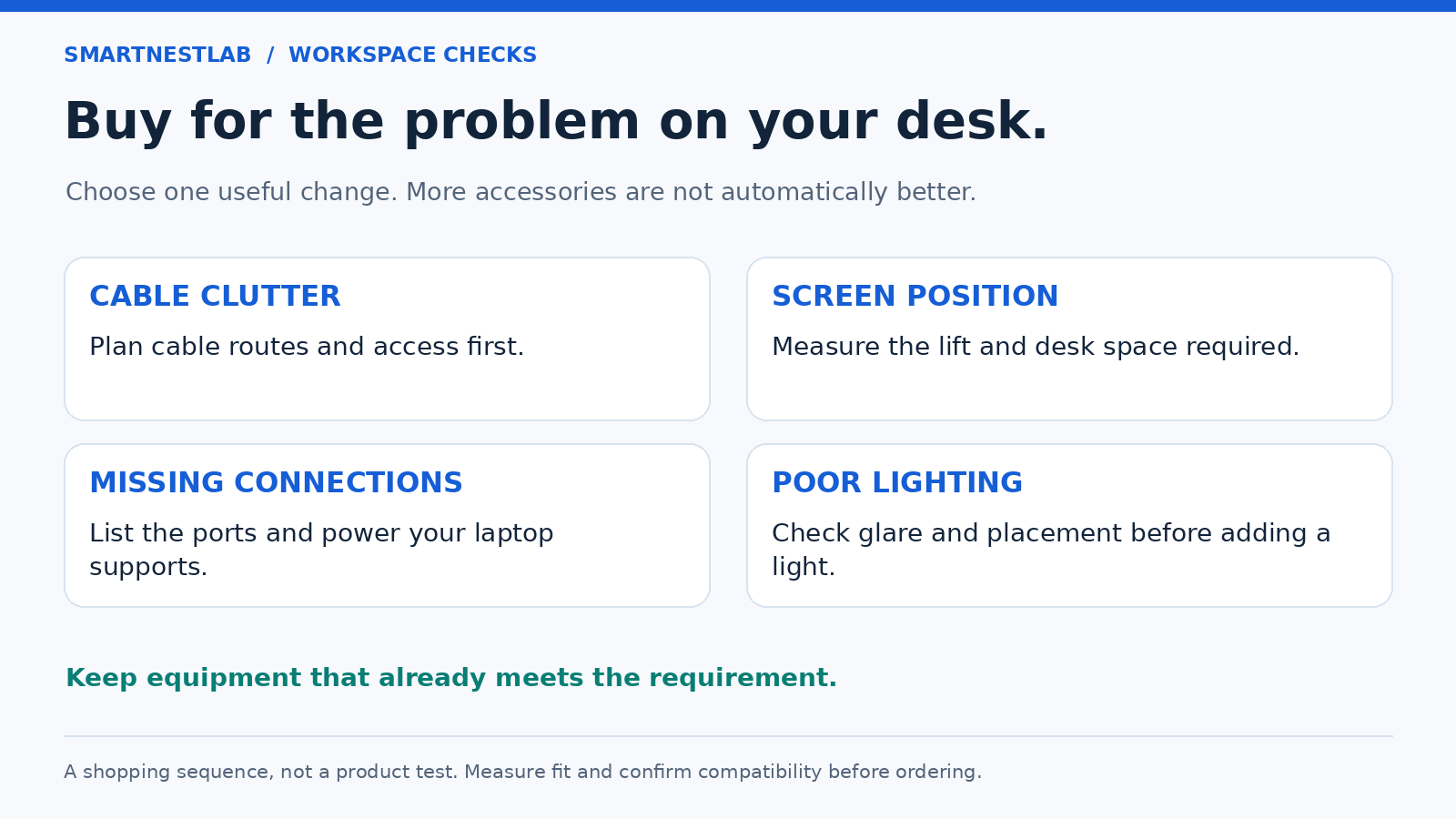
Two checks before you order
Does a screen-size range prove a stand fits?
No. Check the device’s complete base dimensions, weight, vents and ports, then measure the stand’s usable support surface and added height. Start with screen-height adjustment; a wide shelf is not a substitute for a suitable viewing position.
Can these accessories fix a desk that is too high?
A pad, riser or cable tray does not correct keyboard height or leg clearance. Use the desk-height checks first. If your chair is the remaining limitation, compare chair fit and adjustment ranges.
Choose one change, then recheck the desk. Keep the delivered cost, selected variant and return terms in view. This guide does not claim that buying all eight items improves a workspace.