What Is the Best Desk Height for a Home Office?
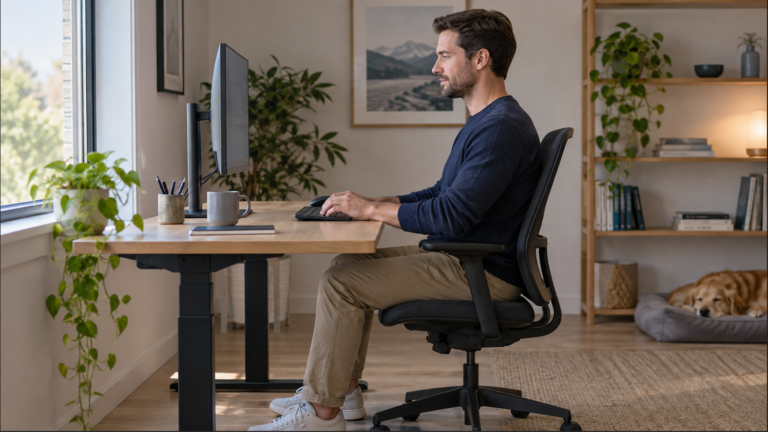
The best desk height is the one that fits your seated typing position while leaving room for your legs. Check the chair, keyboard and mouse together before shopping for a different desk. A desktop measurement on its own cannot tell you whether the setup fits.
This guide is for home-office computer work. It gives a sequence for checking your existing setup and deciding which adjustment addresses the problem you actually have.
Measure the Typing Surface, Not Just the Desktop
Record the floor-to-desktop height, then the floor-to-keyboard-key height with your usual keyboard in place. These are different measurements. A thick keyboard or a desktop converter can raise your hands above the desk specification; an under-desk tray can place them below it.
Also measure the usable space beneath the desk at your sitting position. A drawer, apron, crossbar or cable tray may occupy space that the advertised desktop height does not describe. Keep these measurements with your chair settings when comparing furniture.
Start with the Chair, Then Check the Keyboard
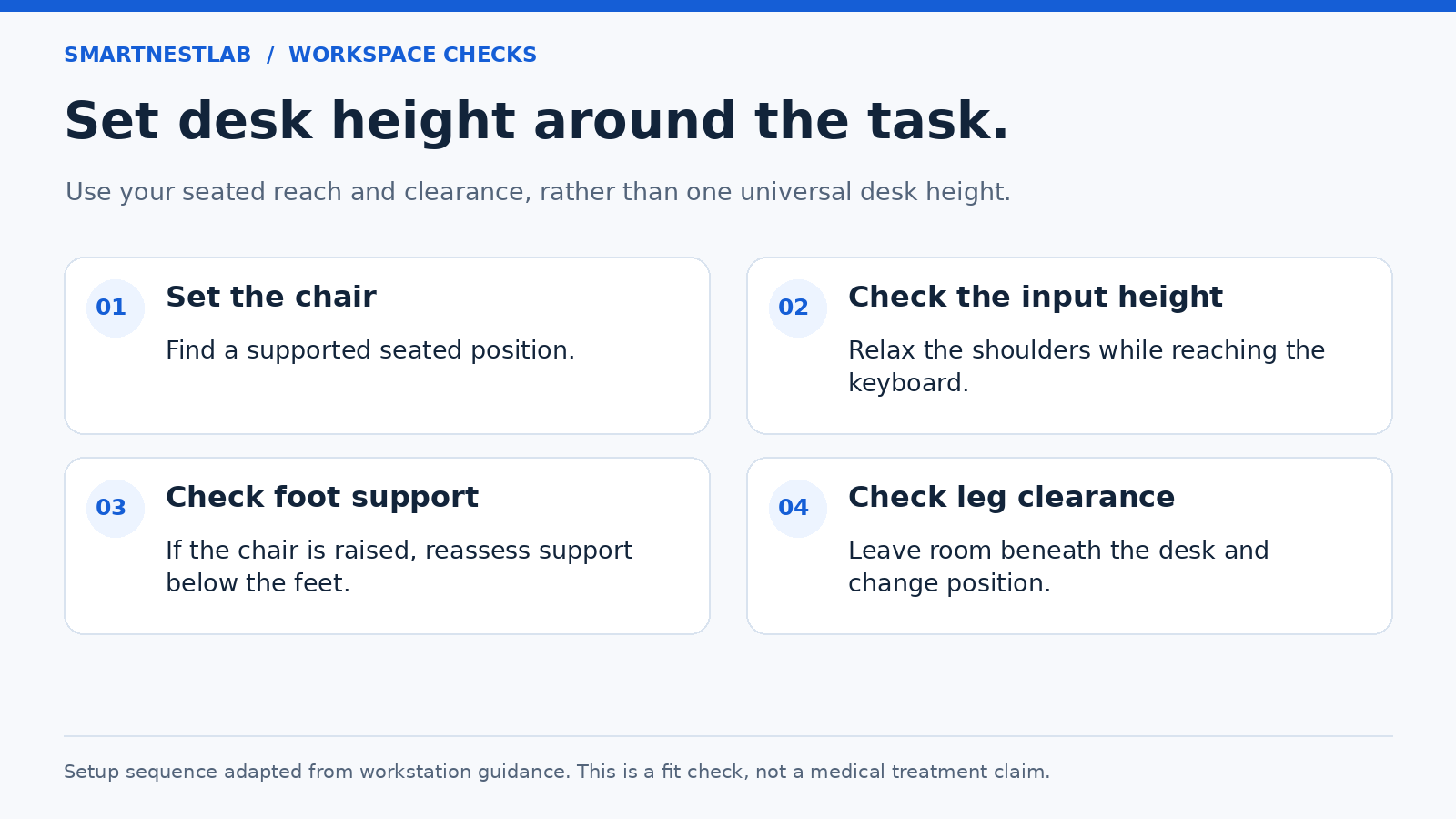
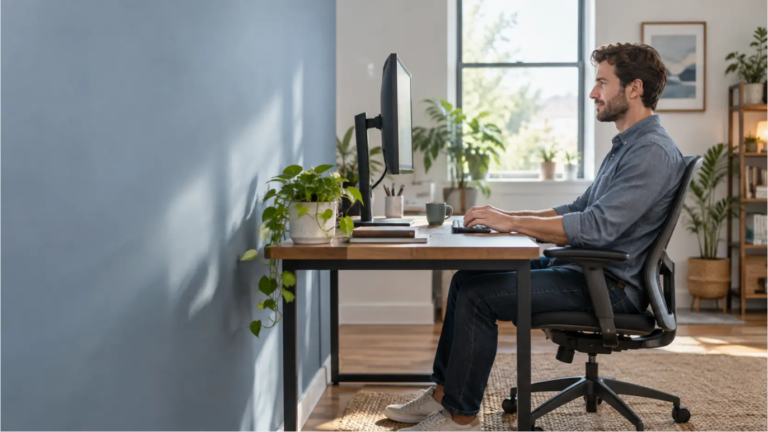
Sit back with your back supported and adjust the seat so it supports your thighs without pressing behind your knees. Begin with your feet supported on the floor. CCOHS recommends assessing the chair, work surface and foot support as one system.
With shoulders relaxed, bring your hands to the actual keys. HSE places the keyboard just below elbow height as a starting point. Keep the mouse nearby at a compatible working height. Do not force an exact elbow angle or shrug to reach the keys.
For the reach and wrist-position checks, use our keyboard and mouse placement guide. Moving the keyboard closer changes reach; it does not lower a typing surface that is too high.
What to Change on a Fixed-Height Desk
| What you find | Adjustment to assess | Check before buying |
|---|---|---|
| Keys are too high with shoulders relaxed | A lower input surface, or a higher chair setting with foot support | Chair range and thigh clearance still work together |
| Feet lose support after raising the chair | A footrest that supports both feet | Useful support height, floor space and position |
| Thighs or knees contact the desk structure | A work surface with more usable clearance | Drawers, aprons and trays at your sitting position |
| Only the screen is too low | The monitor’s own adjustment or a suitable riser | Required screen lift and stable base support |
If raising the chair brings your elbows to a workable height, recheck the space above your thighs and support both feet. If your legs cannot fit and move freely, a footrest will not solve the clearance problem. CCOHS advises against regularly using a workstation that is too low for your legs.
A footrest setup check can help you decide whether added support is needed. Only then compare foam and adjustable footrest options. The accessory must fit the remaining space.
For a keyboard tray, verify mounting compatibility, height and tilt range, room for the mouse, and the clearance left beneath the tray. A tray that lowers the keyboard but blocks your knees is a poor trade. OSHA includes these checks in its keyboard guidance.
If considering furniture risers, check with the desk manufacturer about an approved method and load limits before ordering. Record the resulting desktop height and clearance. A monitor riser changes screen height only; it does not raise the keyboard or make more room underneath the desk.
Is a 30-Inch Desk Too High?
It may be, depending on your chair, body proportions and keyboard. Treat 30 inches as a product dimension to assess, rather than a recommended height. A height chart based only on how tall you are leaves out the rest of the setup.
For example, two desks with the same desktop height can leave different leg space if one has a deep drawer. Likewise, changing from a thin keyboard to a thick one changes hand height without changing the desk. Those differences are reasons to compare the assembled workstation.
Set the Monitor Independently
Once typing is comfortable, adjust the screen for readable text and a comfortable head position. A relaxed downward gaze is normal; it is different from bending your neck forward to see. CCOHS also notes that users of bifocals or progressive lenses may prefer a lower screen.
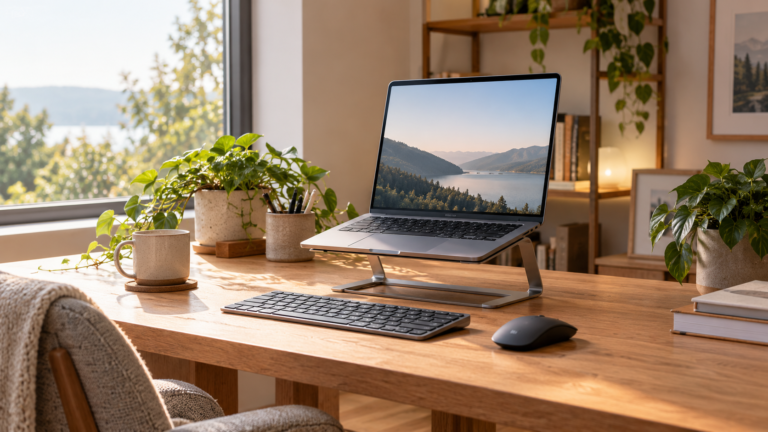
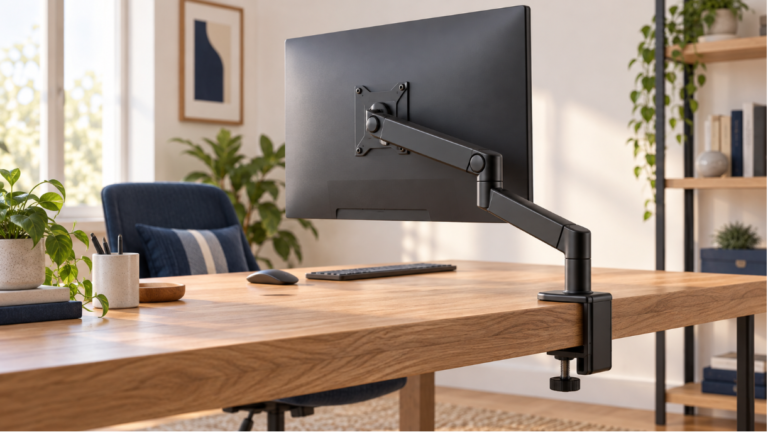
Use the monitor height setup guide for that separate adjustment. For prolonged laptop work, HSE recommends separating the keyboard and mouse so the screen can be elevated, or using a separate display.
Before Replacing the Desk
- Write down the current desktop, key-surface and under-desk measurements.
- Compare the candidate desk’s actual adjustment range, including its lowest setting, with the configuration you need.
- Check whether a new top, frame, drawer or input tray changes the usable space.
- If sharing the desk, check each person’s configuration and save separate settings.
An adjustable desk can make position changes easier, but its range still has to fit your seated and standing work. Our sitting versus standing desk guide covers that choice. HSE recommends frequent short breaks or changes of activity that allow movement; a desk setting is not a reason to stay still all day.
If the chair is the limiting part, compare fit and adjustment ranges in the office chair buying guide. For the whole workspace, follow the home-office setup guide.
Sources and Scope
Reviewed October 26, 2026. This is setup guidance, not a product test or a promise of medical benefit. The measurements you record are for comparing your own equipment, not a universal prescription.