Do You Need a Footrest Under Your Desk? A Setup Guide
A footrest under your desk is useful when your feet cannot rest firmly on the floor at a comfortable typing height. If your feet already have support and your shoulders stay relaxed, adding one may be unnecessary. Start with the chair and keyboard before buying another accessory.
This is a research-based setup guide using OSHA and CCOHS guidance, rather than a hands-on product review. The decision aid below explains where to start; it is not a product photograph or a hands-on fit test.
Which setup are you starting from?
1 · FEET SUPPORTED
The floor already works
Both feet rest firmly on the floor at your working keyboard height. A footrest may add no useful support.
Check whether you need one →2 · SETUP UNRESOLVED
The seat or desk is the obstacle
You slide forward to reach support, the seat edge presses behind your knees, or the keyboard remains out of reach. Recheck the chair and desk first.
Work through the setup →3 · SUPPORT MISSING
Feet lift after the chair is raised
The chair works for the fixed desk, but the floor no longer supports both feet. Record the gap and available floor space before comparing a footrest.
Compare support types →Original decision aid based on CCOHS’s chair and fixed-desk guidance, reviewed November 2, 2026. These are starting checks, not a product fit test or an assessment of symptoms.
Check Whether You Actually Need a Footrest
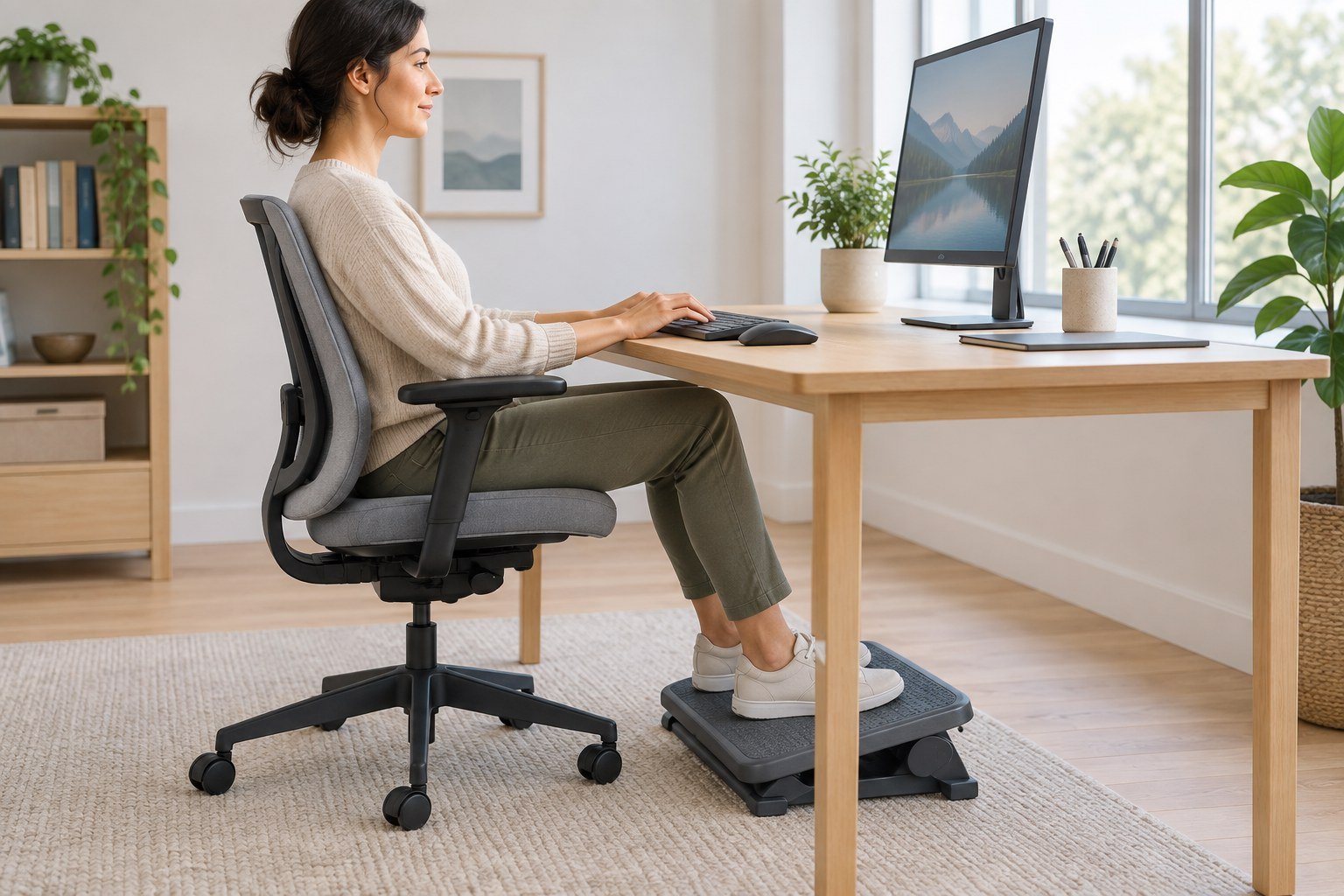
Sit back against your chair, place your hands on the keyboard, and relax your shoulders. Notice whether both feet rest on the floor without sliding forward on the seat or balancing on your toes.
A fixed desk can create a mismatch: lowering your chair supports your feet, but leaves the keyboard too high. Raising the chair improves arm position, but leaves your feet unsupported. CCOHS recommends a footrest when raising the chair to match a fixed work surface prevents your feet from reaching the floor.
First check our desk height adjustment guide. If the desktop can be lowered to fit you, try that option before adding a footrest.
Set Up Your Footrest in Five Steps
- Establish typing height. Keep your shoulders relaxed and elbows close to your body. Check the keyboard and mouse placement guide if you are reaching forward.
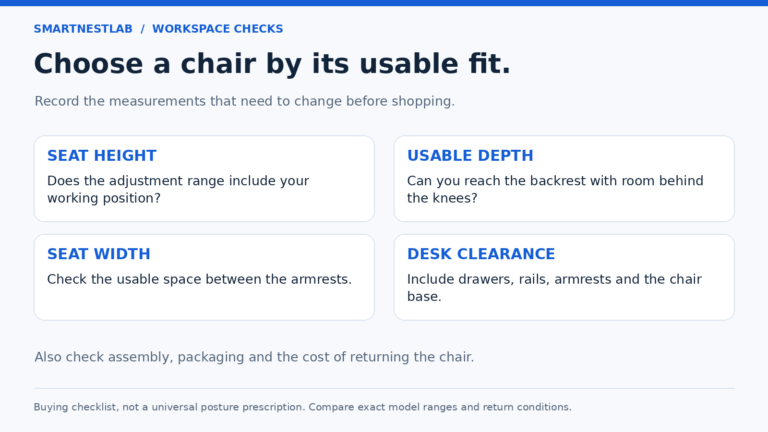
- Check the seat. Sit against the backrest without the seat edge pressing behind your knees. A footrest will not shorten a seat that is too deep.
- Bring support to your feet. Adjust the platform until both feet rest firmly on it. Avoid a height that pushes your knees upward or crowds your thighs beneath the desk.
- Adjust position and tilt. Place it where your feet naturally land. Choose an angle that supports your soles without forcing your ankles into a position that feels strained.
- Recheck during normal work. Type, use the mouse, and change position. Move the platform if it slides away or makes you reach for the desk.
What to Check Before Buying
Measure the available floor space with your chair in its usual working position. Check the actual adjustment range and platform dimensions in the manufacturer’s specifications, rather than relying on the word “ergonomic.”
Keep these four notes beside the product page
- Starting setup: chair setting, usual shoes and comfortable keyboard position.
- Missing support: the approximate gap beneath your feet in that position. Treat this as an initial filter, not a prescribed platform height.
- Available floor space: usable width and depth after allowing for the chair base, casters, desk feet and cables.
- Candidate configuration: one documented height setting, the actual assembled envelope and the usable foot surface. Record unknown dimensions as unknown.
After adjustment, check that both feet remain supported and you can reposition without crowding your thighs. If your feet already rest firmly on the floor, there may be no purchase to make.
| Feature | Practical check |
|---|---|
| Height range | Can it fill your support gap without lifting your knees too far? |
| Platform size | Can both feet fit comfortably with room to reposition? |
| Base and surface | Will it stay put on your flooring and support your usual footwear? |
| Adjustment controls | Can you change settings easily and keep them secure? |
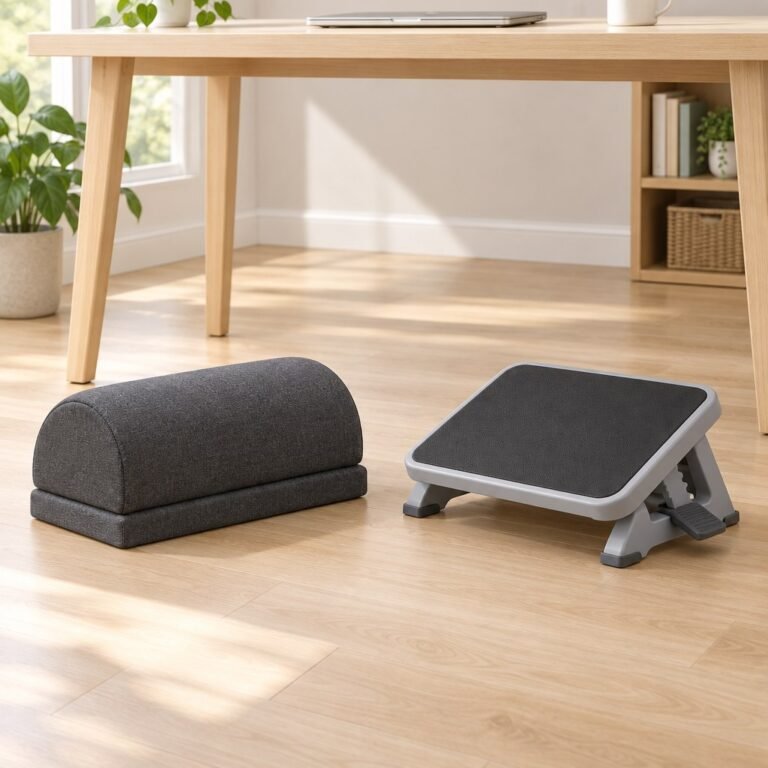
A rigid adjustable platform makes height settings easier to compare. A cushion may feel different once compressed, so assess its loaded height. A rocking design should still provide usable support when you pause; movement features do not replace a suitable fit. If you are comparing materials, our bamboo-versus-foam explanation separates the surface material from height and tilt adjustments. These are selection checks, not tested product rankings.
Match the Support Gap to the Product Type
| What you need to compare | Where to start | Reason to rule it out |
|---|---|---|
| A freestanding foam cushion versus a framed, padded platform | Our ComfiLife and Kensington comparison | ComfiLife foam compresses; Kensington’s adjustable frame also has memory-foam padding. Compare their support height and adjustment controls, not a simple soft-versus-hard label. |
| A platform with removable legs that store underneath | The Fellowes Breyta fit guide | Its 49 × 36cm platform can crowd a narrow leg area. Height settings are discrete, not continuous. |
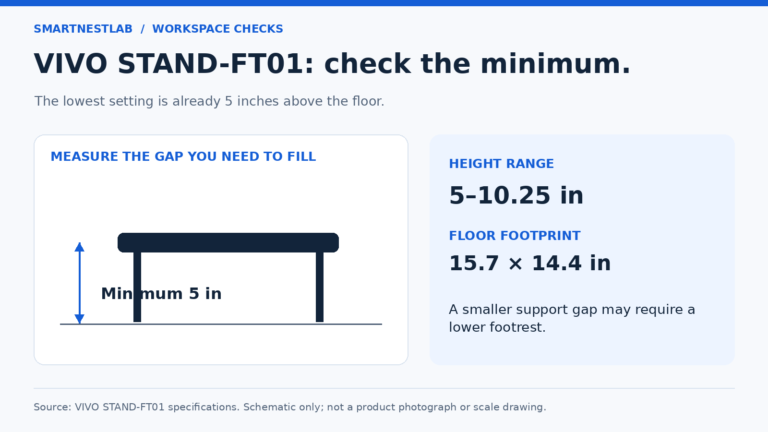
| A higher framed support | The VIVO STAND-FT01 fit guide | Its 5-inch minimum can already be too high; check thigh clearance before ordering. |
| A smaller rigid support surface with two height positions | The Fellowes Standard 48121-70 conditional comparison | The platform is not the complete footprint. Check the 8.5 / 10.5cm nominal settings and confirm assembled dimensions; do not assume a continuous range or a fixed angle. |
Fellowes lists Breyta settings of 7.9, 11.6 and 12.6cm. Use those settings rather than treating the listed 9.8cm body dimension as another adjustment option. Compare each product with your measured space; none is a universal upgrade. Specifications checked October 23, 2026.
Clear Space Around Your Feet
Keep the footrest clear of chair casters, desk supports, and loose cables. OSHA’s desk guidance emphasizes room for your legs and posture changes. Our under-desk cable management guide can help you reclaim that space.
Avoid an unstable stack of books as permanent support. If the footrest traps your legs or prevents comfortable repositioning, reconsider its size or your desk arrangement.
Common Questions
How high should a desk footrest be?
There is no single height for everyone. Use the height that supports both feet at your established chair and typing position, while preserving space beneath the desk.
Will a footrest fix an unsuitable chair?
It can supply missing foot support, but it cannot correct every chair issue. Check seat depth and backrest fit using our office chair selection guide.
Should I keep my feet still all day?
No. Allow comfortable position changes and take movement breaks. A footrest supplies support; it is not a reason to hold one posture for hours.
Start With Fit, Then Decide
Adjust your existing setup first. Add a footrest if it solves an identified support gap, then reassess the whole workstation with our ergonomic home office checklist.
Further reference: OSHA: workstation chairs; CCOHS: ergonomic chair fit.